Dedicated client portal for every customer relationship
Self-service access for clients, anytime they need it
Lost updates, scattered files, and endless email follow-ups
Create a better client experience while giving your team a clearer way to manage communication, work, files, billing, and approvals.
Let clients create tasks, send requests, and provide the information your team needs to move work forward.
Create a better client experience while giving your team a clearer way to manage communication, work, files, billing, and approvals.
Let clients create tasks, send requests, and provide the information your team needs to move work forward.
Give clients easy access to their invoices, billing history, and related records.
Attach files, contracts, reports, briefs, and project documents directly inside the client portal.
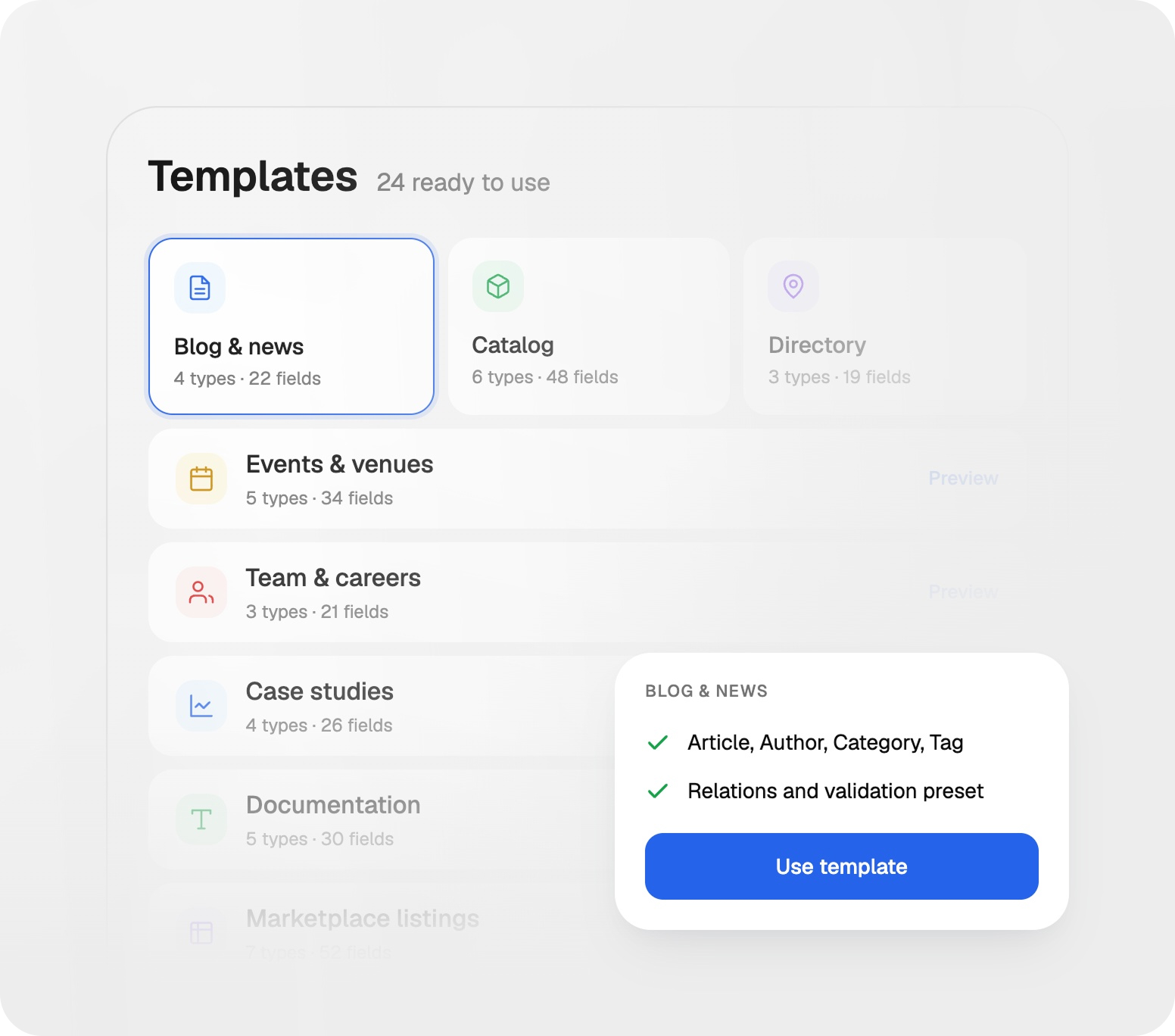
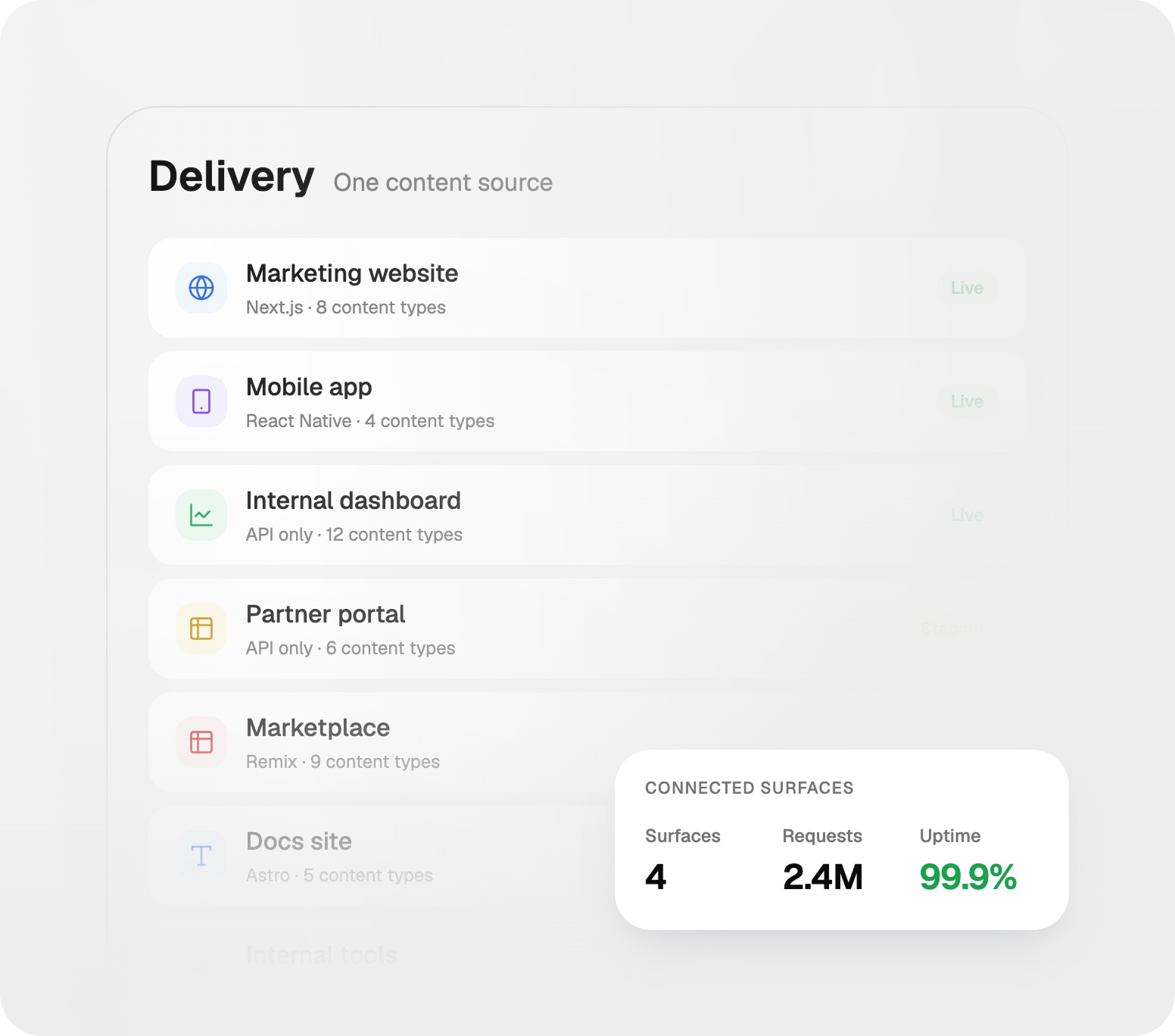
Keep client communication organized by giving customers one place to submit requests, track work, access files, and view billing information.
Add your logo, brand colors, and visual identity to create a consistent client experience.
Keep client communication organized by giving customers one place to submit requests, track work, access files, and view billing information.
Add your logo, brand colors, and visual identity to create a consistent client experience.
Set permissions and roles to make sure clients can access only the information they need.
Use your own domain for a seamless, branded customer experience and stronger trust.
Give clients one central place to submit requests, view invoices, share files, and keep work moving without endless back-and-forth communication.

Allow clients to submit requests and updates directly through the portal.
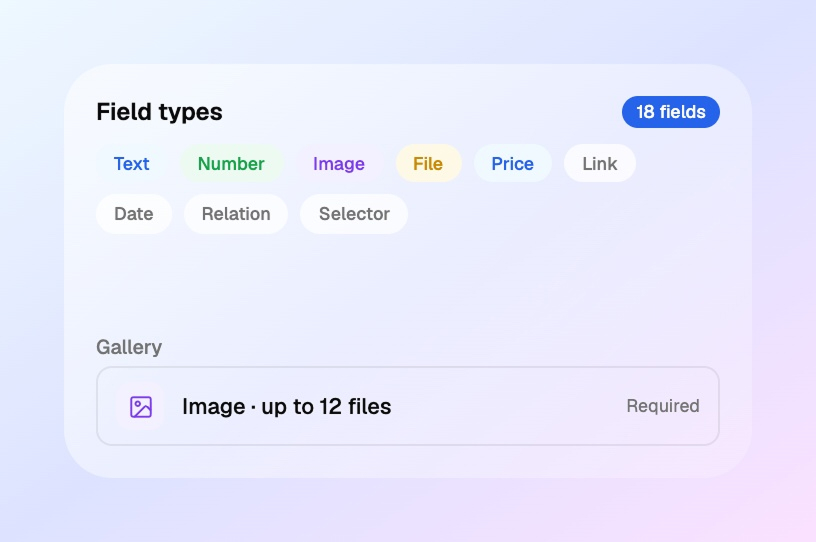
Keep billing information transparent and easy for clients to access.
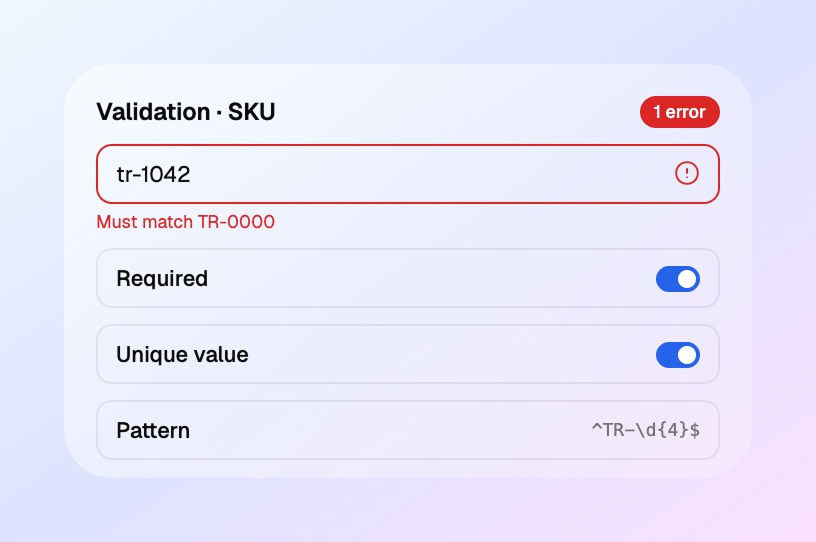
Upload and share files, reports, contracts, and project documents in one place.
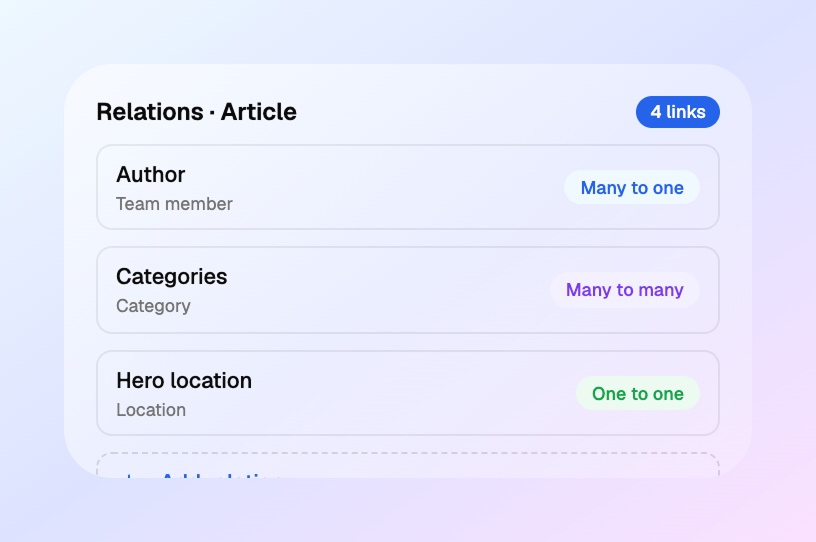
Create a portal that feels like your business, not a generic client tool.
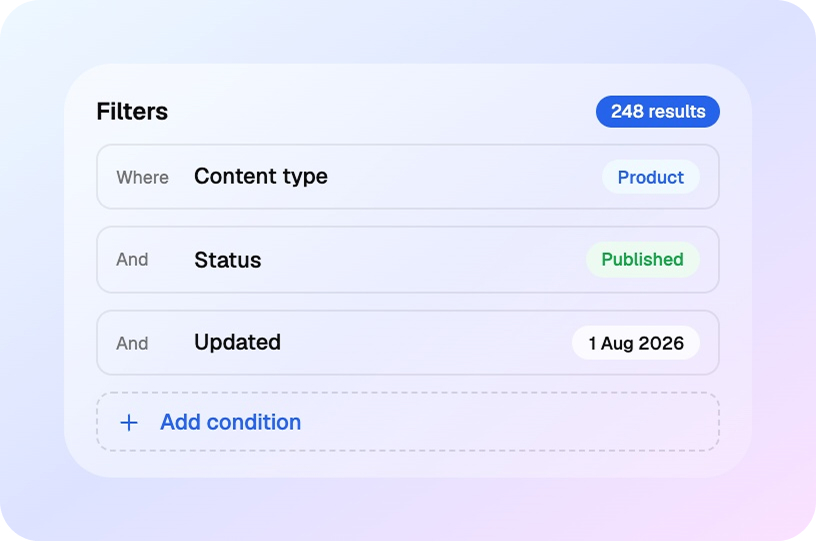
Manage permissions, roles, and visibility for each client and team member.
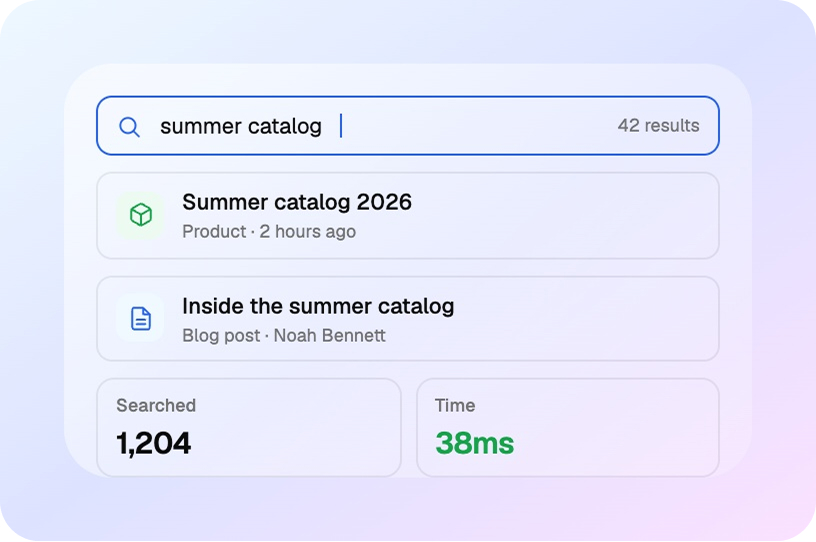
Keep everyone informed with automated updates when work changes or approvals are needed.
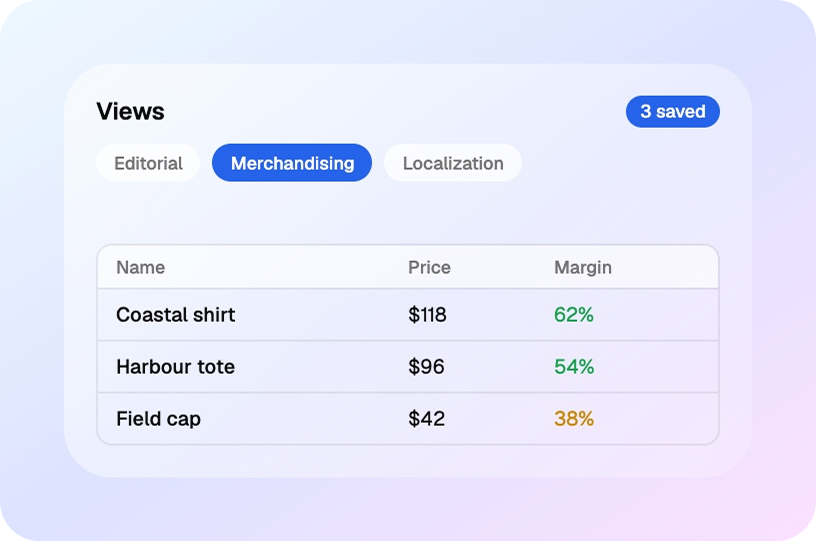
Upload and share files, reports, contracts, and project documents in one place.
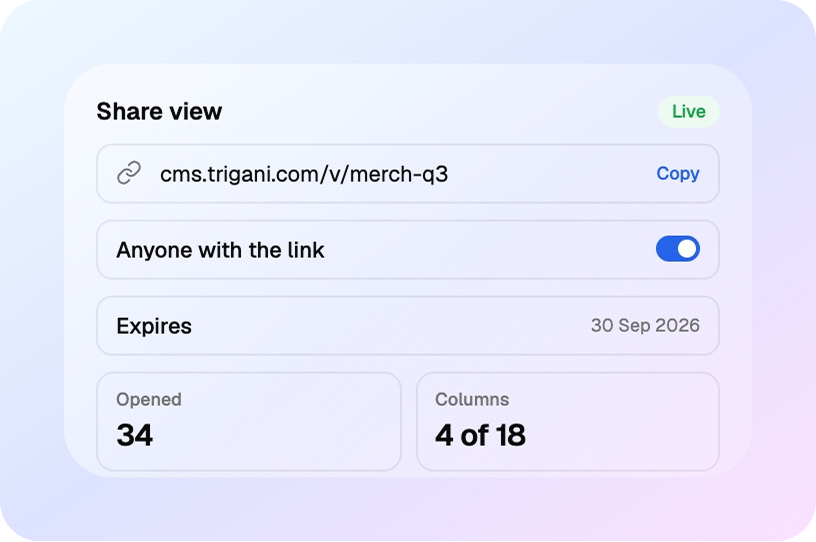
Create a portal that feels like your business, not a generic client tool.

Manage permissions, roles, and visibility for each client and team member.
Keep everyone informed with automated updates when work changes or approvals are needed.
Connect client portal with AI-driven tools that help your business manage customers, projects, and workflows more smoothly.

Showcase and manage your products or services with a fully customizable storefront.

Track customers, leads, deals, and sales activity in one connected system.

Automate approvals, updates, and internal actions with AI-powered workflows.

Communicate with clients from a professional business email workspace.

Support clients quickly with ticketing, automation, and a shared customer view.

Organize internal and external help content in one searchable system.
Answers to common questions about how Trigani Client Portal helps teams collaborate with clients, manage requests, and keep work organized.
Trigani Client Portal is a secure, branded workspace where clients can submit requests, view invoices, access documents, and keep track of work with your team.
Yes. Clients can create tasks, send requests, provide updates, and attach files without needing to email you manually or use a separate tool.
Absolutely. You can add your logo, colors, custom domain, and other branding settings so the portal feels like part of your business.
Clients can access billing information, review invoices, and track payment status in one place, which reduces confusion and follow-up emails.
Yes. You can assign permissions and access levels based on each client or user role so they only see what they need to see.
Yes. You can upload and share contracts, proposals, reports, and other files in one secure space that is easy for both teams and clients to access.
Insights and examples for better client communication, approvals, and service delivery.
Urna adipiscing at sagittis enim purus amet ullamcorper. Eu ultrices non amet fermentum massa vitae mattis eget morbi. Malesuada.