Content workspace
Field types supported
Content possibilities
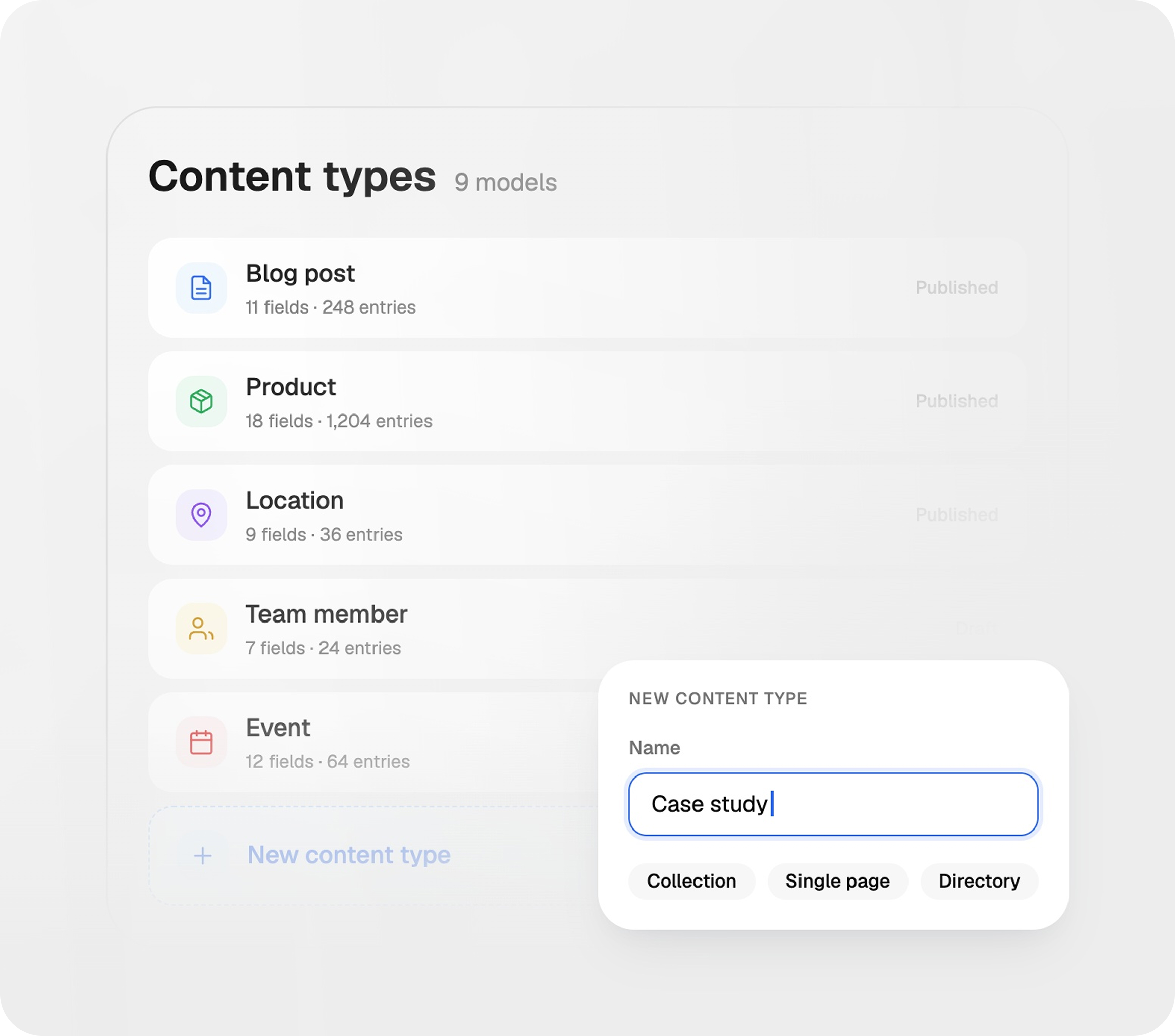
Your CMS should not force your content into fixed templates. With Trigani CMS, you can create custom content types and define the exact fields, relationships, and validation rules required for your project.
Create content models for pages, blog posts, teams, locations, products, services, case studies, events, catalogs, directories, and more.
Your CMS should not force your content into fixed templates. With Trigani CMS, you can create custom content types and define the exact fields, relationships, and validation rules required for your project.
Create content models for pages, blog posts, teams, locations, products, services, case studies, events, catalogs, directories, and more.
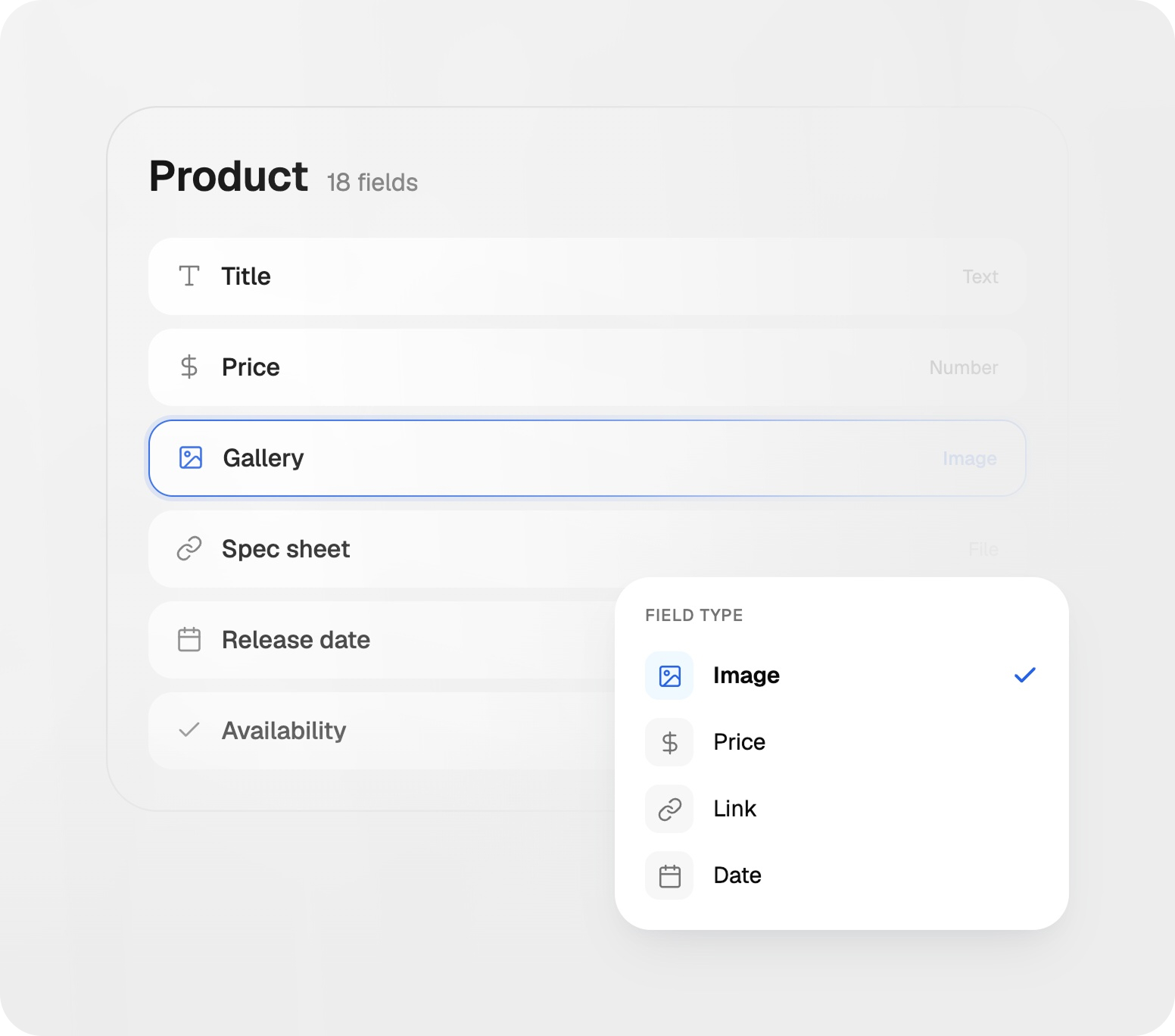
Use text fields, numbers, images, files, prices, links, dates, relations, selectors, and other structured field types.
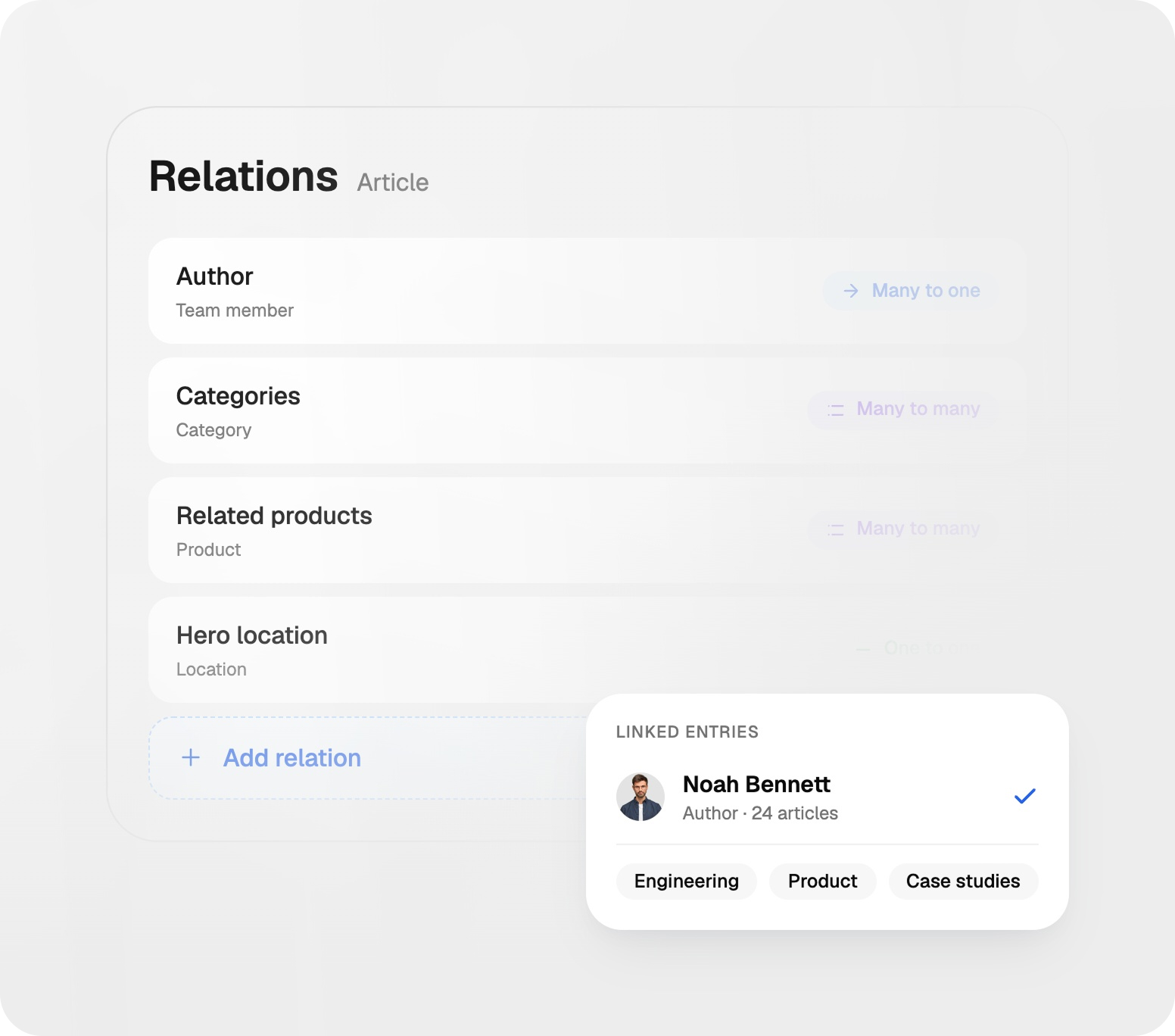
Connect one content type to another — for example authors to articles, products to categories, locations to services, or resources to industries.
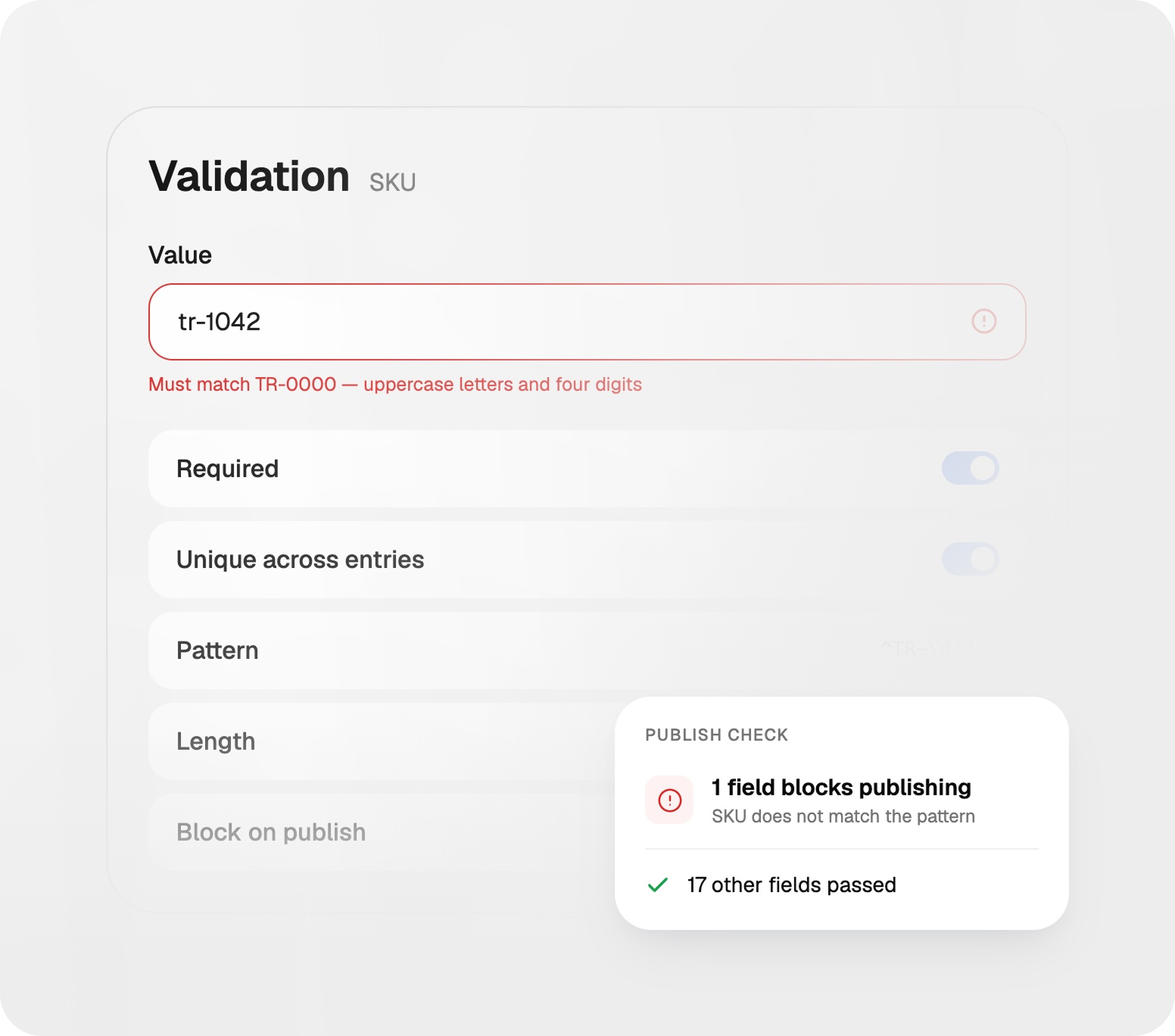
Set required fields, value formats, number limits, file rules, unique values, relationship rules, and other validation logic.
As your content grows, structure and visibility become essential. Trigani CMS helps teams search faster, customize table views, and share selected data with public links when needed.
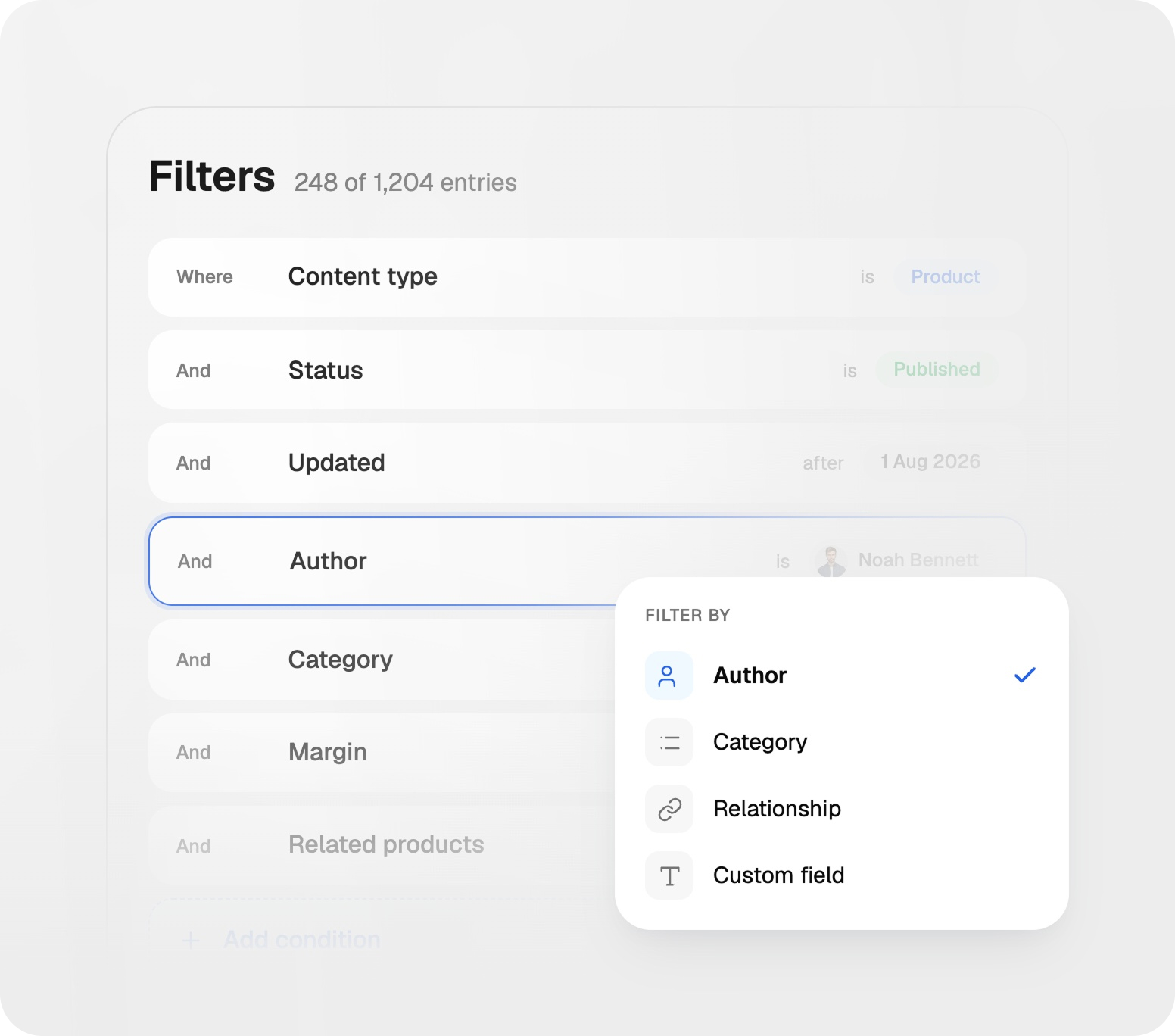
Filter records by content type, status, date, author, category, custom fields, relationships, and other parameters.
As your content grows, structure and visibility become essential. Trigani CMS helps teams search faster, customize table views, and share selected data with public links when needed.
Filter records by content type, status, date, author, category, custom fields, relationships, and other parameters.
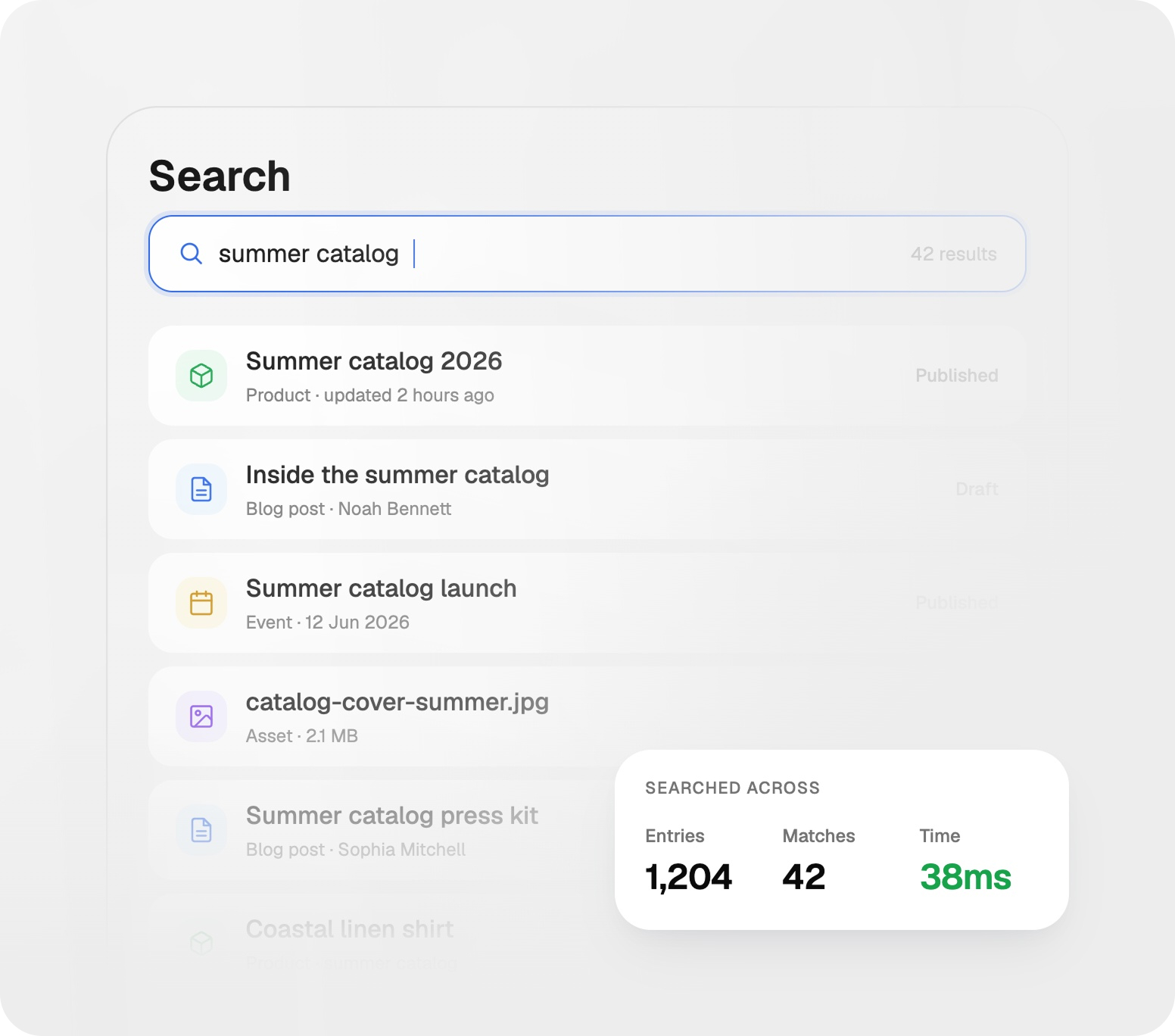
Quickly find records across your content database using relevant keywords and structured search criteria.
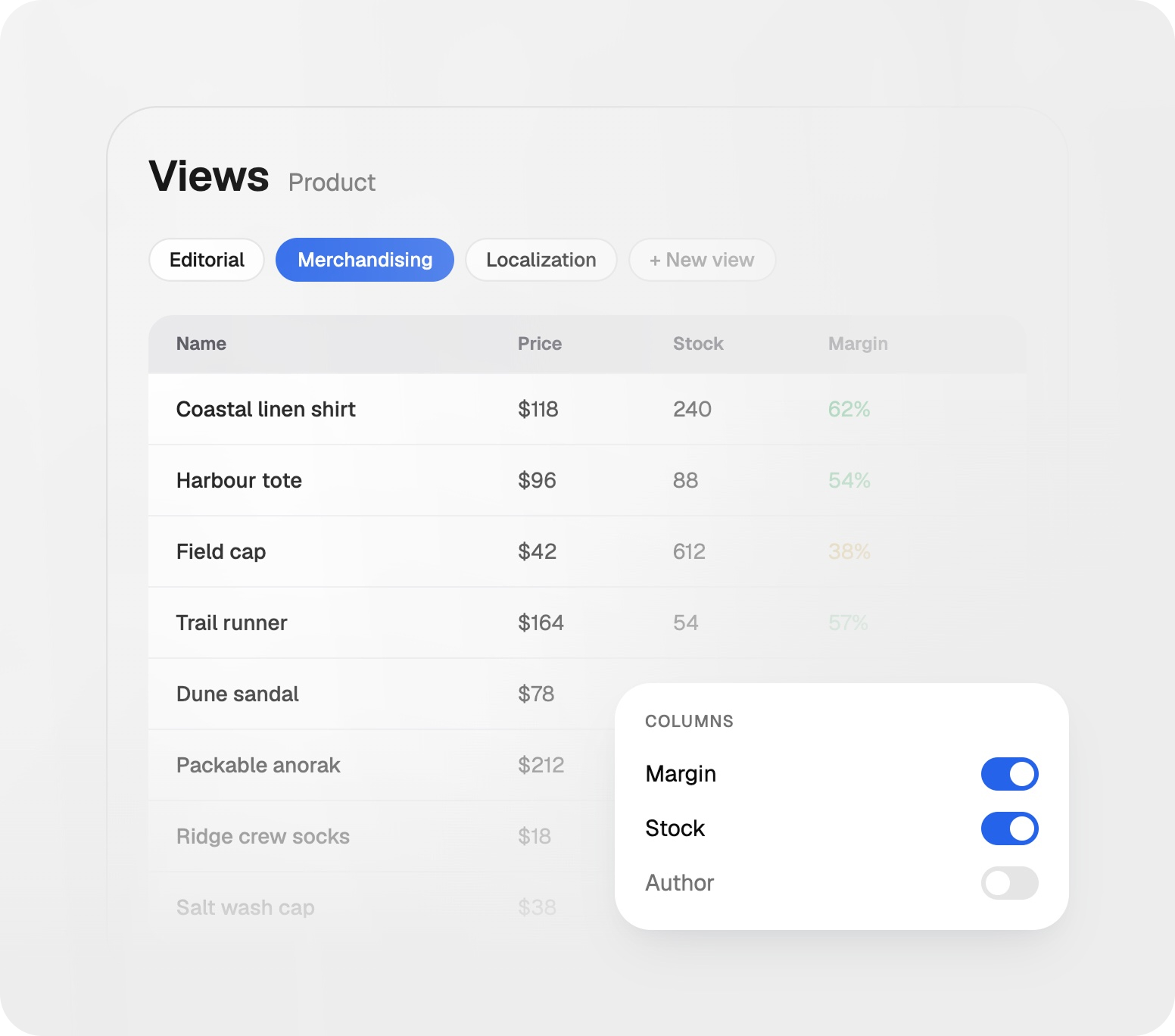
Create different views of the same data depending on team needs, project requirements, or reporting workflows.
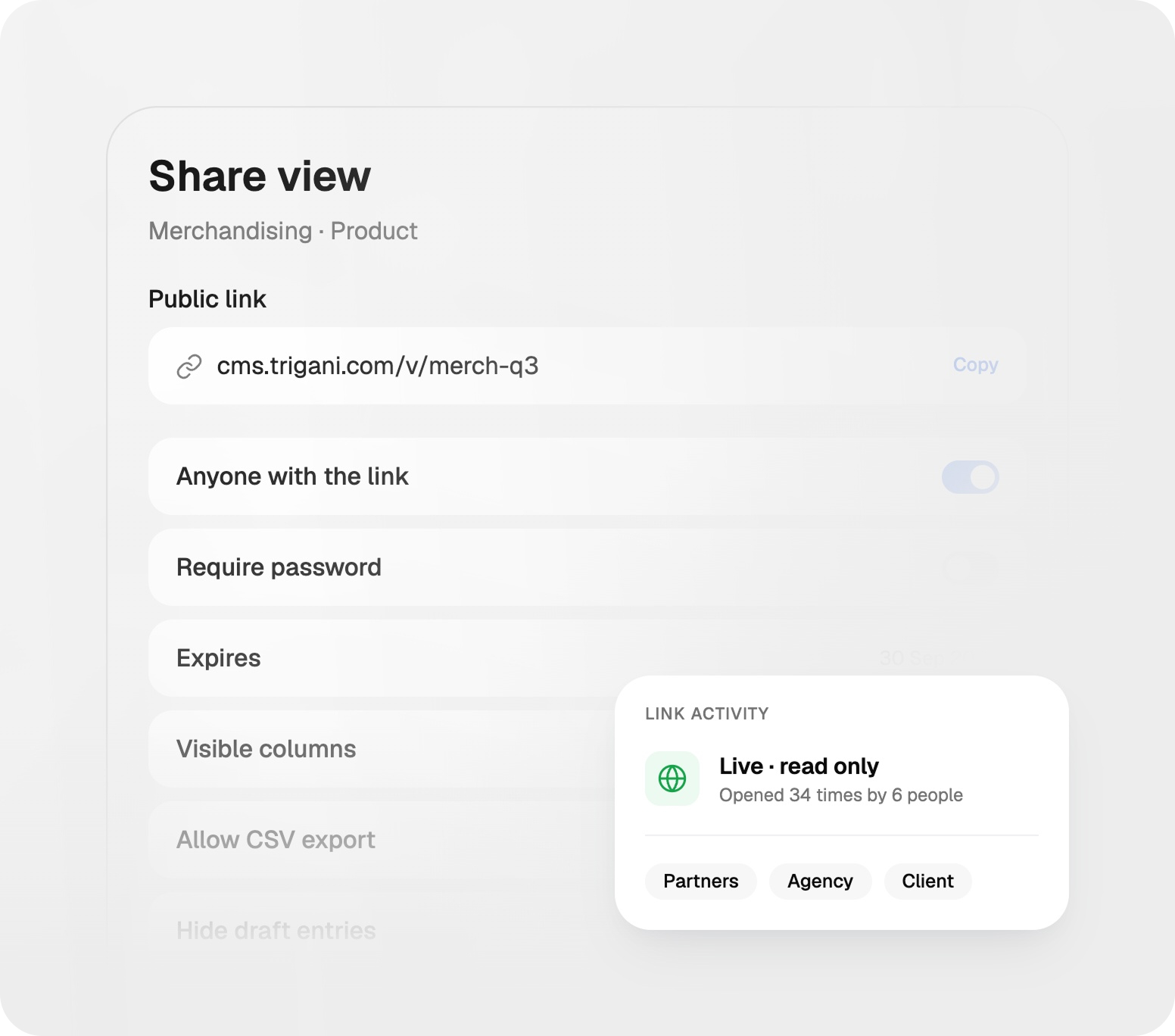
Share selected table views with public links when you need to give access to external teams, partners, or clients.
Trigani CMS is built for both teams and developers. Use our API to work with your content programmatically, start faster with ready-made templates, and use the AI assistant to help structure, create, and improve content.
Fetch, create, update, and delete CMS records through API endpoints and integrate your data with external systems.
Trigani CMS is built for both teams and developers. Use our API to work with your content programmatically, start faster with ready-made templates, and use the AI assistant to help structure, create, and improve content.
Fetch, create, update, and delete CMS records through API endpoints and integrate your data with external systems.
Browse and select from a variety of pre-designed templates to quickly set up your content structure.
Organize your content in a way that is intuitive for developers, making it easier to manage and extend.
Leverage AI to assist with content creation, organization, and management, improving efficiency and accuracy.
Build content models, configure fields, validate data, manage records, track changes, create views, share data, and connect your CMS through APIs.
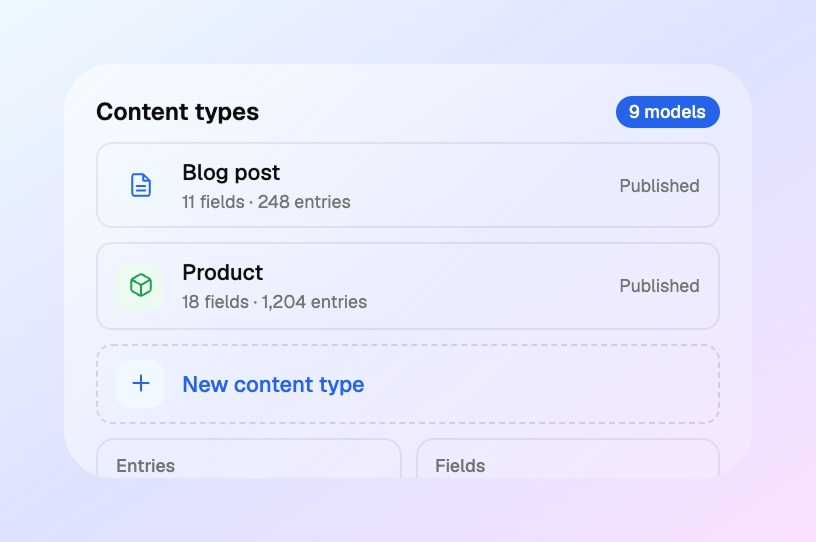
Create any structure you need — pages, articles, catalogs, directories, listings, resources, profiles, internal records, or custom databases.
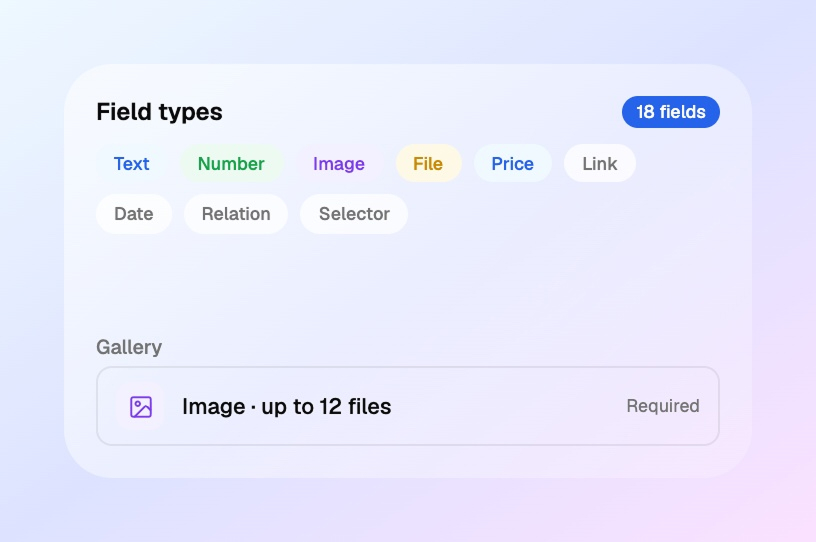
Use text, numbers, images, files, prices, links, dates, relations, selectors, rich content, and custom fields.
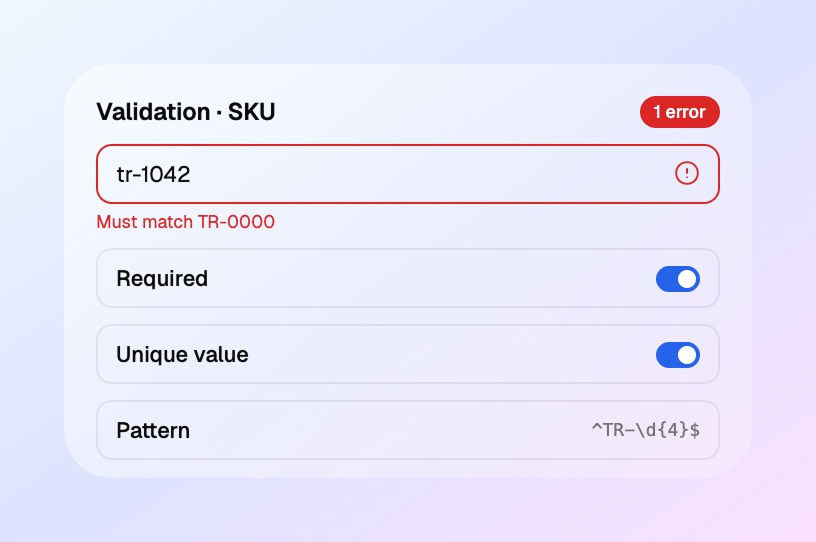
Set validation rules for required fields, formats, limits, unique values, file types, and relationships between records.
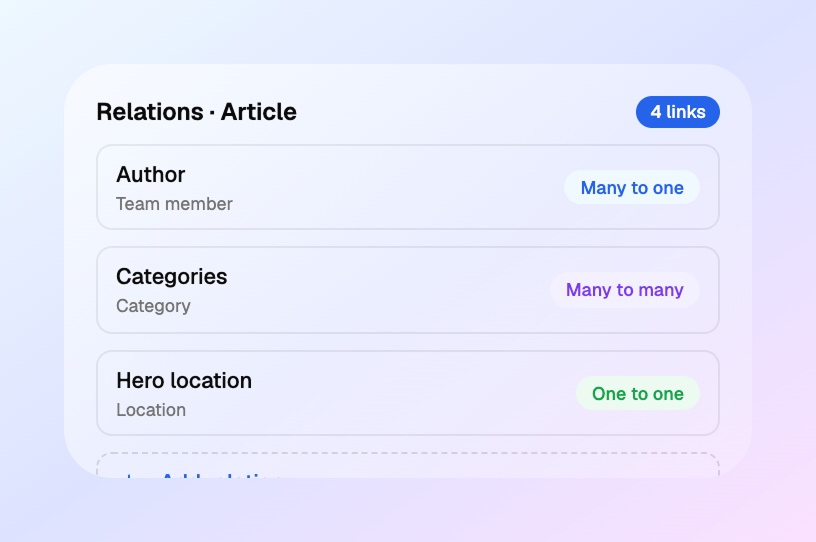
Connect content types together and build structured data models for advanced websites, apps, catalogs, and internal tools.
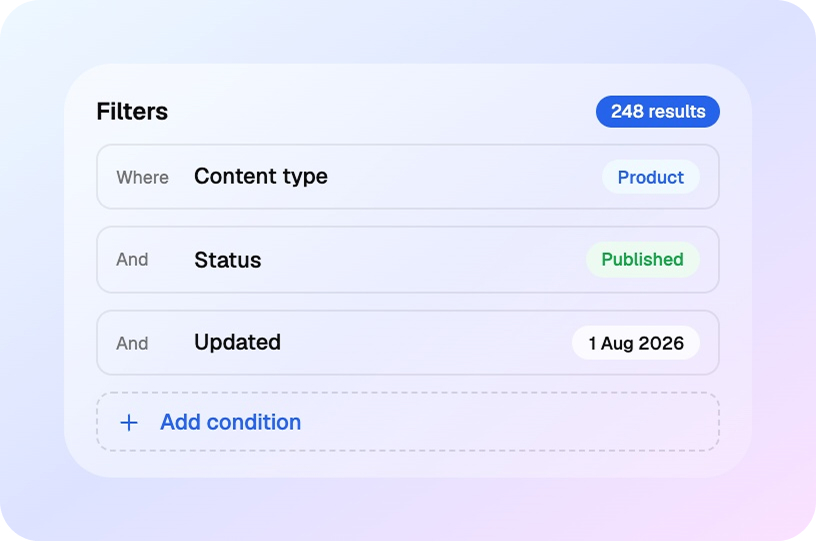
Filter content by custom fields, categories, status, dates, users, relations, or any other parameters you define.
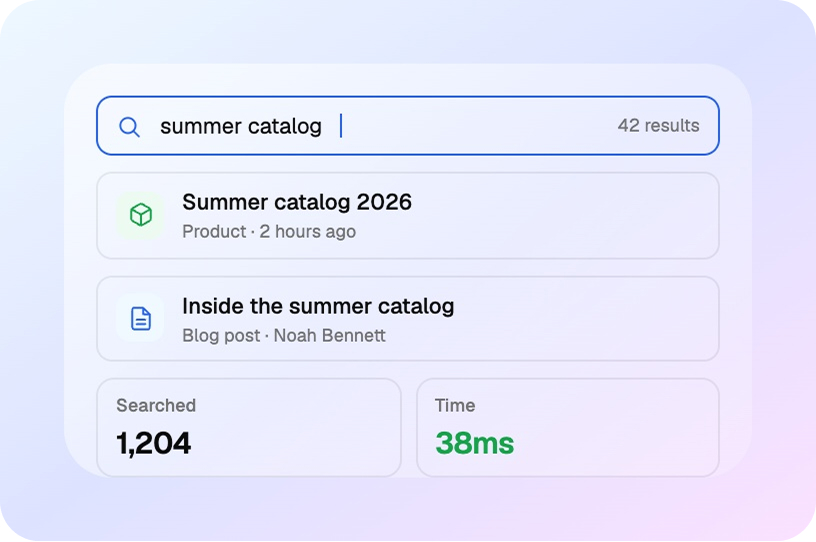
Find the content you need quickly across large databases, structured catalogs, and custom content collections.
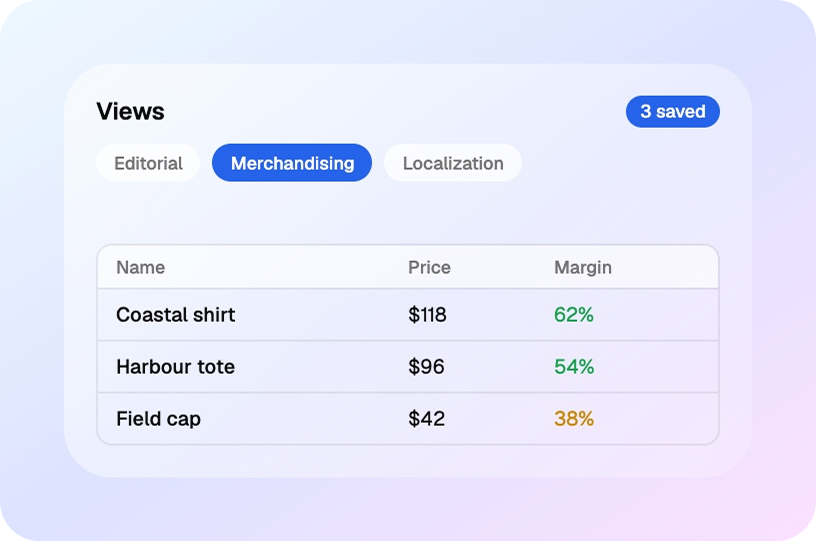
Create different views of your data for editors, developers, managers, clients, or operational teams.
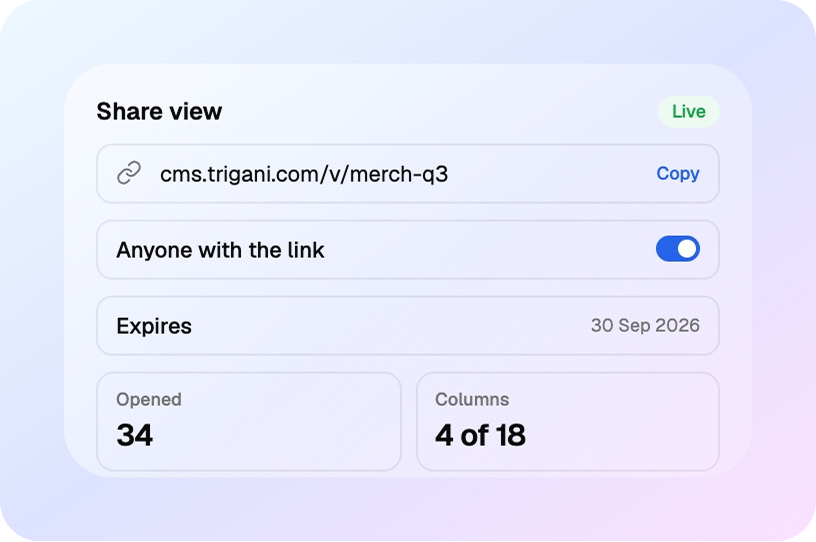
Share selected table views through public links when external access is needed without giving full system permissions.
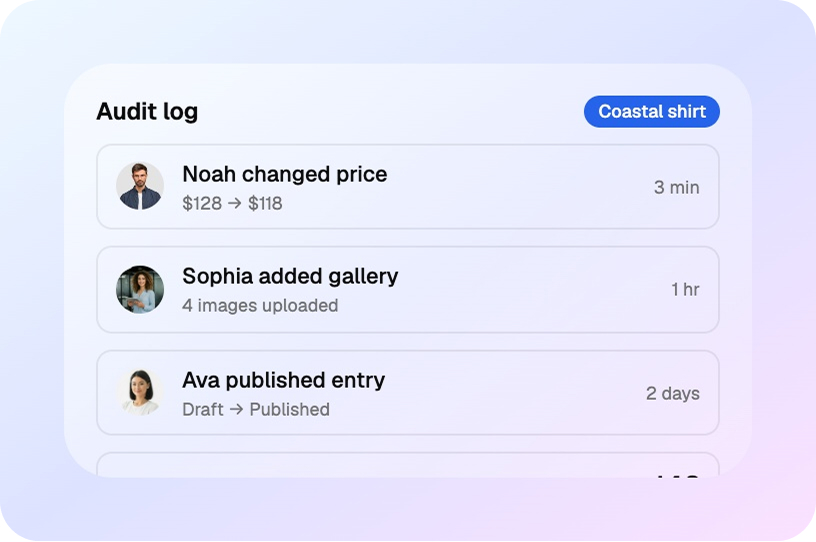
Track every correction and update made to your records, including what changed, when it changed, and who made the change.
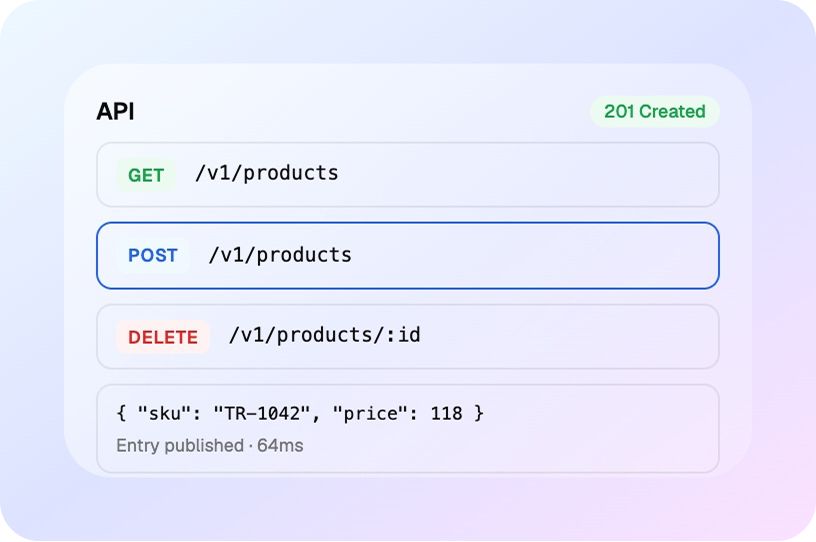
Use APIs to retrieve, create, update, and delete CMS data from websites, mobile apps, portals, and external systems.
Connect CMS with AI-driven apps that help your business manage content, automate work, and grow faster.

Showcase and manage your products or services with a fully customizable storefront.

Track customers, leads, deals, and sales activity in one connected workspace.

Automate content publishing, approvals, and repetitive business tasks with AI.

Use business email connected to campaigns, content, and customer workflows.

Support clients with ticketing, automation, and a unified customer view.

Organize and search internal documents and customer-facing help content.
Answers to common questions about how Trigani CMS helps teams organize, validate, and publish content across websites and internal systems.
Trigani CMS is a flexible content platform for websites, landing pages, product catalogs, directories, and custom internal databases. It gives teams a structured way to create, organize, and publish content.
Yes. You can build custom content models for pages, blog posts, products, locations, services, and other structured records that fit your business.
Absolutely. You can set required fields, validation rules, and content quality checks so your publishing process stays consistent and reliable.
Yes. You can link records, define relations, and connect related content so it stays organized and easy to maintain as your data grows.
Yes. Trigani CMS works for marketing, product, operations, and internal teams that need structured content and connected workflows.
Yes. Use APIs and workflows to connect CMS content with CRM, mail, workflows, storefronts, and other business tools in one stack.
Insights, best practices, and examples from businesses using Trigani CMS to manage content at scale.
Urna adipiscing at sagittis enim purus amet ullamcorper. Eu ultrices non amet fermentum massa vitae mattis eget morbi. Malesuada.