Centralized support inbox
Trackable customer communication
Support health monitoring
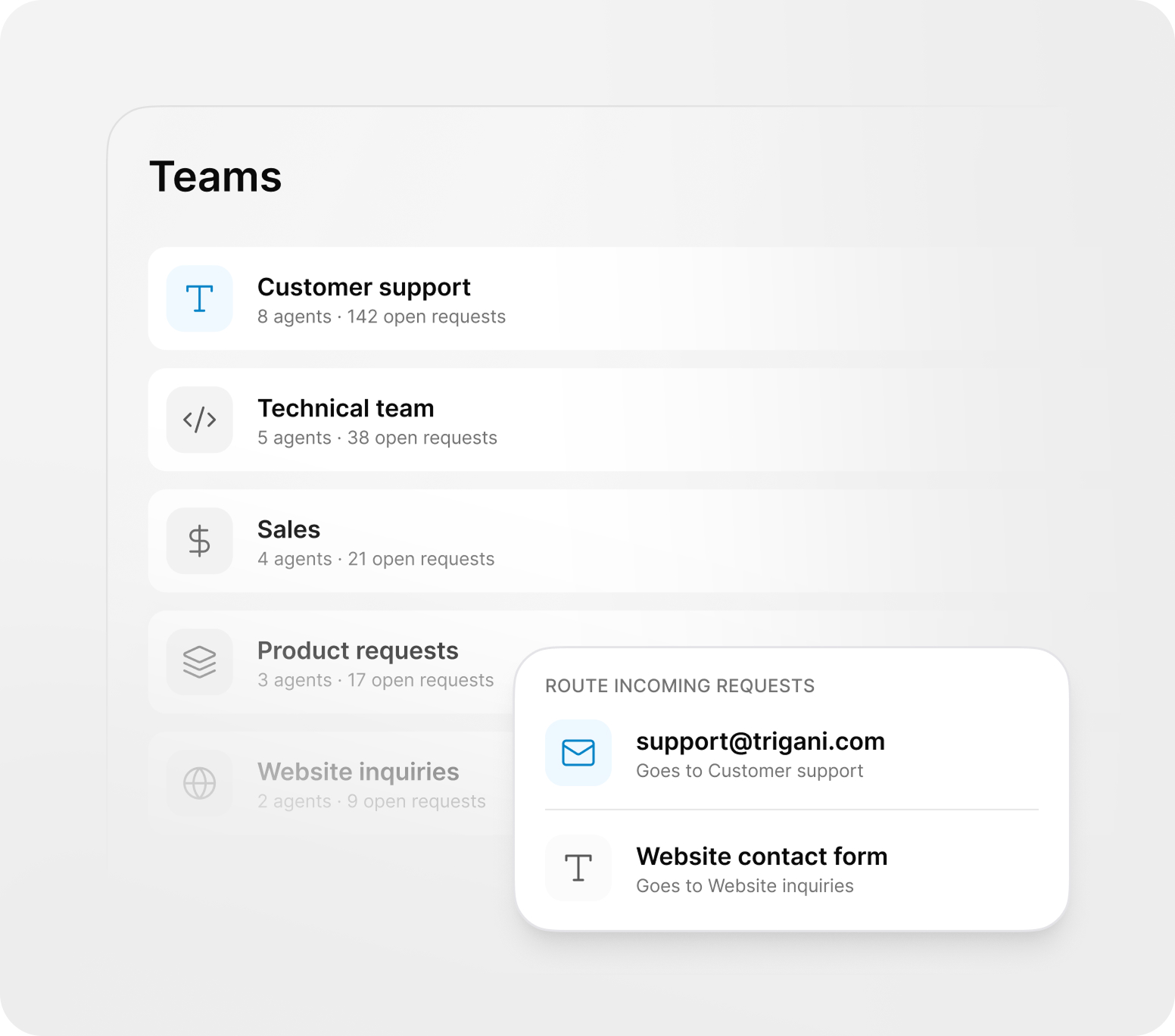
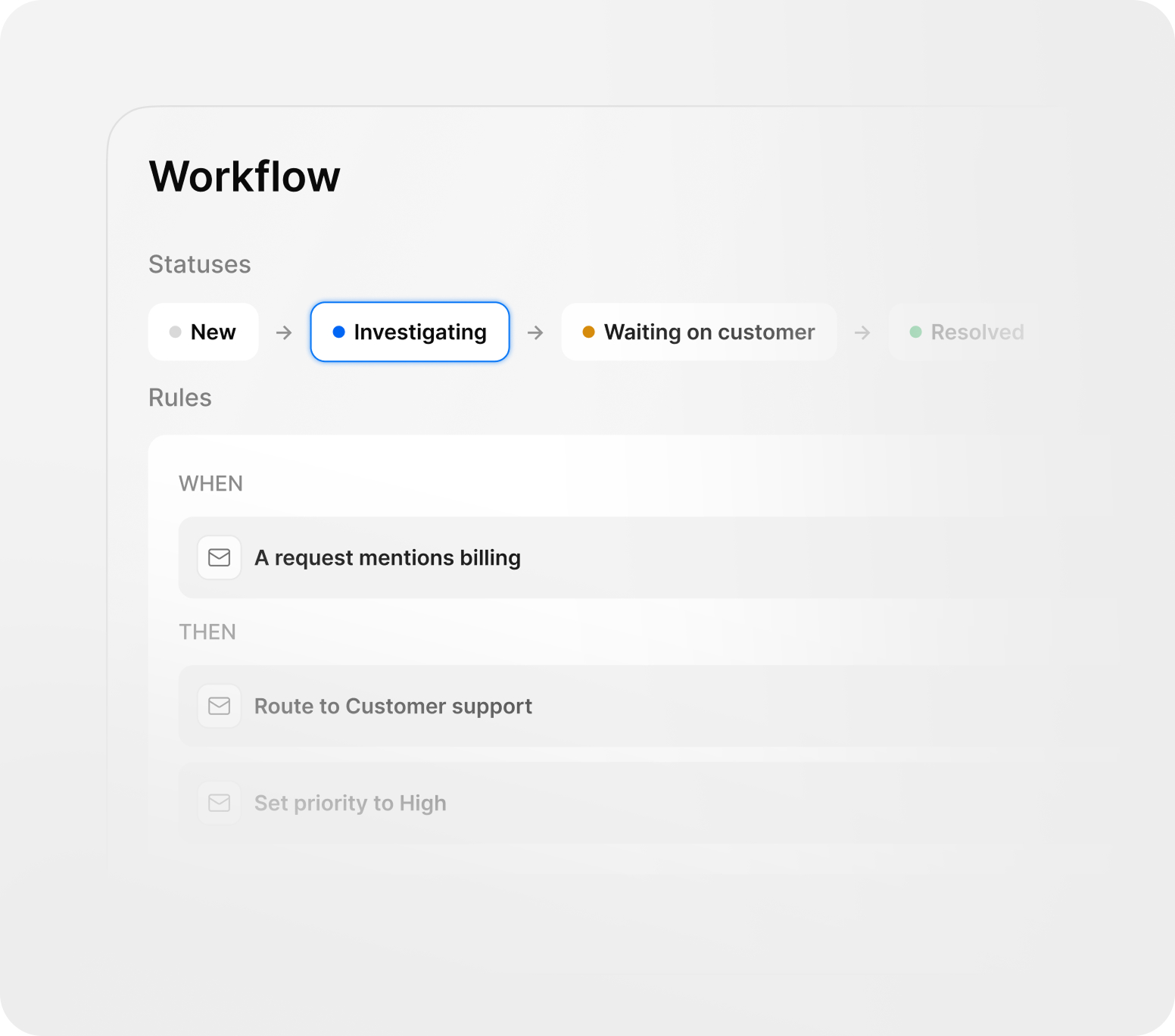
Every business handles customer support differently. With Trigani Help Desk, you can create dedicated teams, configure custom statuses, and route requests to the right people from the moment they arrive.
Separate work across customer support, technical teams, sales, product requests, website inquiries, or internal departments.
Every business handles customer support differently. With Trigani Help Desk, you can create dedicated teams, configure custom statuses, and route requests to the right people from the moment they arrive.
Separate work across customer support, technical teams, sales, product requests, website inquiries, or internal departments.
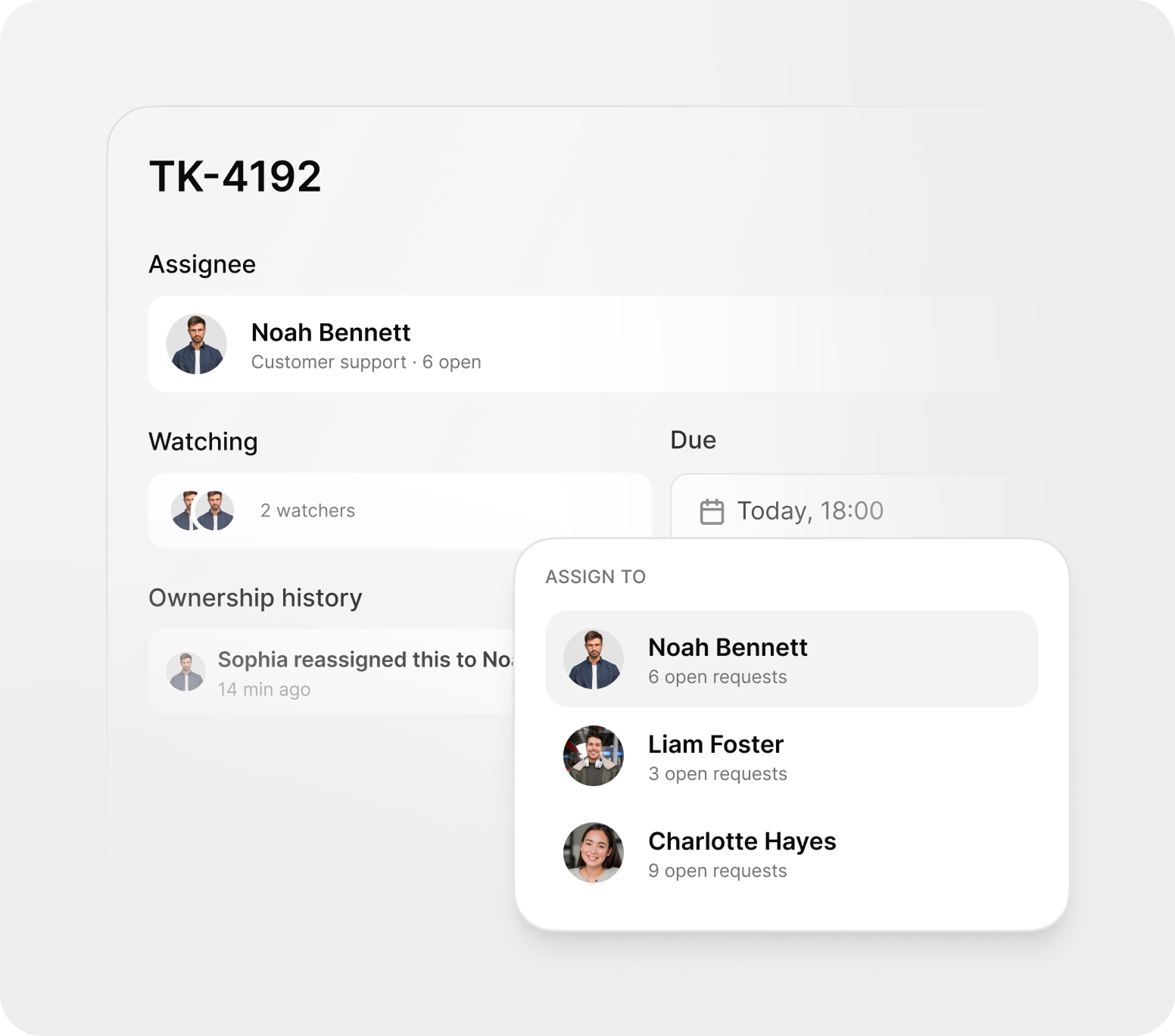
Each ticket can be assigned to a person or a team, with a clear status, priority, and activity history.
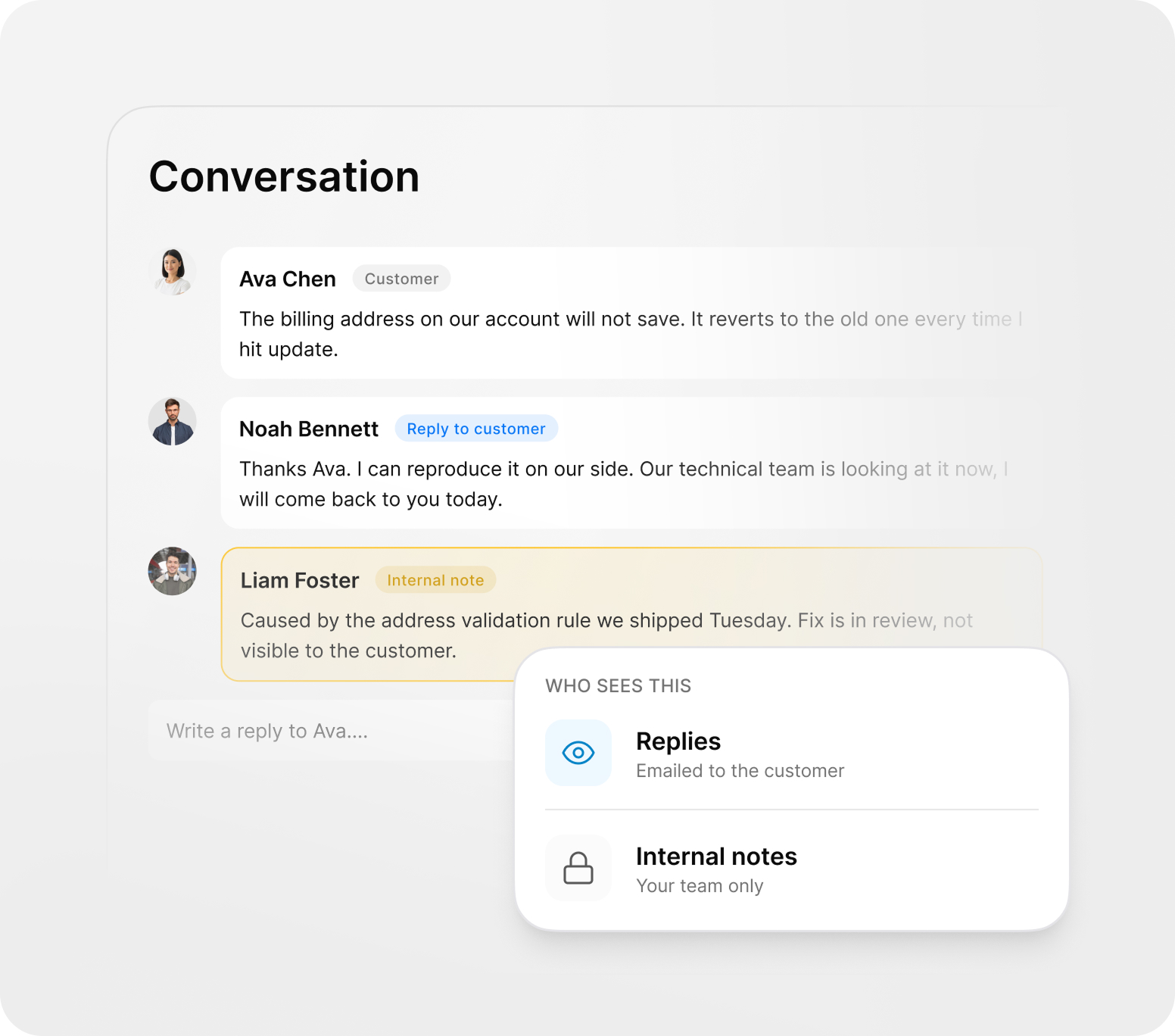
Control which messages are sent to the customer and which stay internal for your team only.
Set up dynamic columns, statuses, and process rules to match the way your team actually works.
Reduce manual work and speed up customer service. Use predefined replies, knowledge base answers, and AI assistance for quick answers, suggestions, and improved handling times.
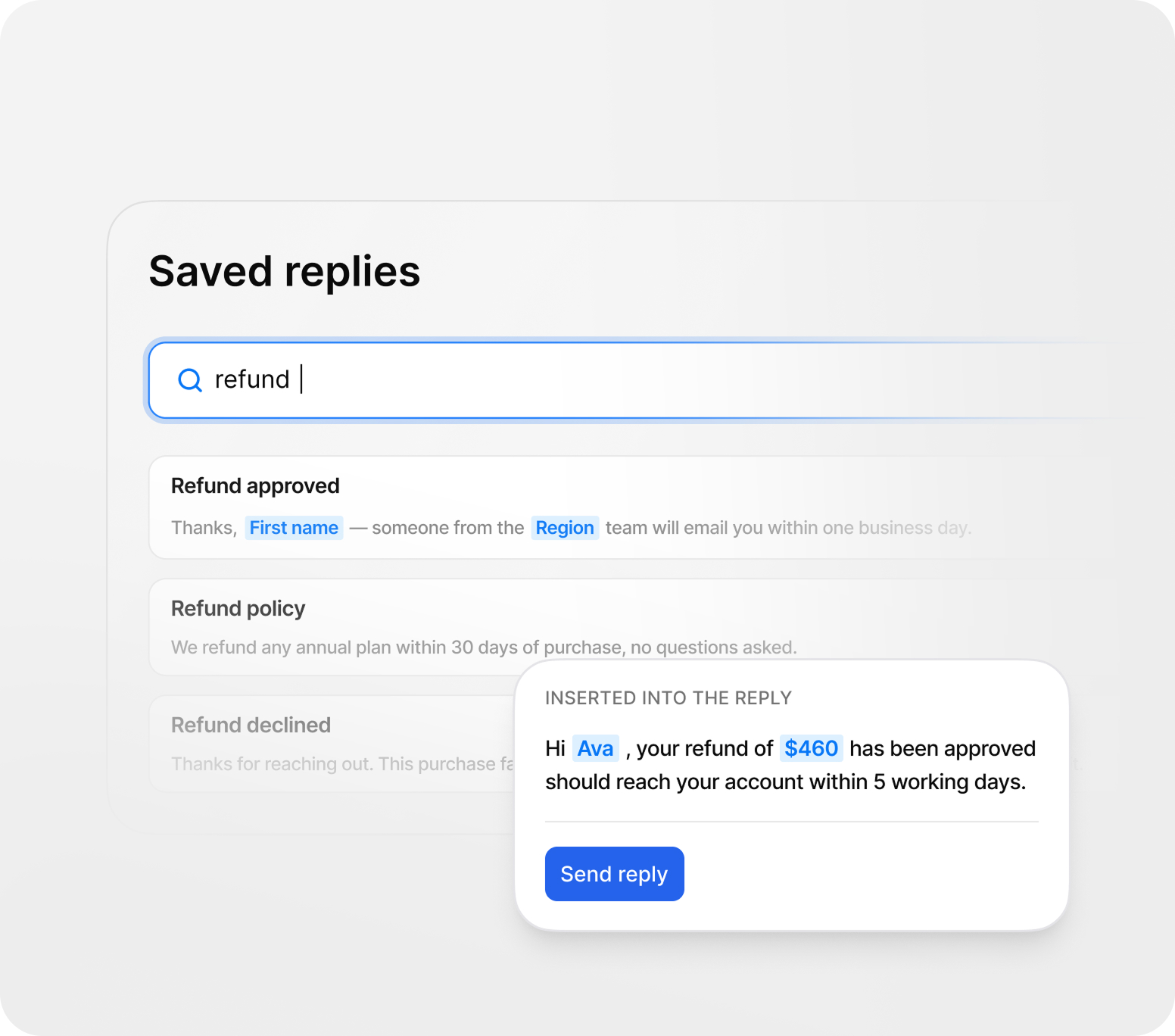
Create ready-to-use answers for common questions and keep your communication consistent.
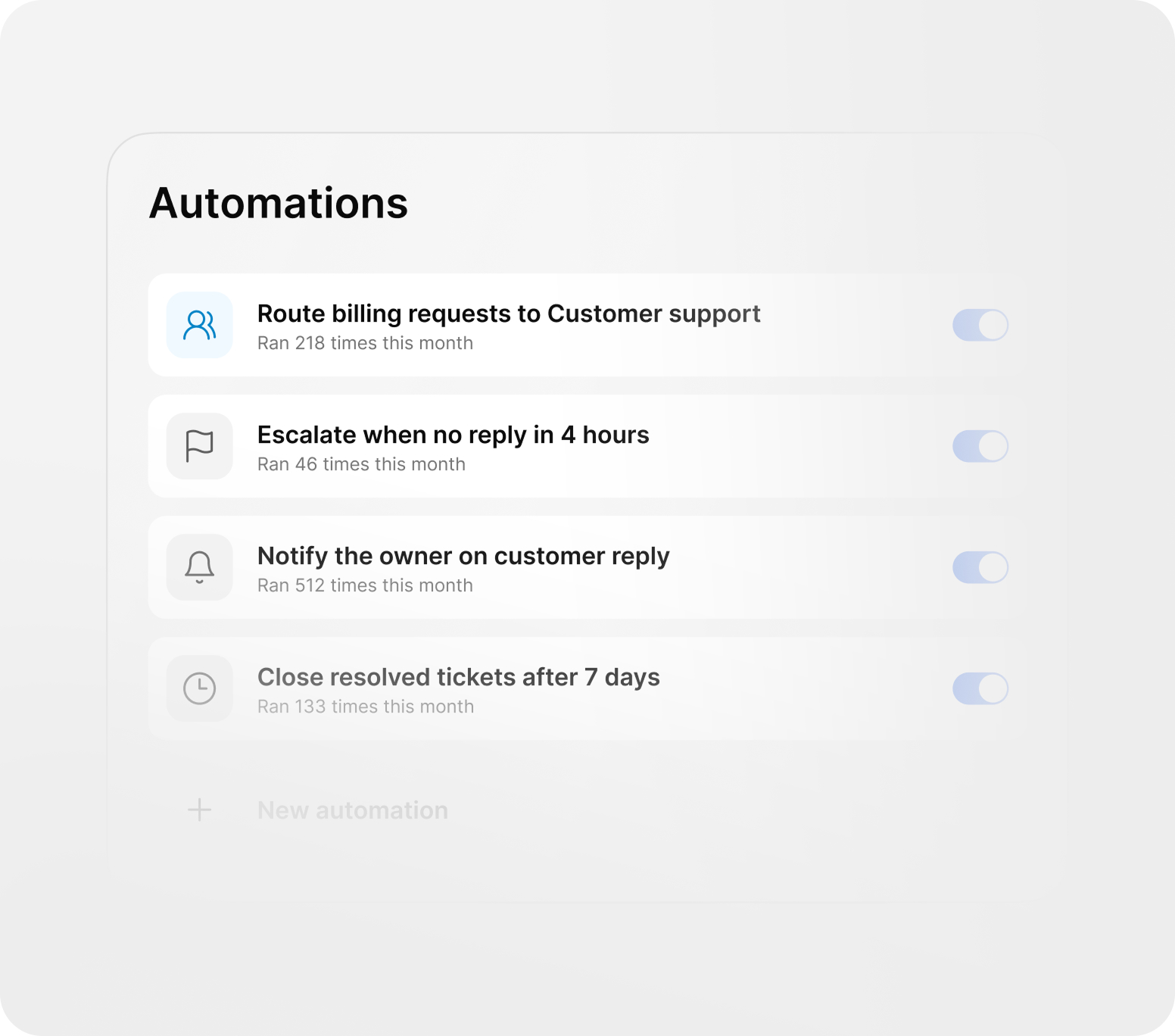
Reduce manual work and speed up customer service. Use predefined replies, knowledge base answers, and AI assistance for quick answers, suggestions, and improved handling times.
Create ready-to-use answers for common questions and keep your communication consistent.
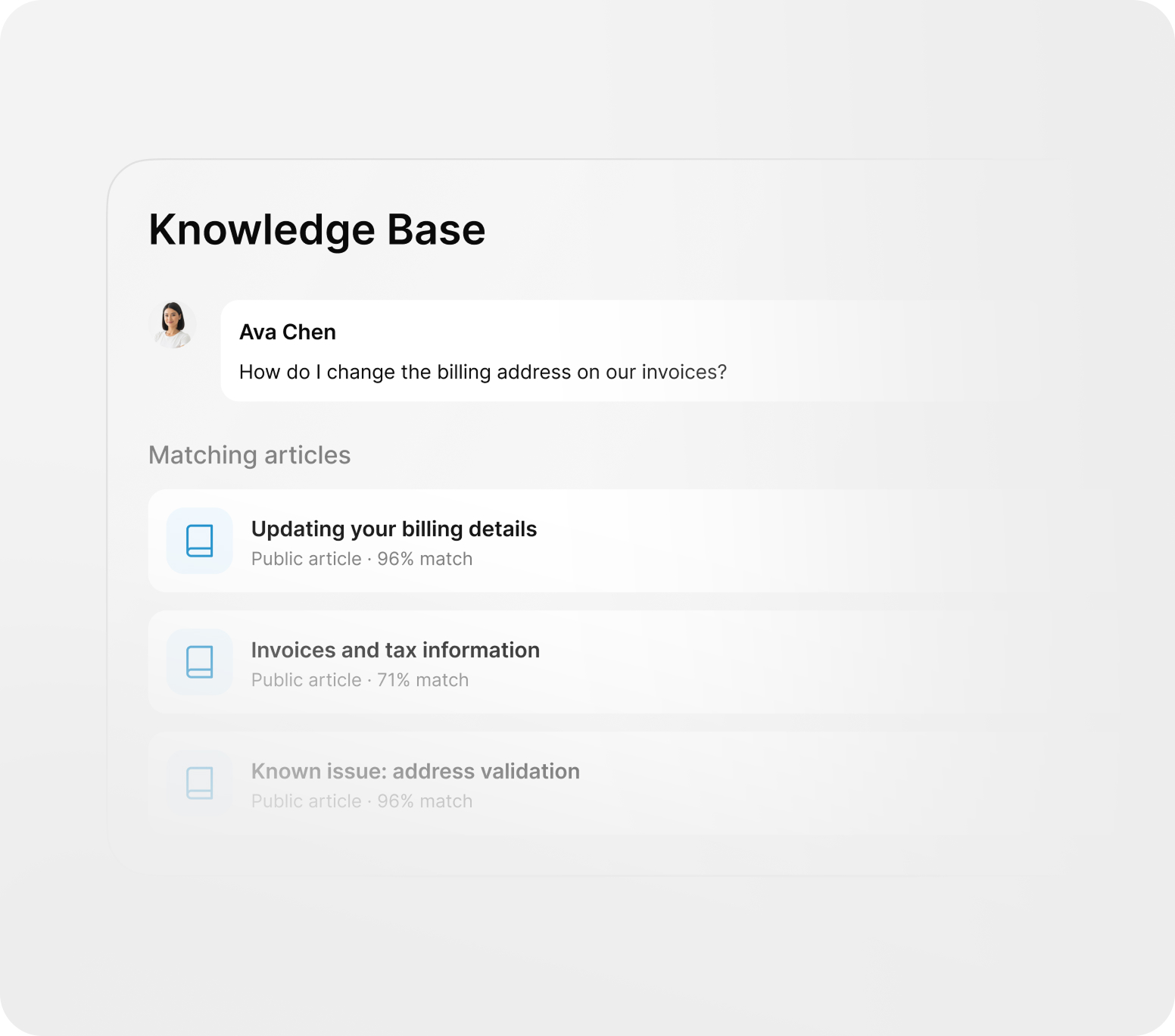
Use internal or public knowledge articles to provide accurate and reliable information.
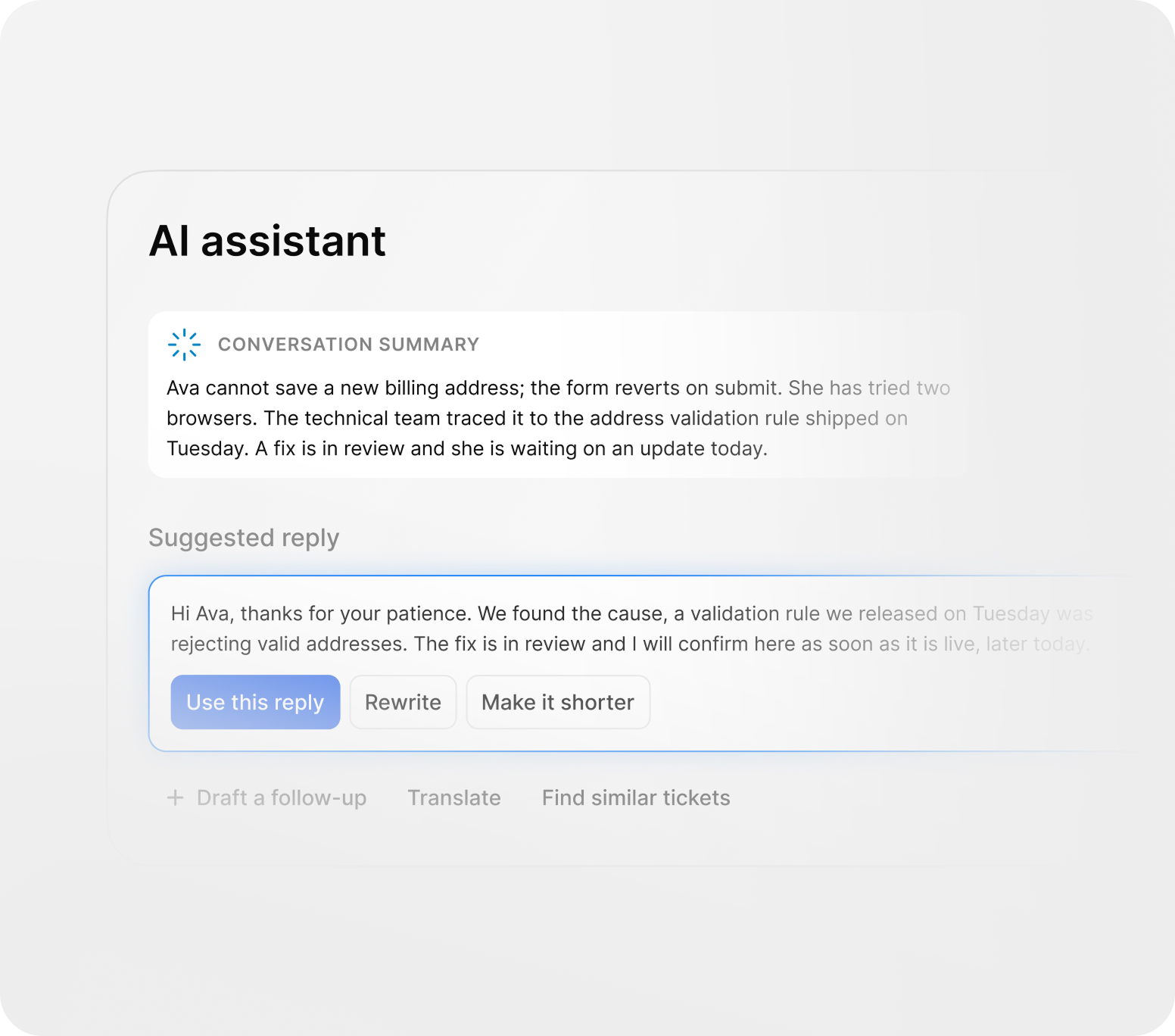
Generate response suggestions, summarize long conversations, and find relevant information faster.
Automate ticket routing, status changes, notifications, escalations, and other repetitive actions.
Trigani Help Desk brings together tickets, teams, automations, statuses, AI, and integrations so your support process stays organized from first contact to resolution.
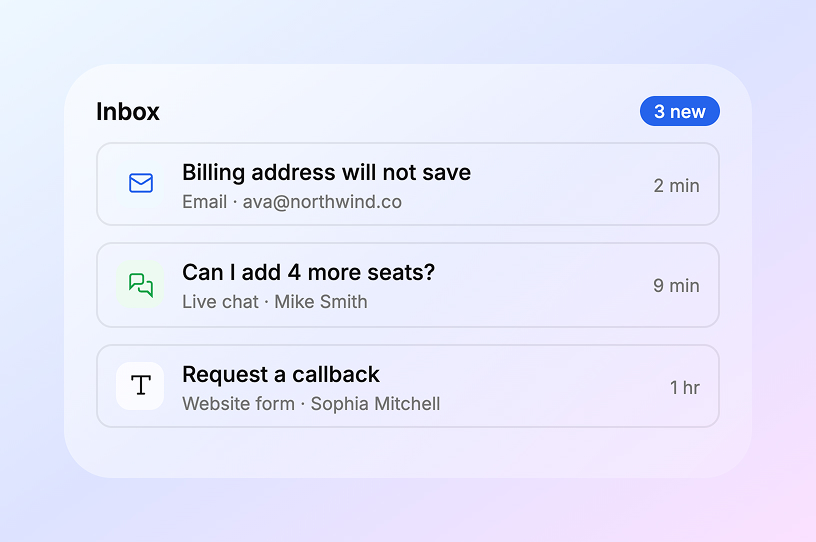
Collect customer requests from multiple channels into one Help Desk workflow — no lost emails, missed messages, or scattered conversations.
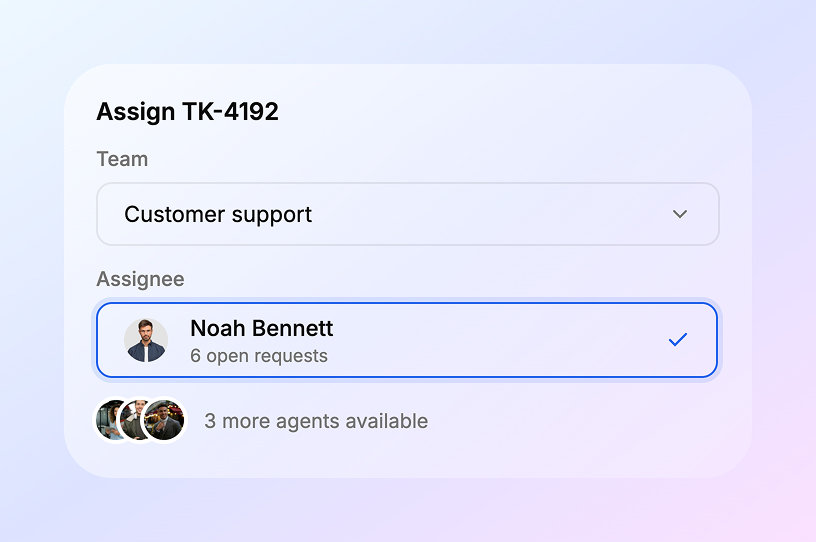
Create different support teams and assign tickets to the right people based on topic, customer, priority, or department.
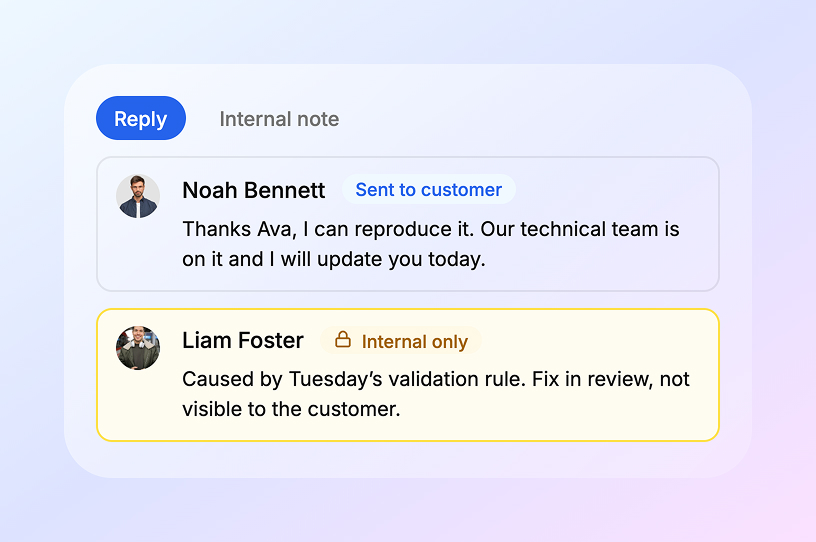
Send responses to customers or add internal comments visible only to your team.
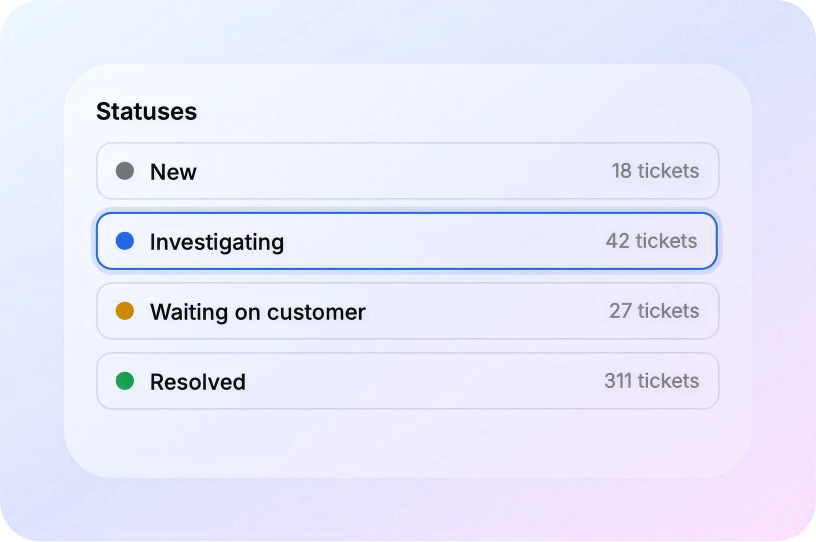
Configure statuses, columns, and workflows to match your process — from “New” to “Resolved”, “Waiting”, or “Escalated”.
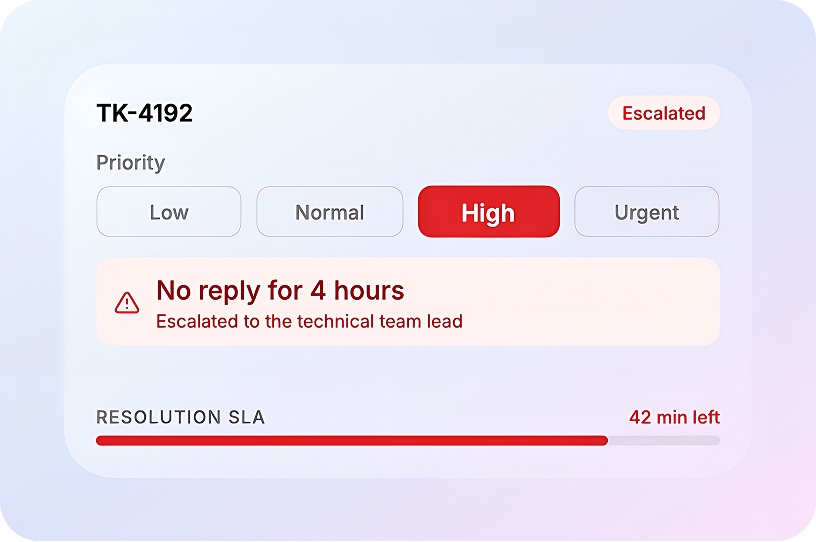
Highlight urgent requests, monitor critical cases, and trigger alerts when tickets need attention.
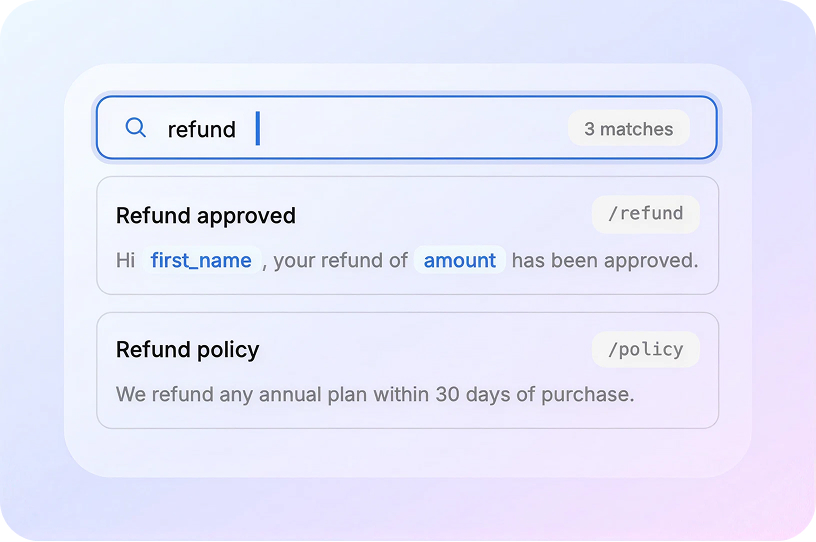
Speed up communication with predefined answers for common questions, recurring cases, and standard support scenarios.
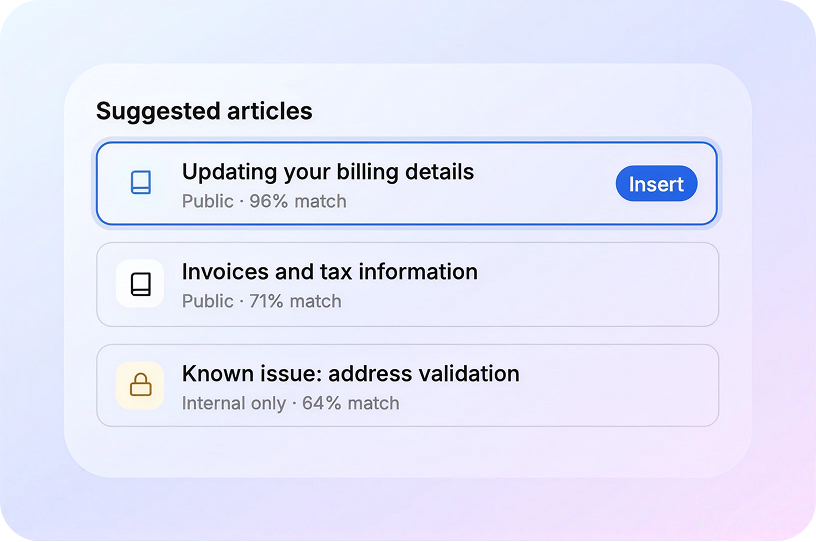
Use articles and internal documentation to provide accurate, consistent, and helpful answers.
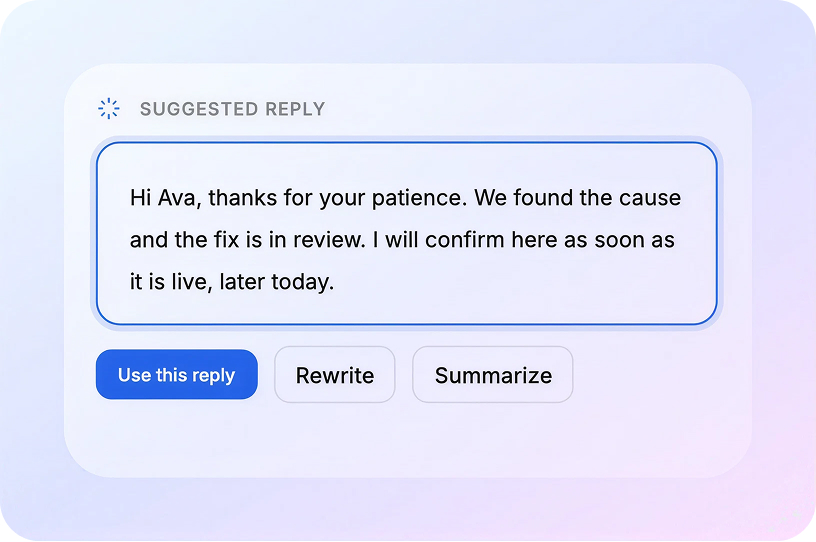
Generate suggested replies, summarize long discussions, and help agents find the right information faster.
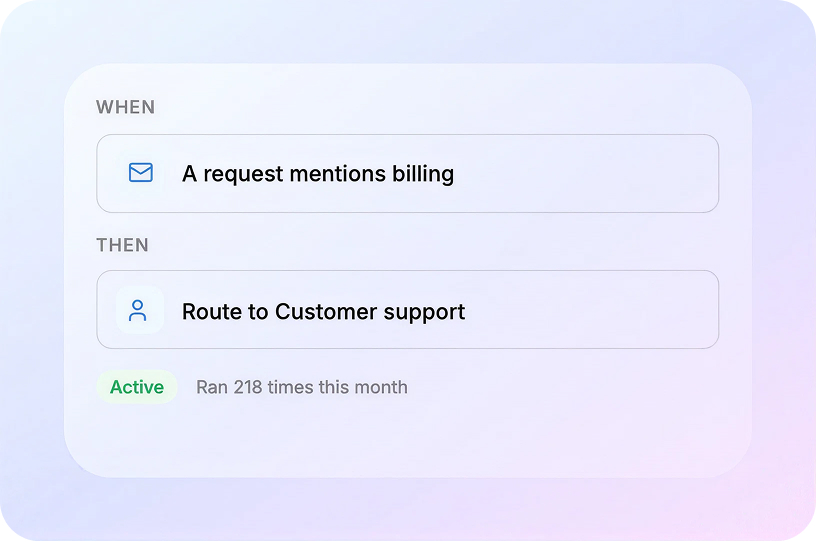
Automate repetitive actions such as routing, notifications, status updates, and escalation rules.
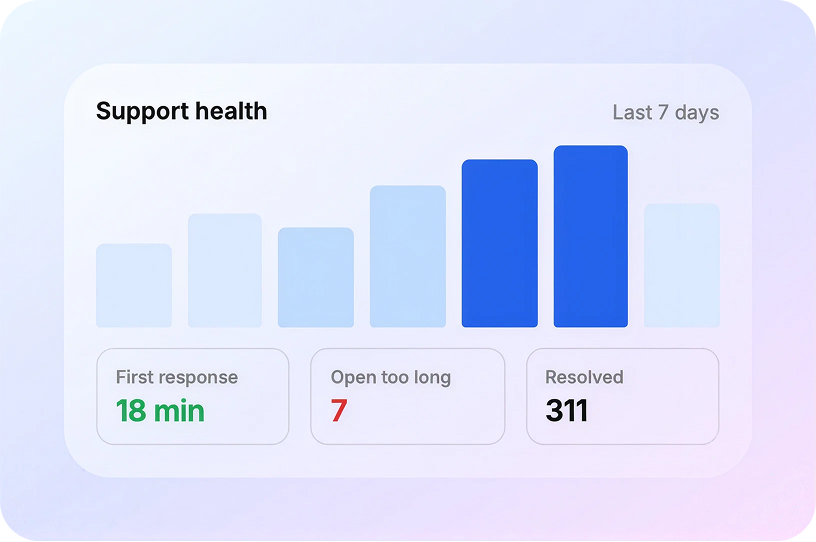
Track tickets open for too long, inactive requests, completed cases, and key support performance indicators.
Connect Help Desk with AI-driven apps that help your business manage service, automate workflows, and improve customer experience.

Showcase and manage your products or services with a fully customizable storefront.

Track customers, leads, deals, and sales activity in one connected workspace.

Automate repetitive work and route tickets intelligently based on business rules.

Use business email connected to customer requests and support conversations.
Give clients a secure way to submit requests, track work, and access updates.

Organize and search support content for faster, more consistent responses.
Answers to common questions about how Trigani Help Desk helps teams manage support tickets, automate replies, and improve customer service.
Trigani Help Desk is a support system for managing customer requests, tracking issues, assigning work to teams, and improving communication across channels.
Yes. You can create dedicated teams, assign ownership, route requests based on category, and keep every case moving with the right people involved.
Absolutely. Use saved replies, knowledge-base answers, AI suggestions, and workflow rules to reduce manual effort and respond faster.
Yes. Tickets can come from web forms, email, chat, or internal requests and be managed in one unified inbox.
Yes. You can define custom statuses, priorities, and escalation rules so important issues get the attention they need.
Insights, examples, and practical ideas for building better customer support workflows.
Urna adipiscing at sagittis enim purus amet ullamcorper. Eu ultrices non amet fermentum massa vitae mattis eget morbi. Malesuada.