Write and organize articles, guides, FAQs, policies, tutorials, and support documentation.
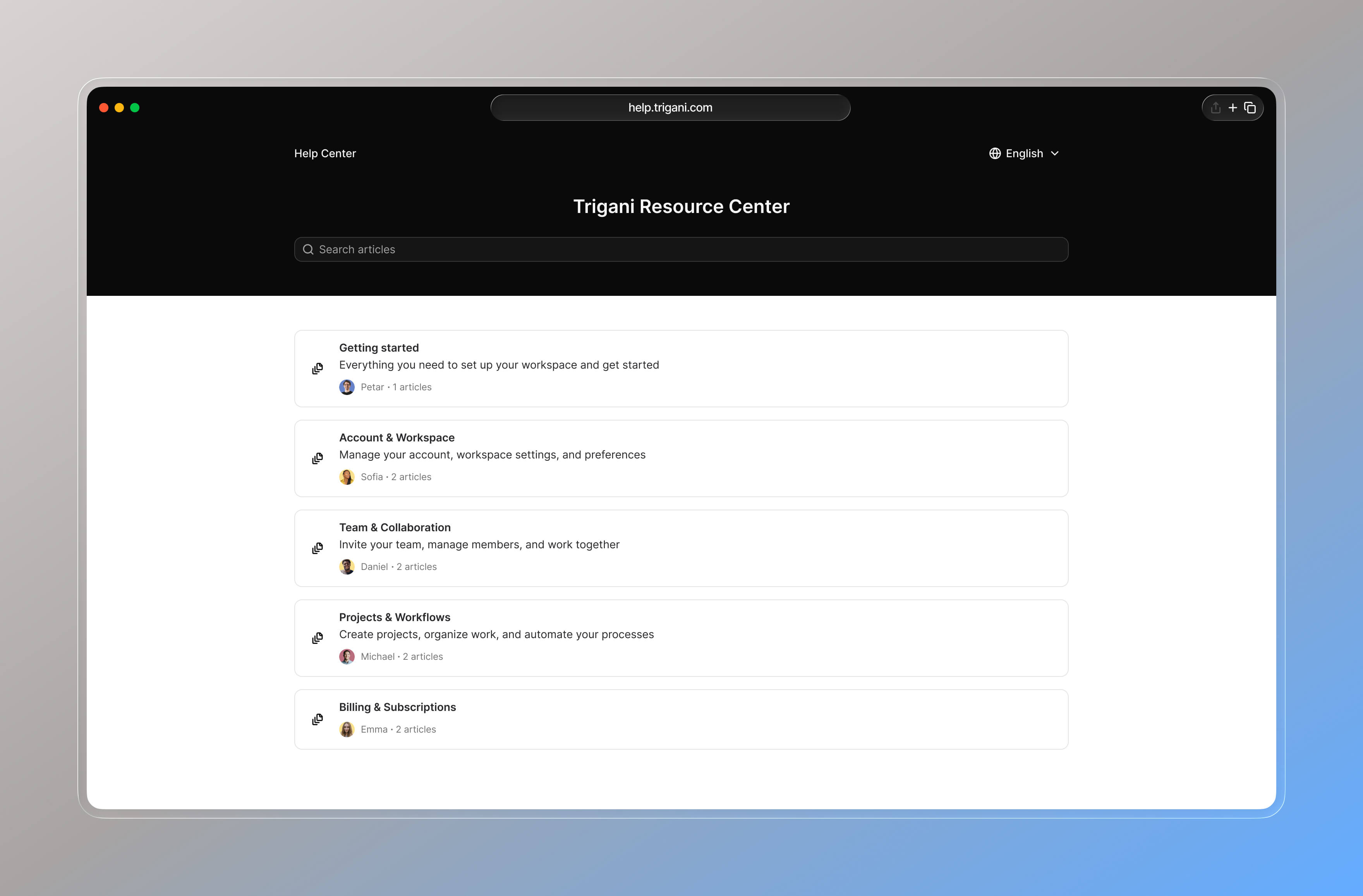
Turn your knowledge base into a public help center website where customers can search and self-serve.
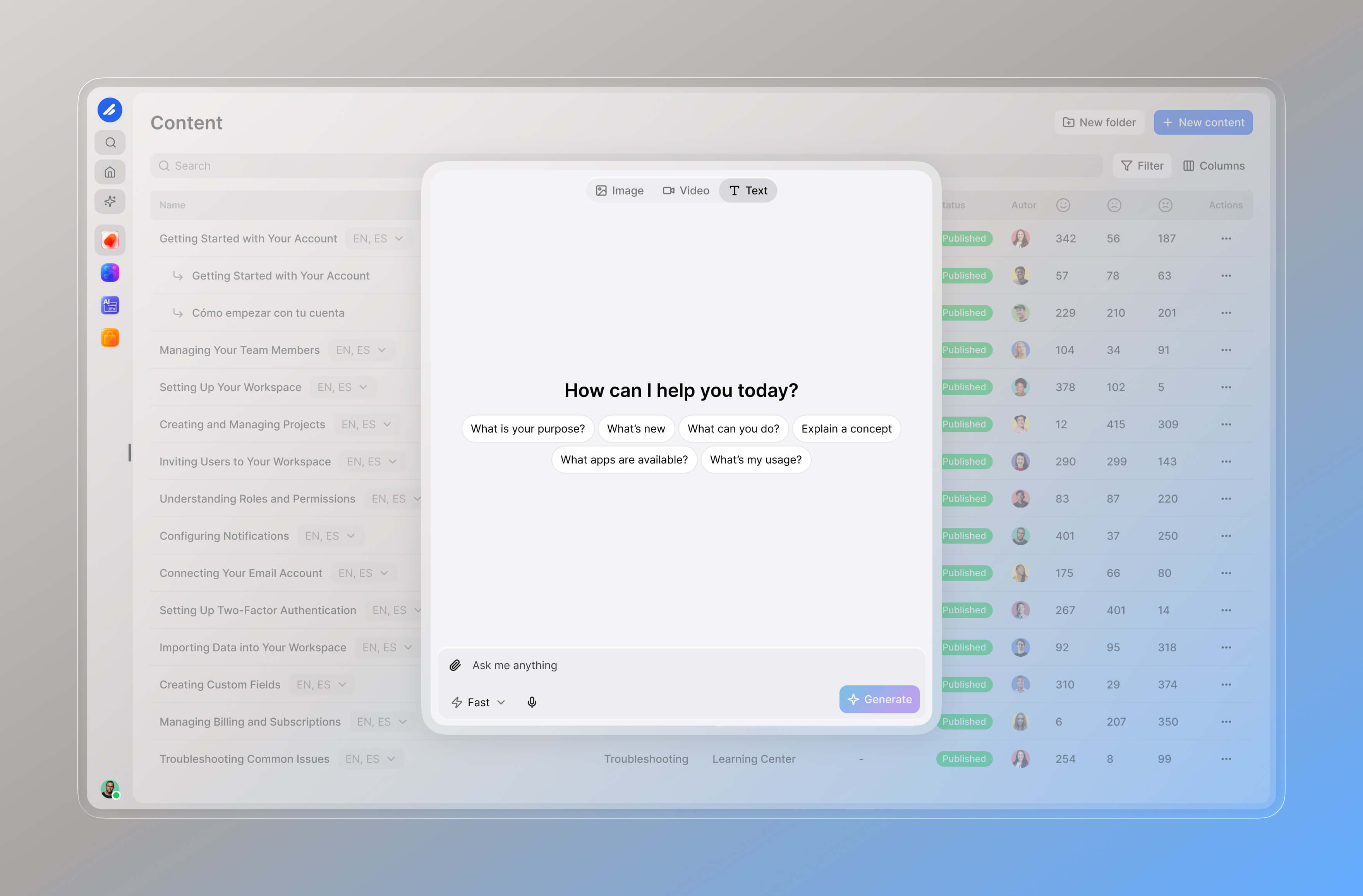
Use your knowledge content to give AI assistants and chatbots accurate, up-to-date information.
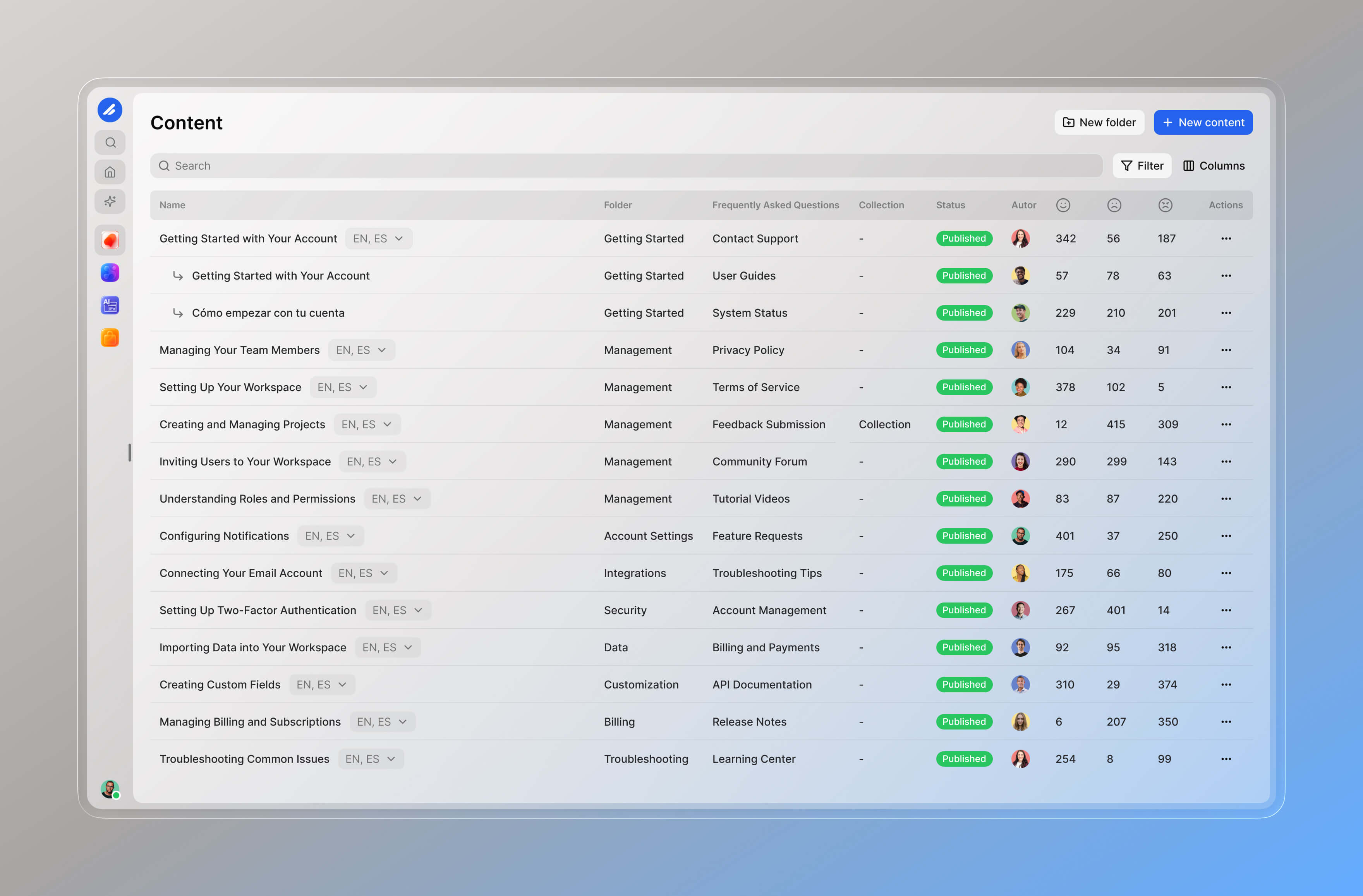
Write and organize articles, guides, FAQs, policies, tutorials, and support documentation.
Turn your knowledge base into a public help center website where customers can search and self-serve.
Use your knowledge content to give AI assistants and chatbots accurate, up-to-date information.
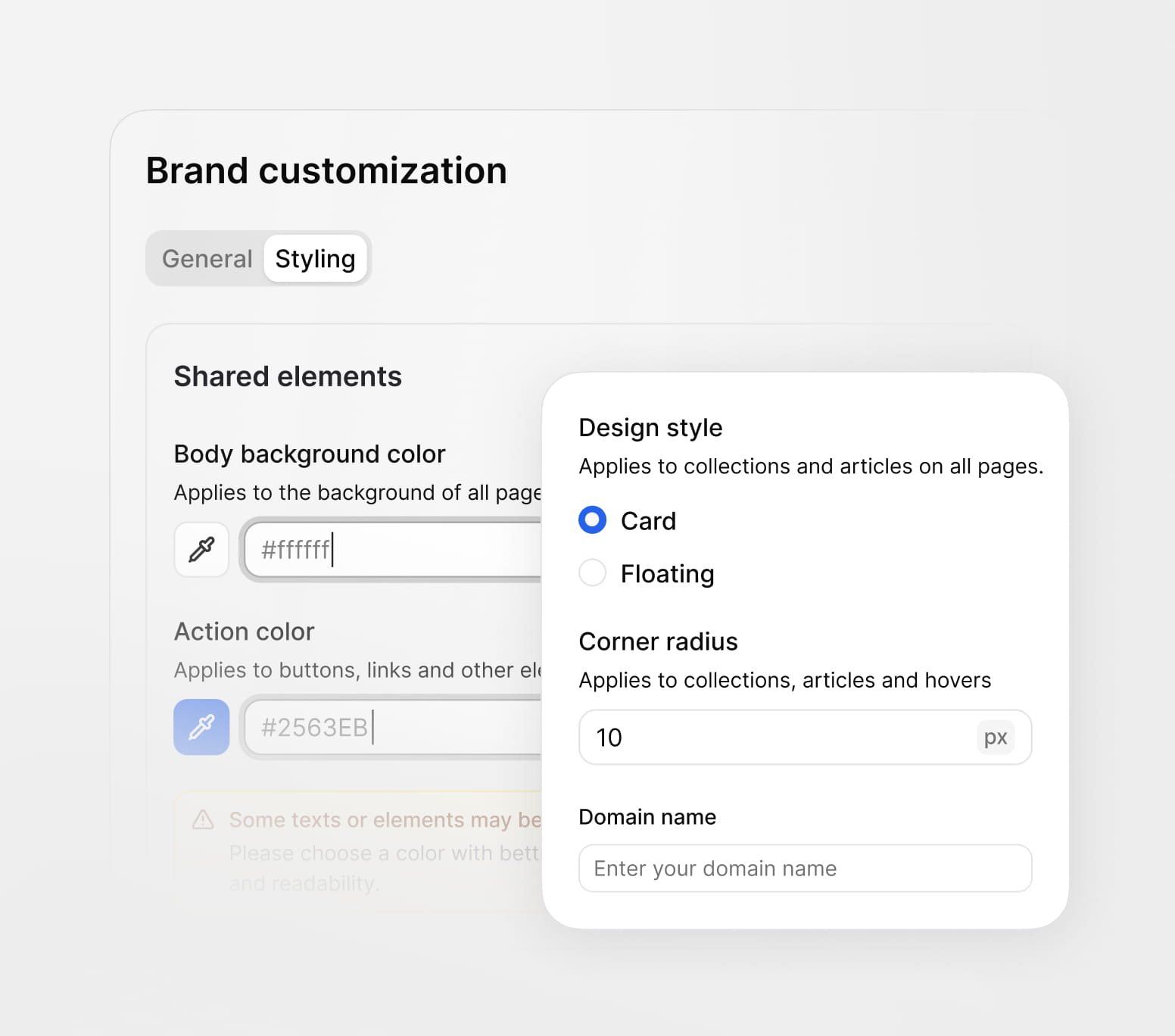
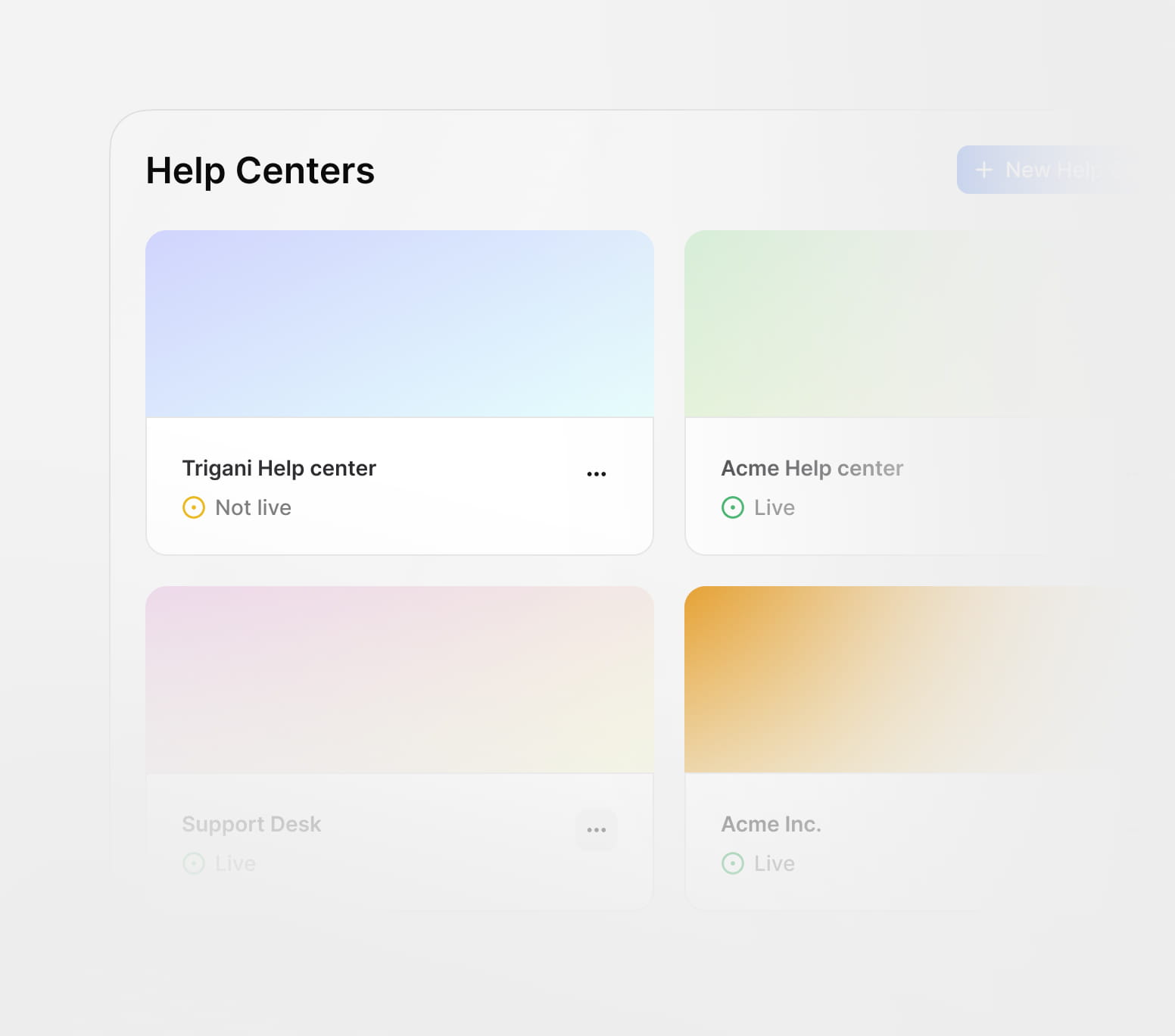
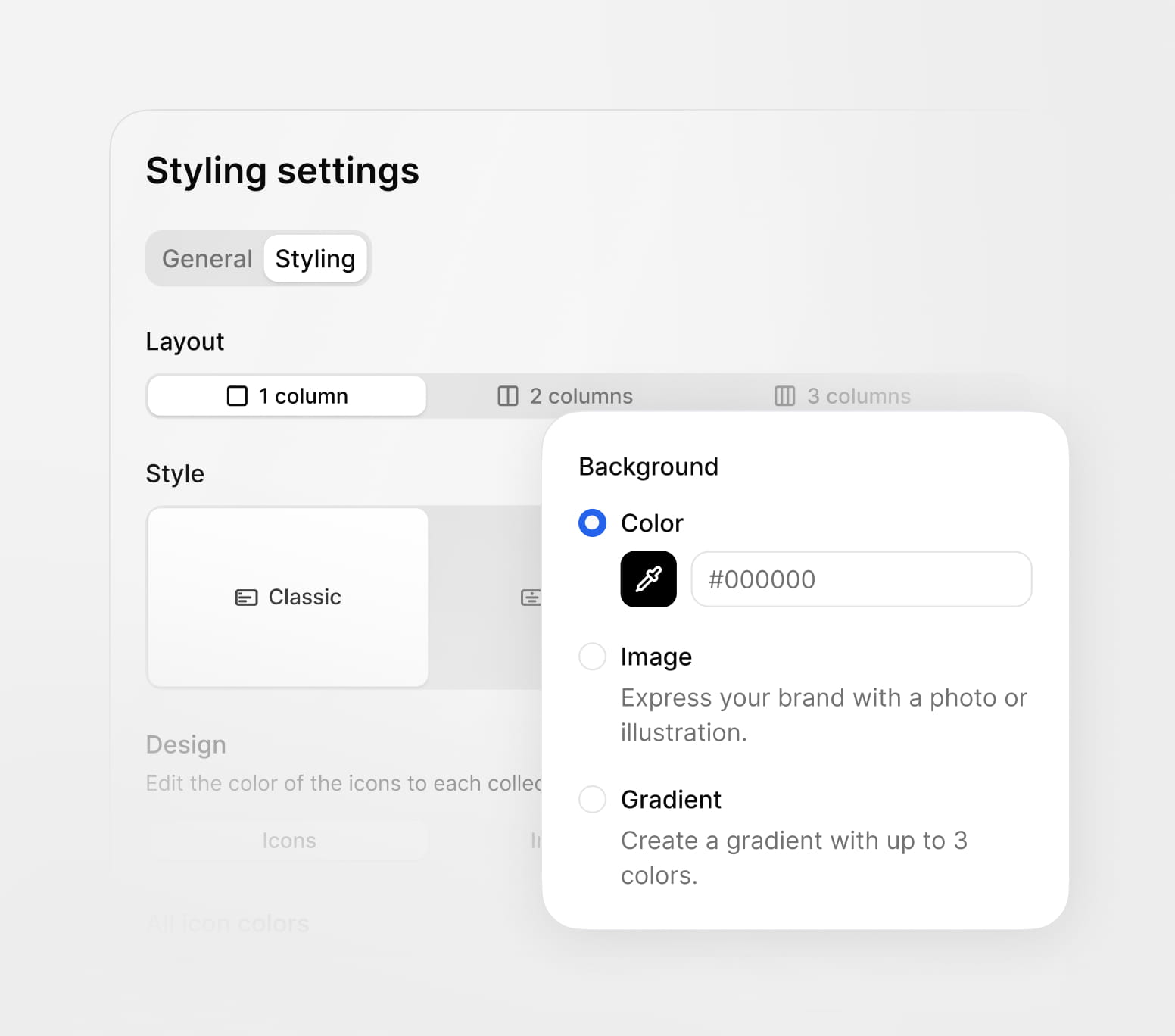
Every help center can be customized to match your brand, domain, audience, and customer experience. Use the same knowledge base across multiple help centers with different designs, languages, and content visibility rules.
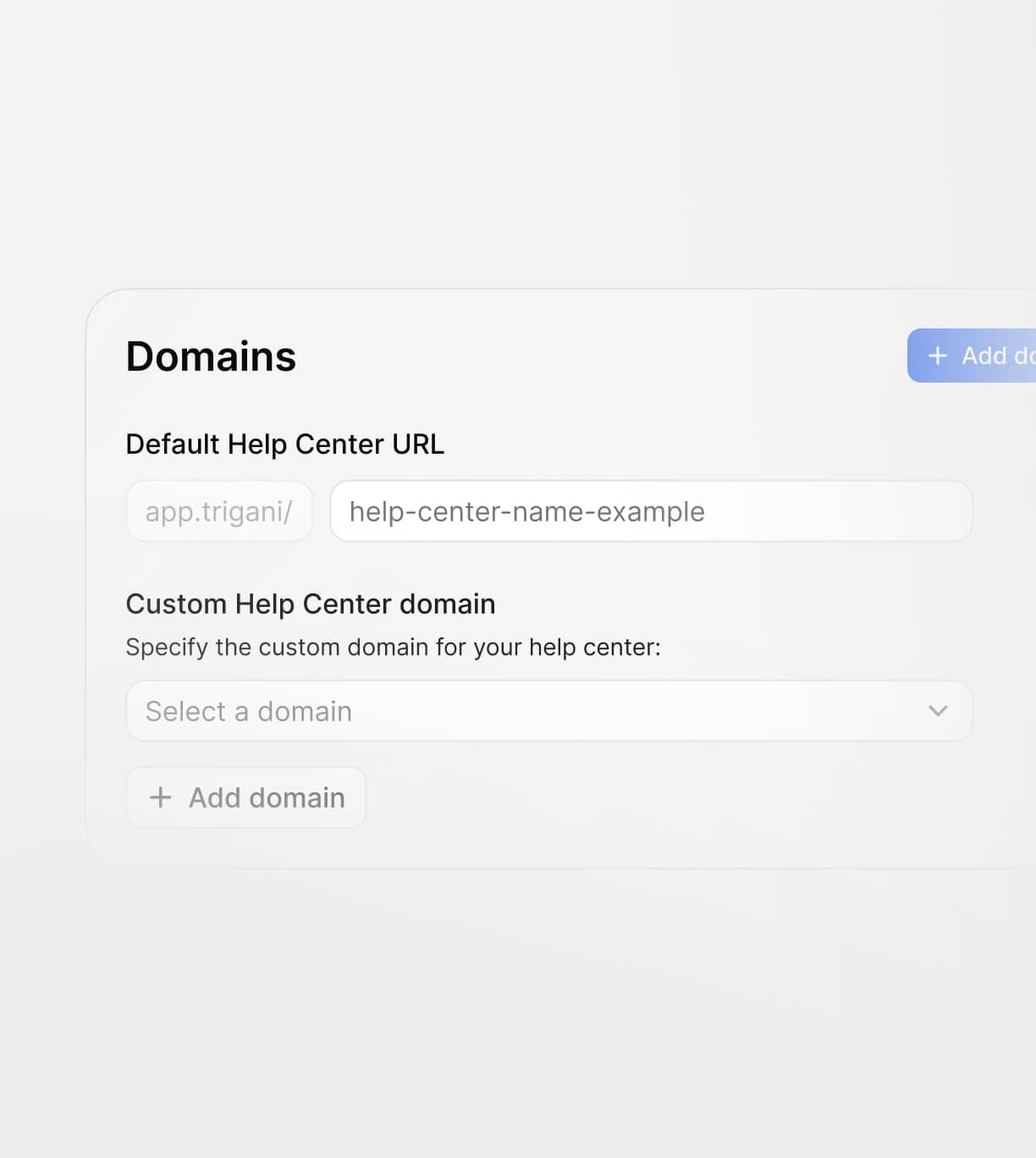
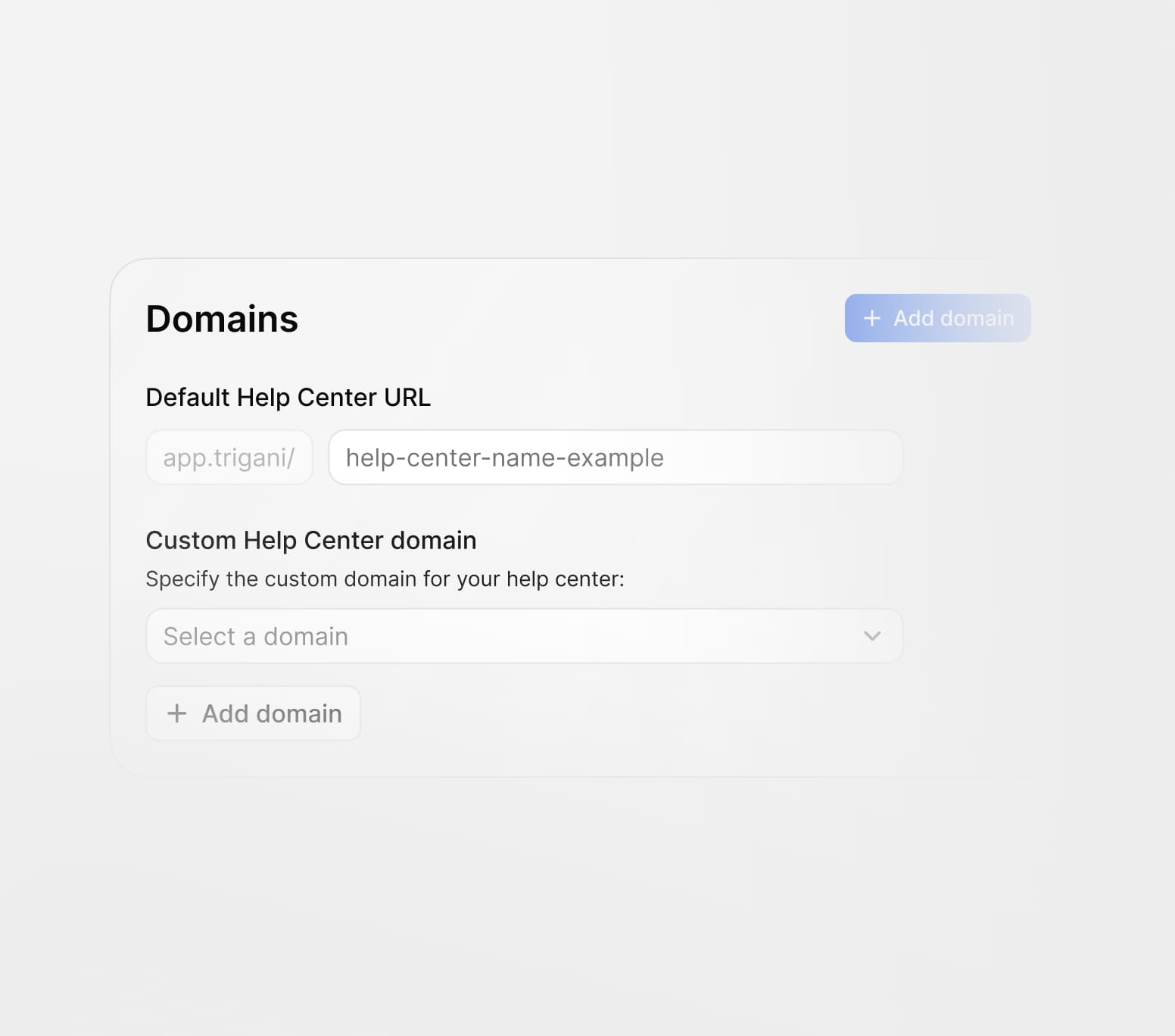
Publish your help center on your own domain for a professional customer experience.
Every help center can be customized to match your brand, domain, audience, and customer experience. Use the same knowledge base across multiple help centers with different designs, languages, and content visibility rules.
Publish your help center on your own domain for a professional customer experience.
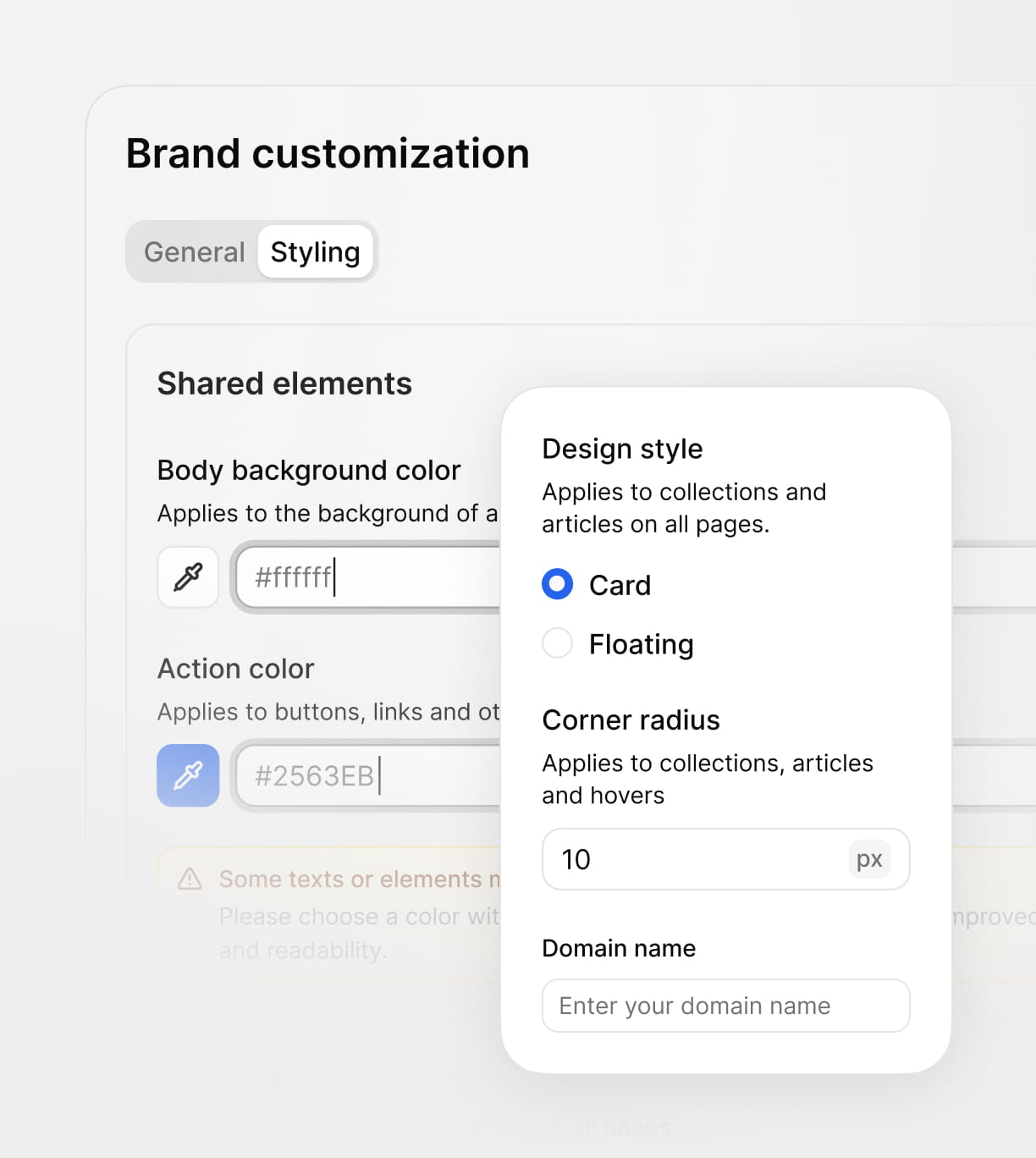
Match each help center to your visual identity with custom styles, layout choices, and navigation.
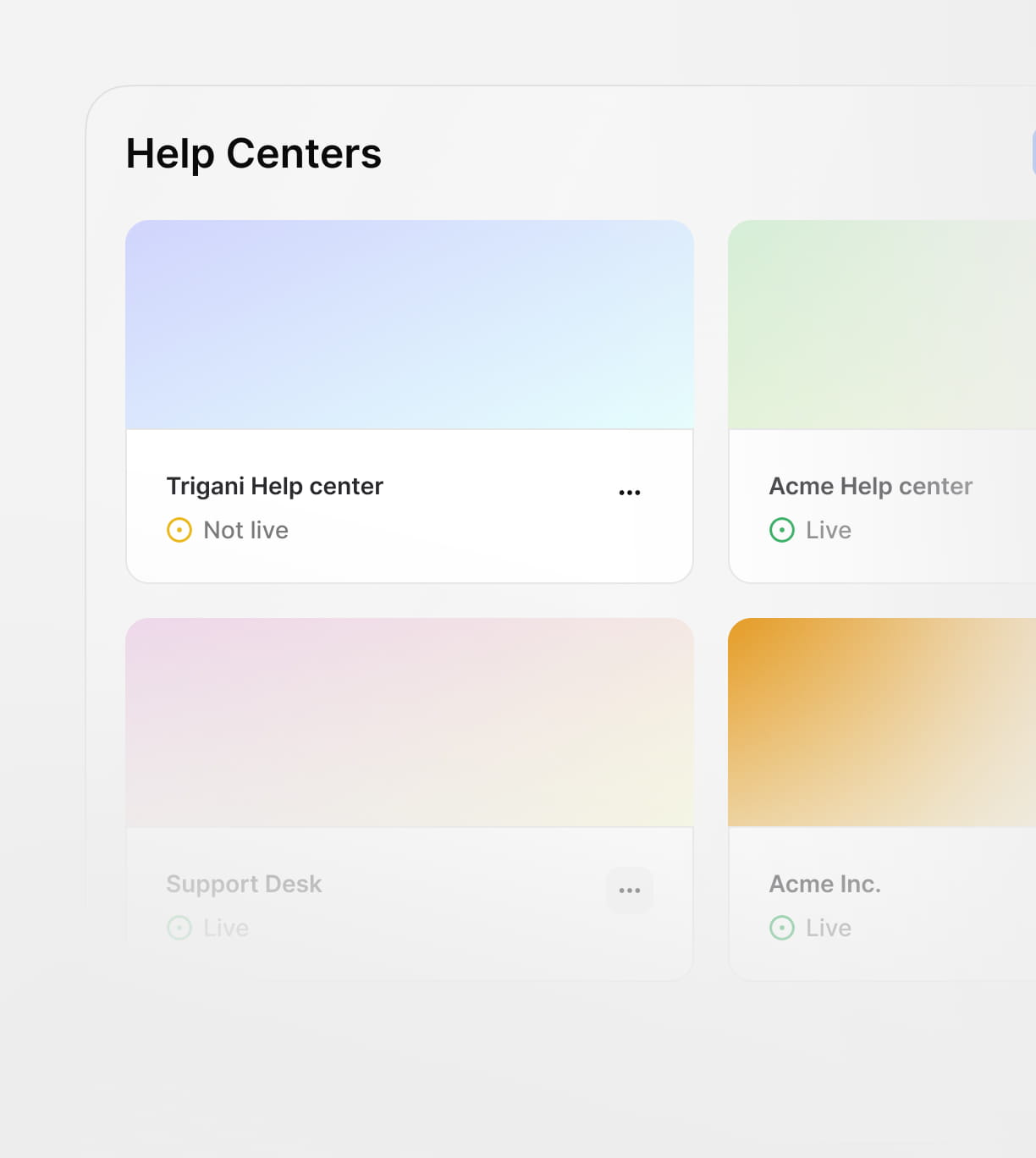
Run different help centers for products, regions, or audiences from one central knowledge base.
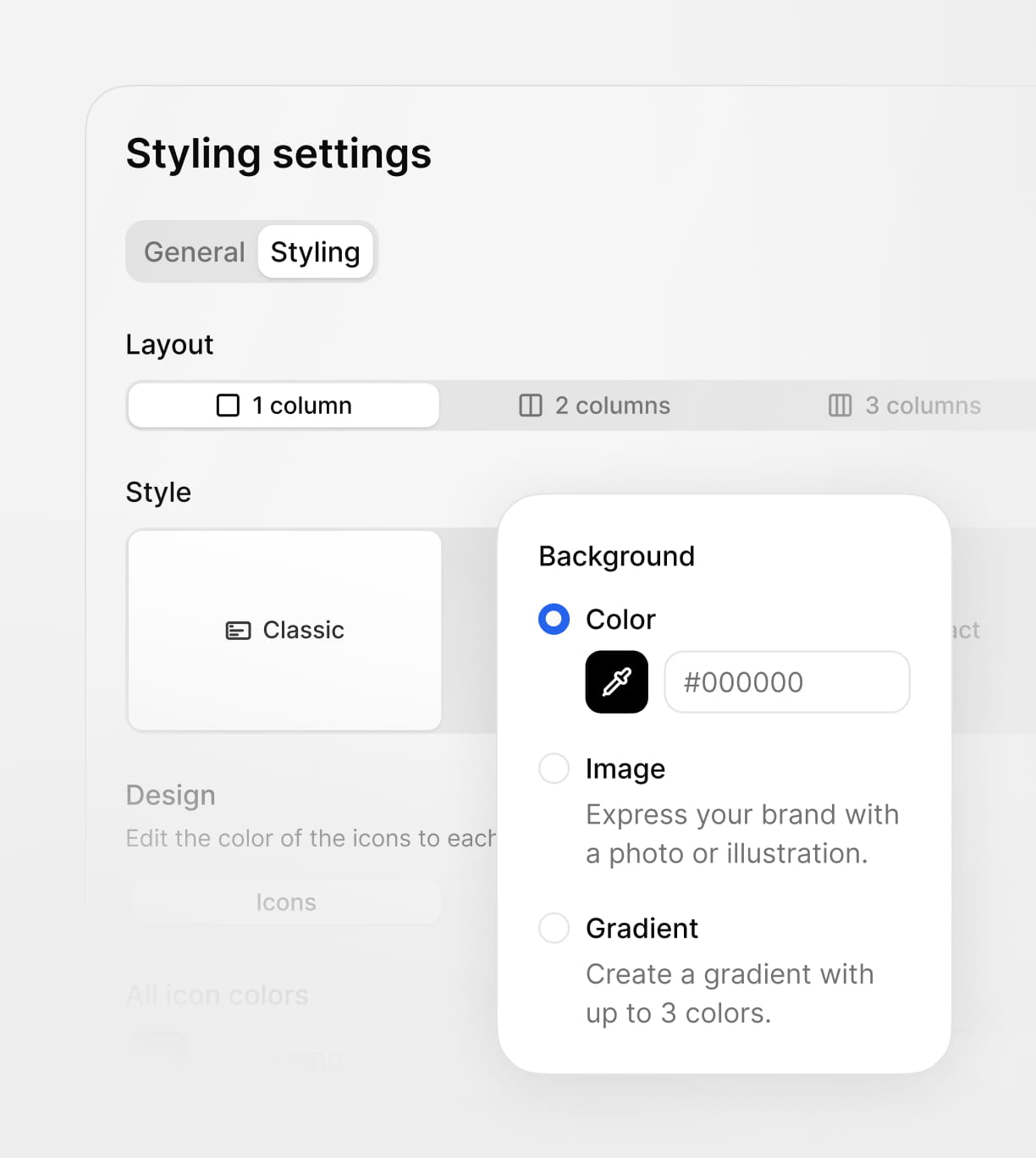
Control how content is structured and displayed so users can quickly find answers in every help center.
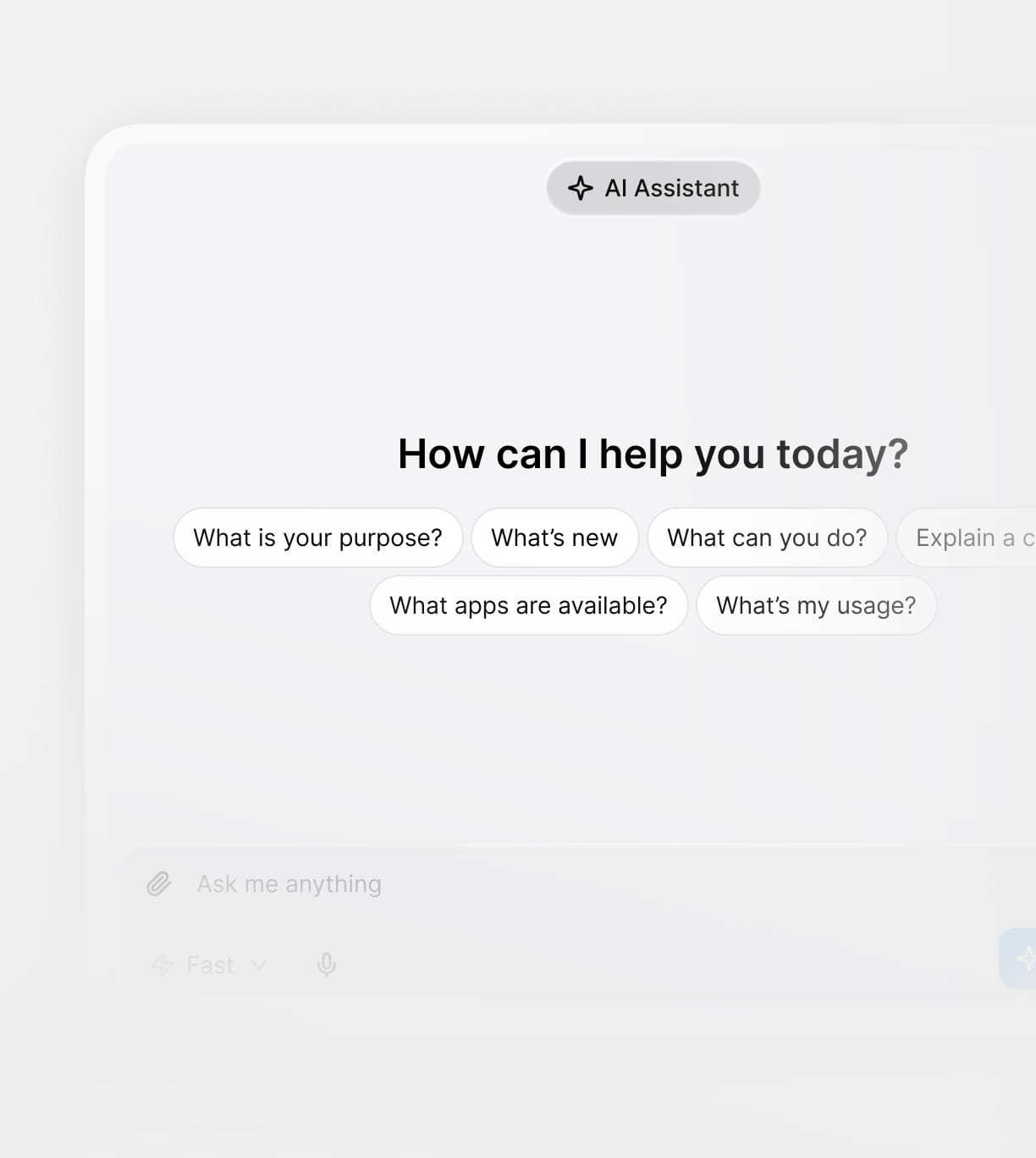
Use Trigani AI Assistant to help draft, improve, rewrite, summarize, and optimize your help articles. Keep your knowledge clear, consistent, and easy to understand for both customers and internal teams.
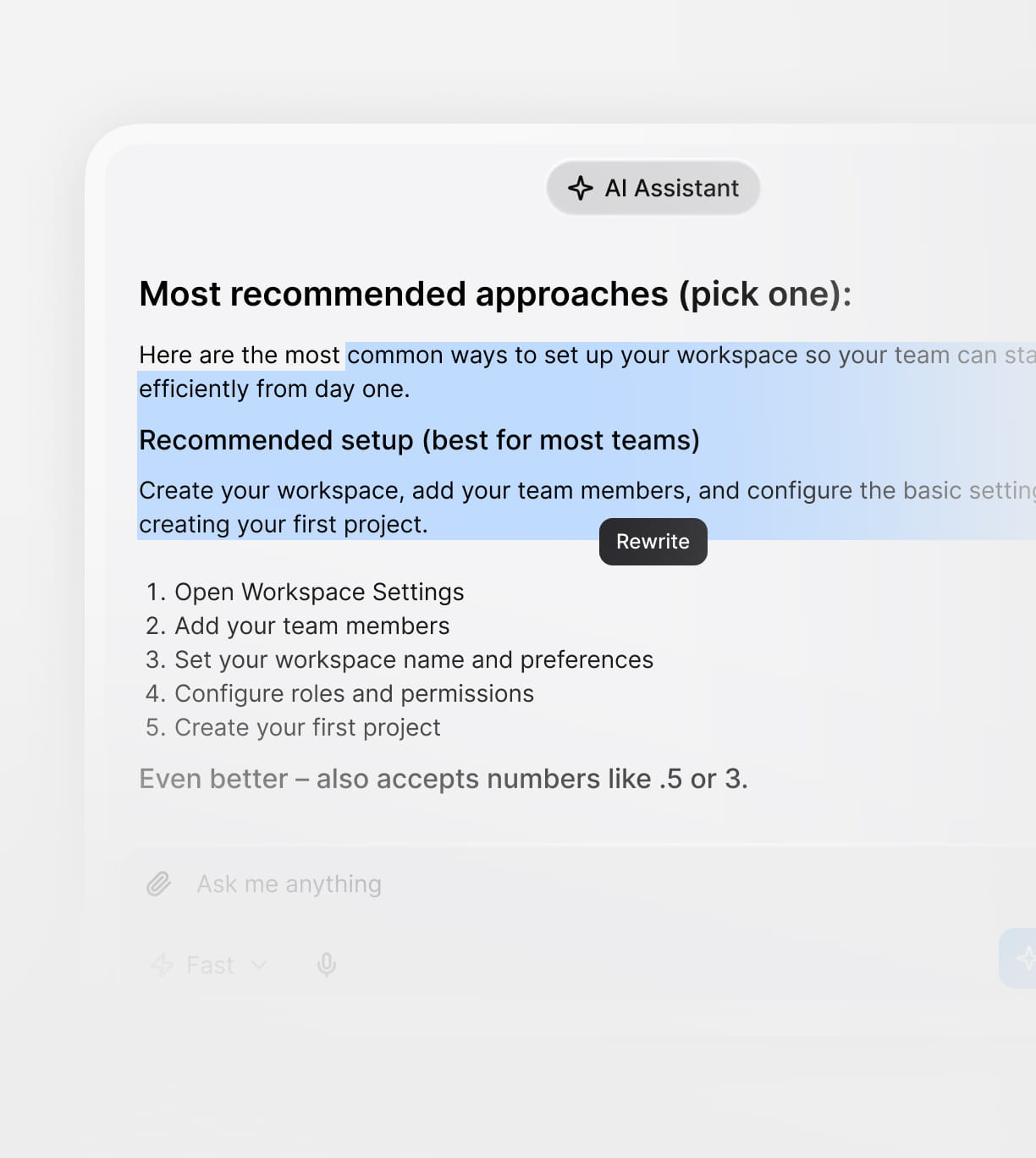
Generate first drafts for FAQs, help guides, troubleshooting steps, and product documentation.
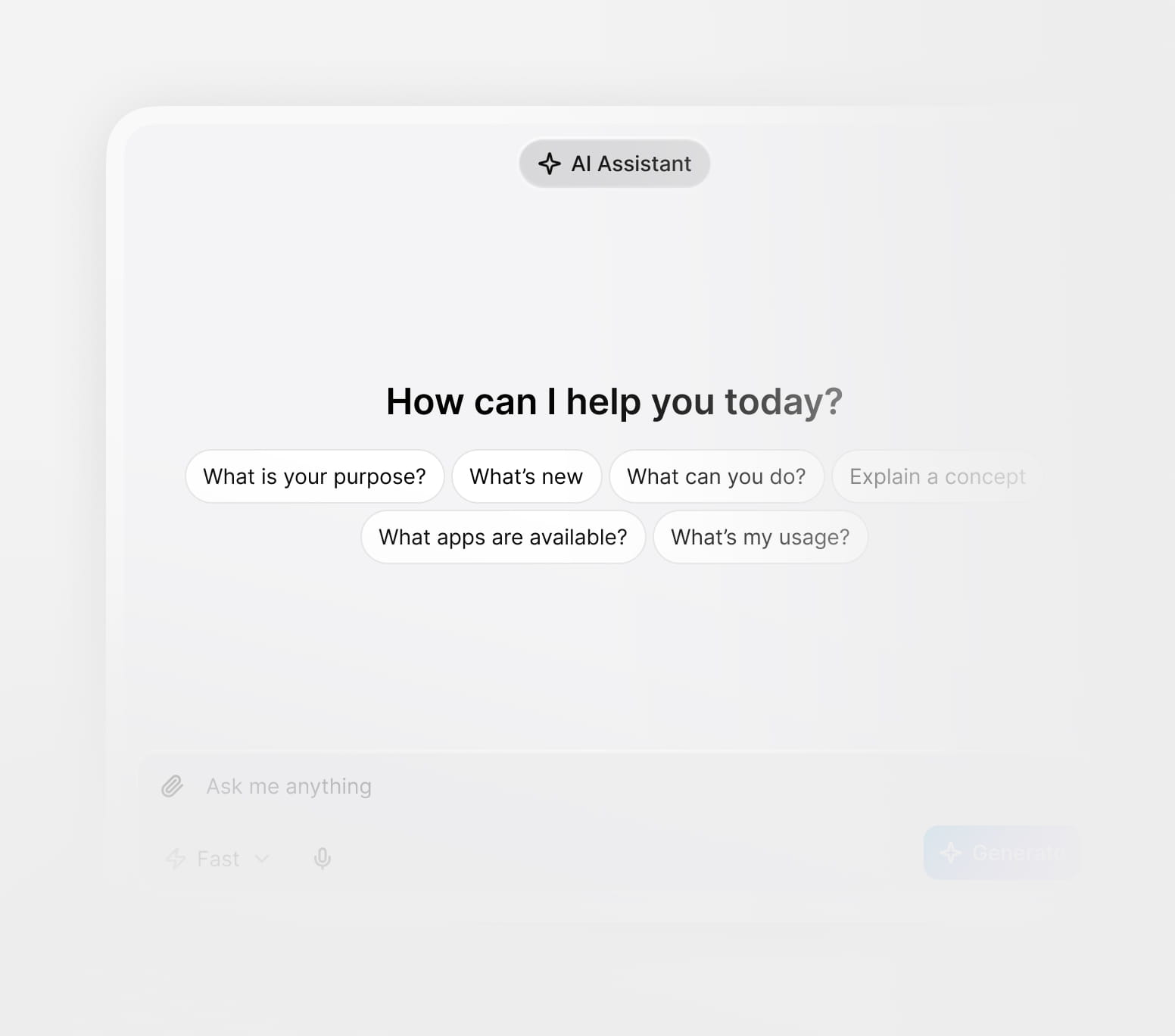
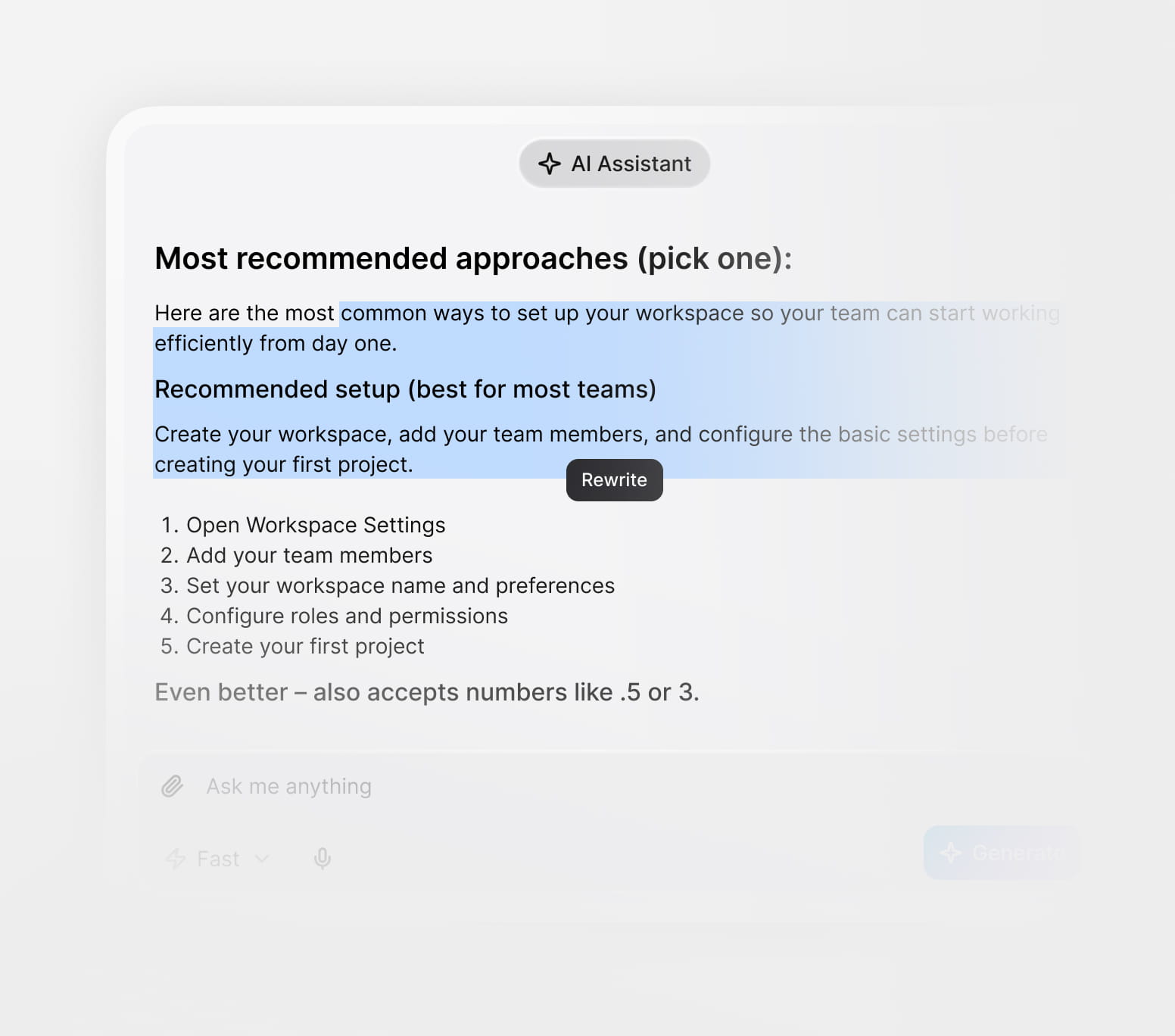
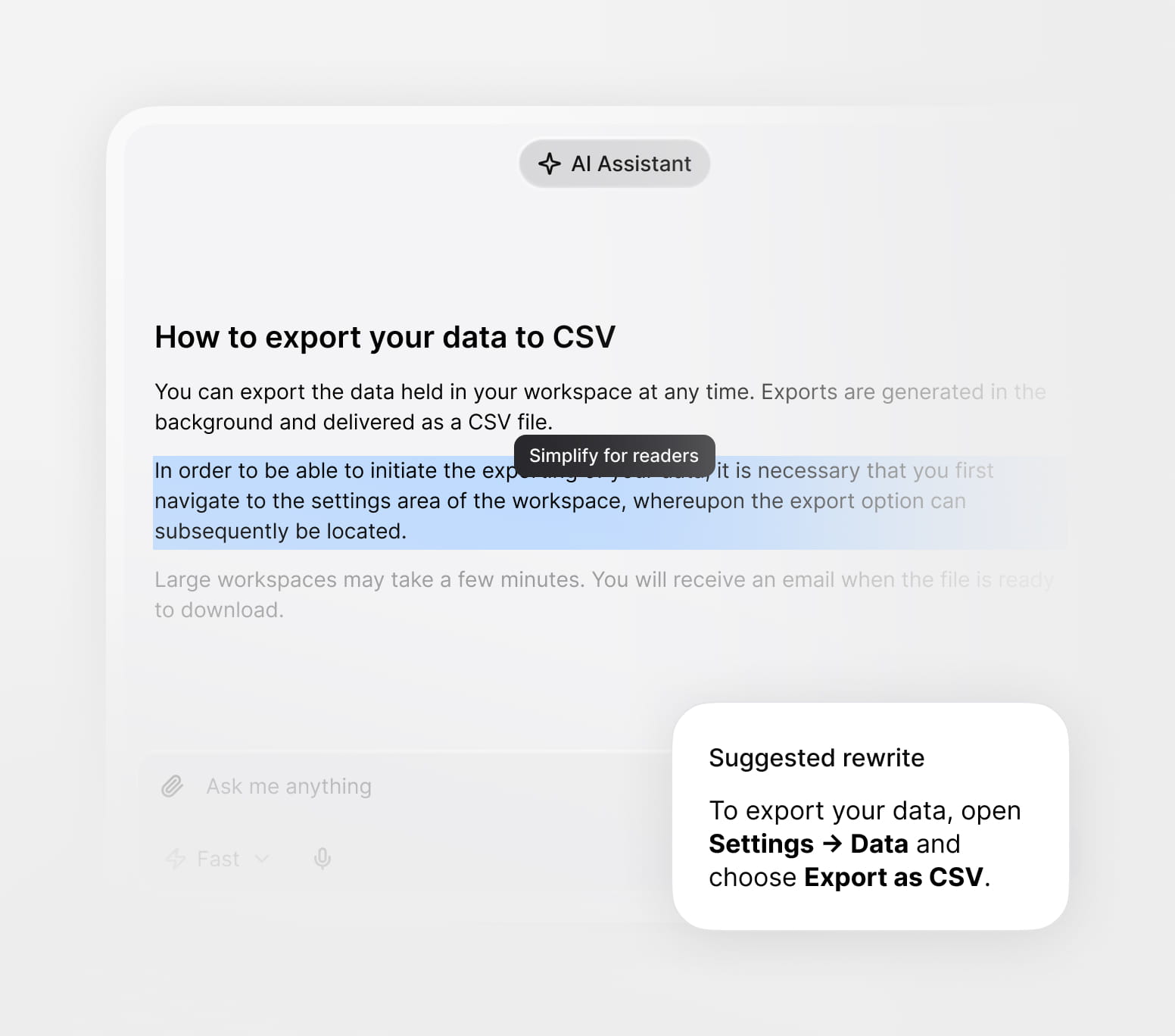
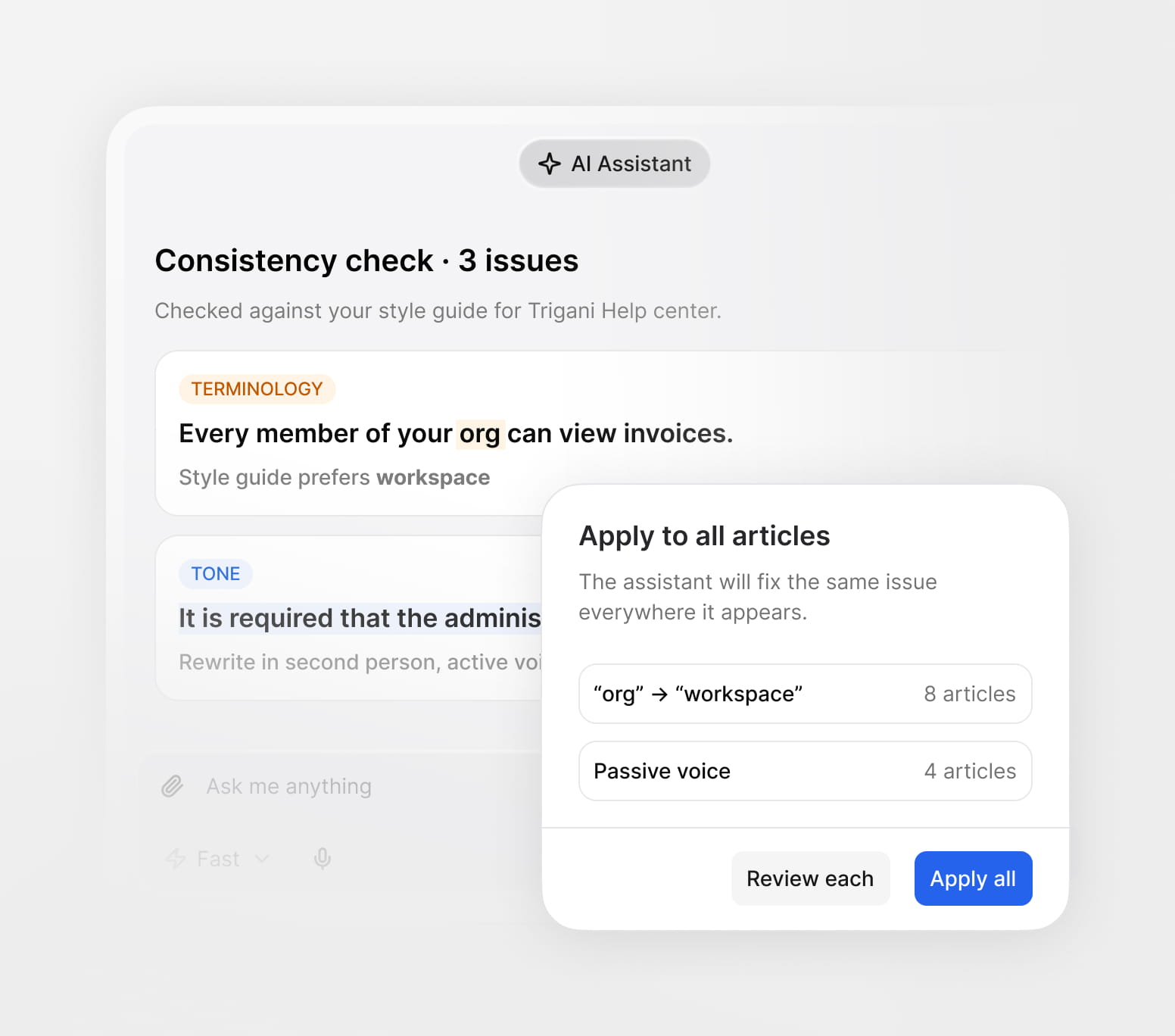
Use Trigani AI Assistant to help draft, improve, rewrite, summarize, and optimize your help articles. Keep your knowledge clear, consistent, and easy to understand for both customers and internal teams.
Generate first drafts for FAQs, help guides, troubleshooting steps, and product documentation.
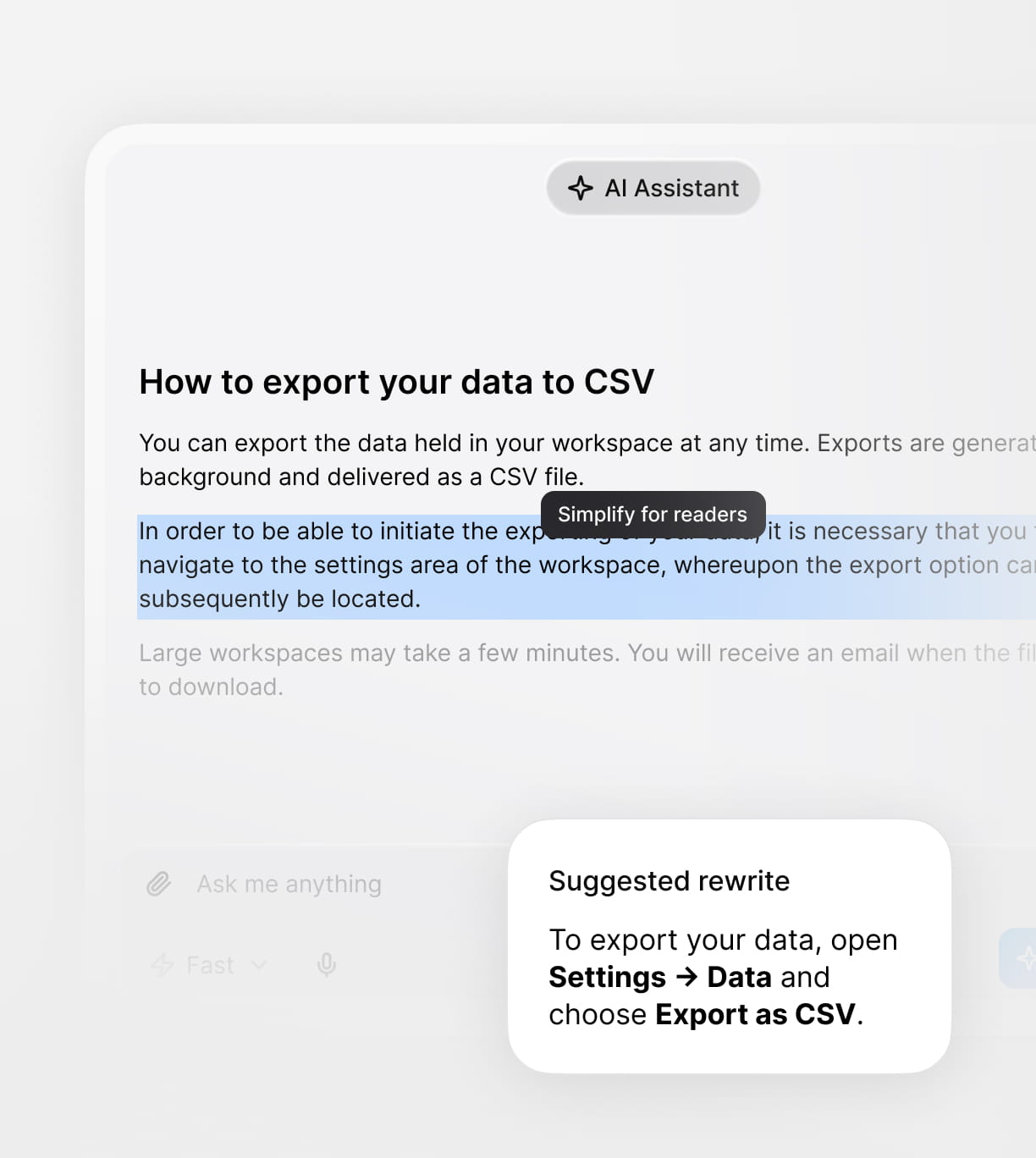
Rewrite and refine existing articles to make support content clearer, shorter, and easier to understand.
Turn complex documentation into customer-friendly answers that reduce repetitive support requests.
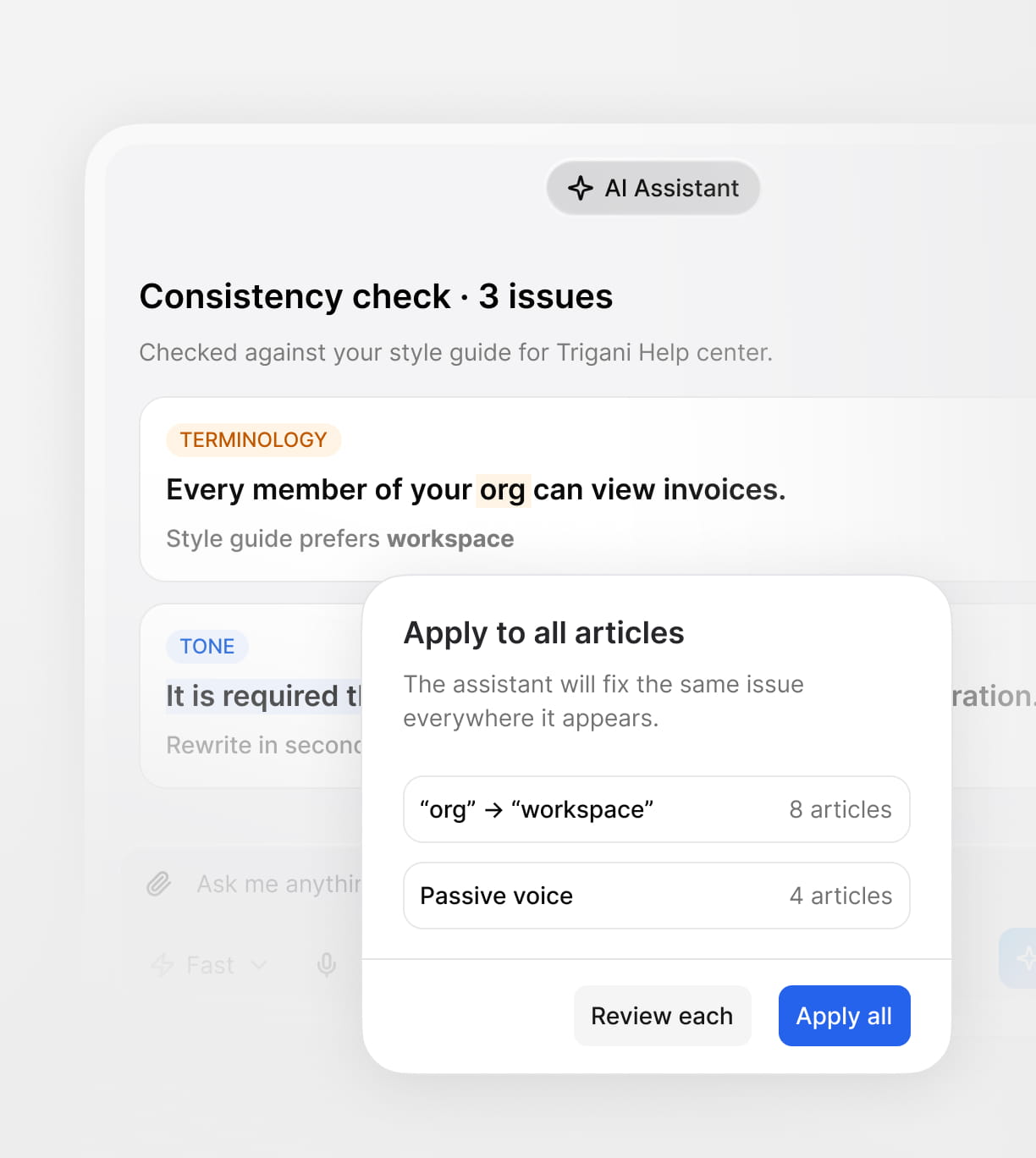
Use AI suggestions to keep terminology, tone, and structure consistent across all help content.
From content creation to AI-powered support, Trigani Knowledge Base gives your team a central place to create, organize, publish, and reuse knowledge across your business.
Create help articles, FAQs, guides, tutorials, internal notes, and documentation in one place.
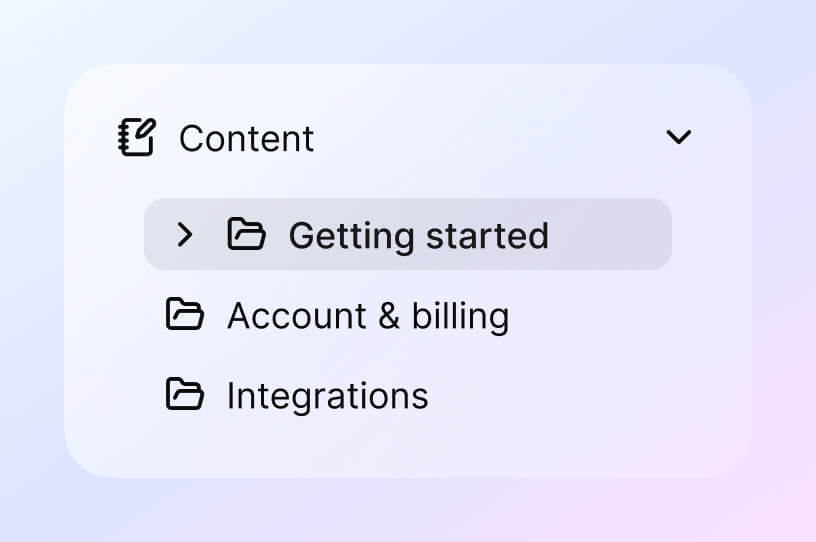
Organize content into clear structures so customers and teams can quickly find what they need.
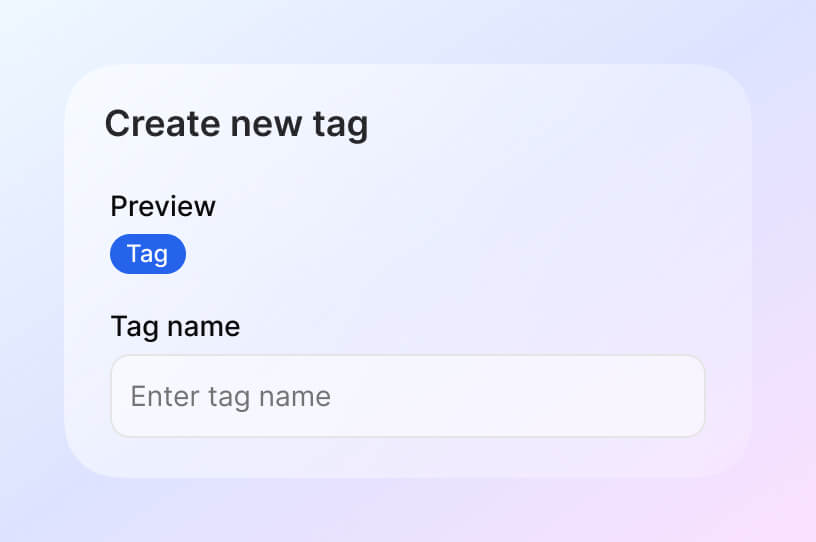
Use tags, filters, and metadata to manage content across products, topics, teams, or customer segments.
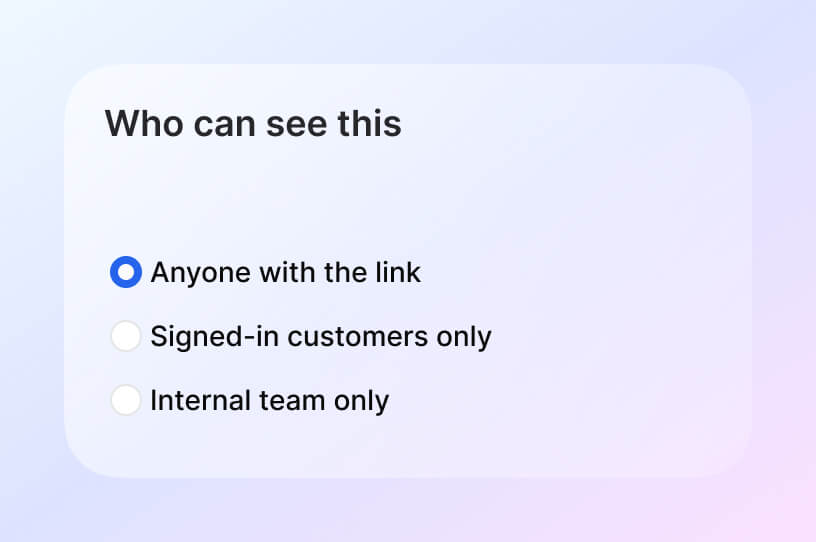
Decide which articles are public and which are restricted for internal use only.
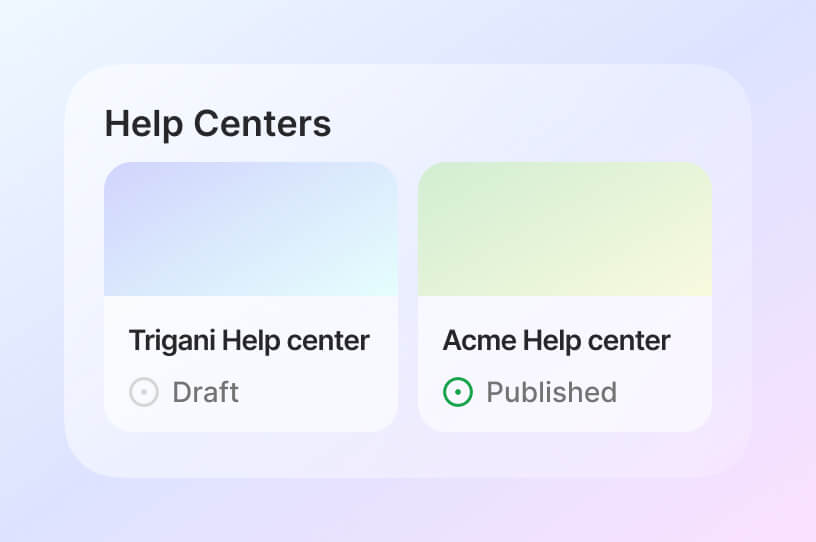
Create branded help center websites with custom domains, colors, fonts, layout, and navigation.

Reuse the same knowledge across different help centers with unique branding and presentation.
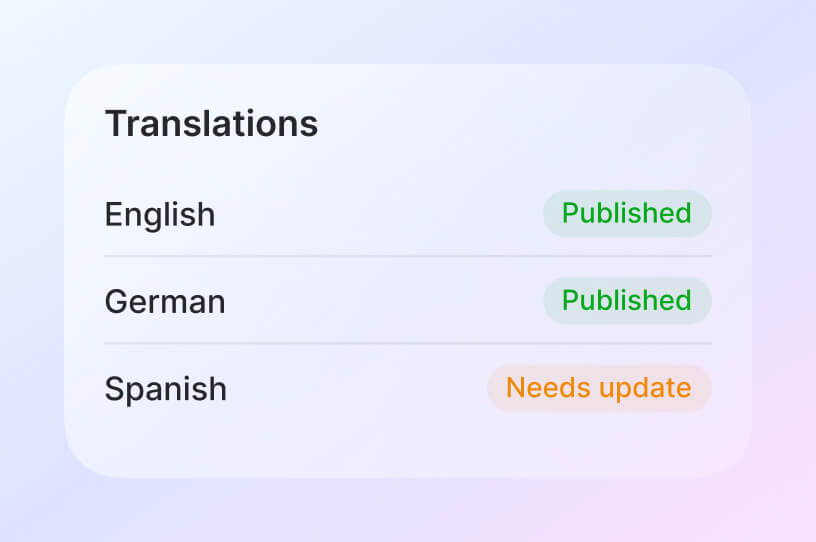
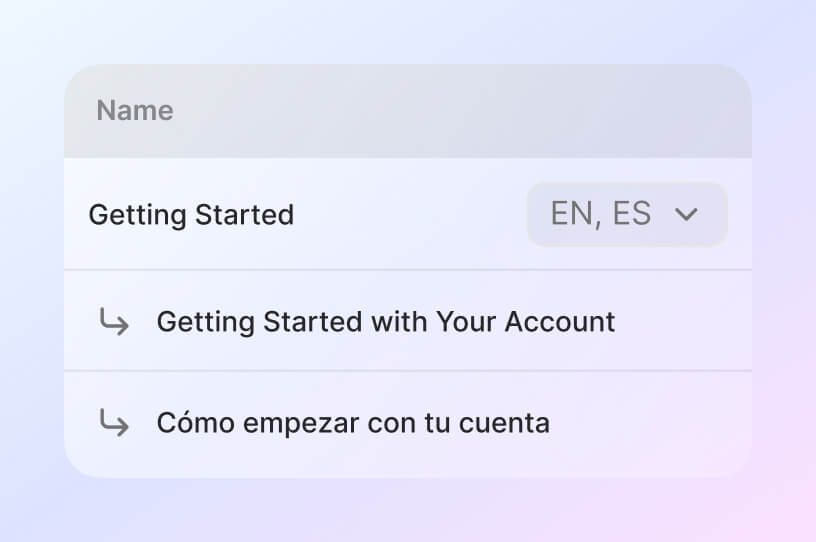
Translate articles into different languages and support customers across multiple markets.
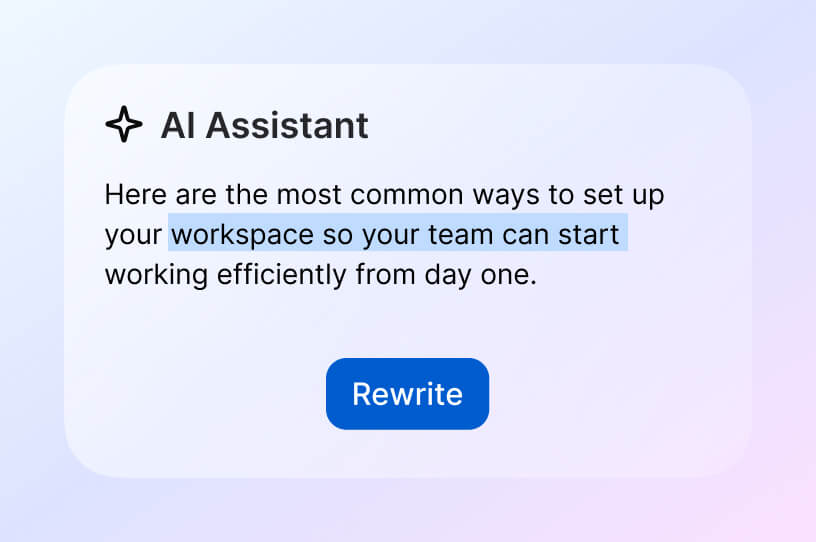
Use AI to draft, rewrite, summarize, and improve your content faster.
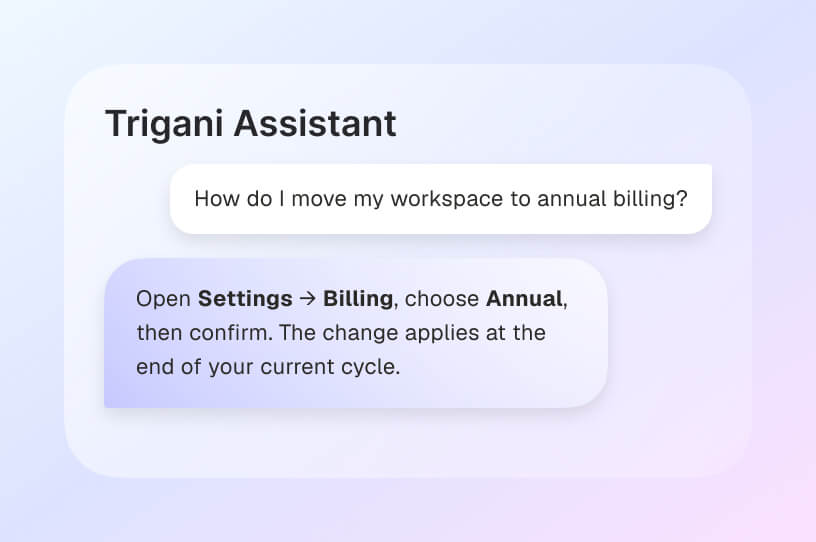
Use your knowledge base to train and power AI assistants and chatbots with reliable information.
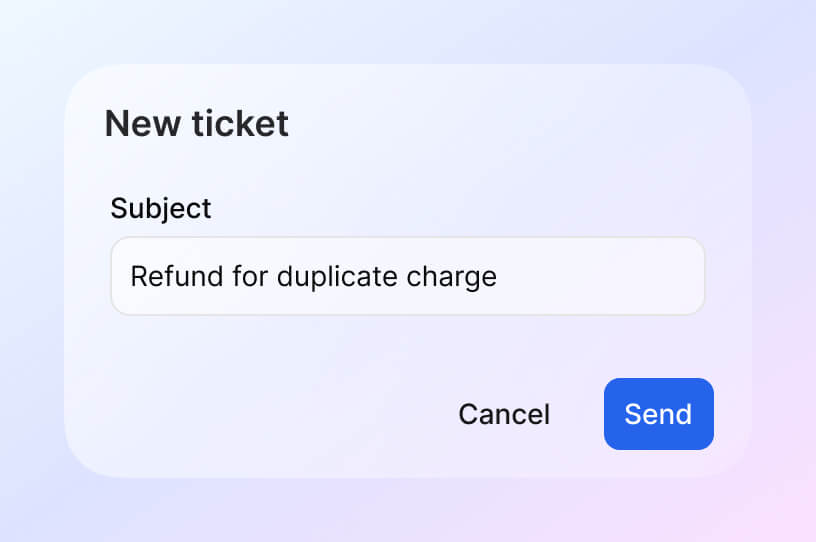
Let customers find answers first, then create a support ticket if they still need help.
Trigani Knowledge Base connects with your support, AI, CRM, and communication tools so your company knowledge becomes useful everywhere your customers and team need it.

Turn unresolved questions into support tickets while keeping context from your knowledge base.

Understand who is asking for help and connect knowledge interactions with customer profiles.

Use your knowledge base to power AI assistants, chatbots, and automated customer answers.

Store and organize deeper internal resources, files, policies, and documentation.

Give sales and support teams access to customer-related knowledge and product information.

Trigger automated processes when articles are updated, tickets are created, or support actions are needed.
Find answers about help centers, AI knowledge, translations, permissions, customization, and HelpDesk integration.
By automating reminders, enabling multiple payment options, and predicting late payments with AI, Trigani helps you get paid faster and reduces time spent chasing invoices.
Yes, Trigani CRM allows you to track deals and manage your sales pipelines effectively.
All data is encrypted in transit and at rest. Trigani uses secure servers, GDPR-compliant storage, and industry-standard protocols to protect your business and customer information.
Unlike standalone invoicing tools, Trigani is fully integrated with CRM, projects, contacts, and analytics. AI automation reduces manual work and provides insights that improve business performance.
You gain real-time visibility into receivables, AI-driven insights for smarter decisions, and automated workflows that free up time to focus on growth.
Absolutely. Set up recurring billing once, and Trigani will handle the rest—scheduling, sending, and payment collection.
Absolutely. Add your logo, colors, custom numbering, product details, taxes, discounts, notes, and footers for a fully branded invoice.
Enim tincidunt risus nibh auctor. Et habitant dignissim volutpat suspendisse egestas vulputate cras tortor.
Urna adipiscing at sagittis enim purus amet ullamcorper. Eu ultrices non amet fermentum massa vitae mattis eget morbi. Malesuada.