Stop switching between tools to find customer information. Contacts brings together all in one shared contact profile.
Keep all contact records synced across Trigani apps, so every team works with the same accurate information.
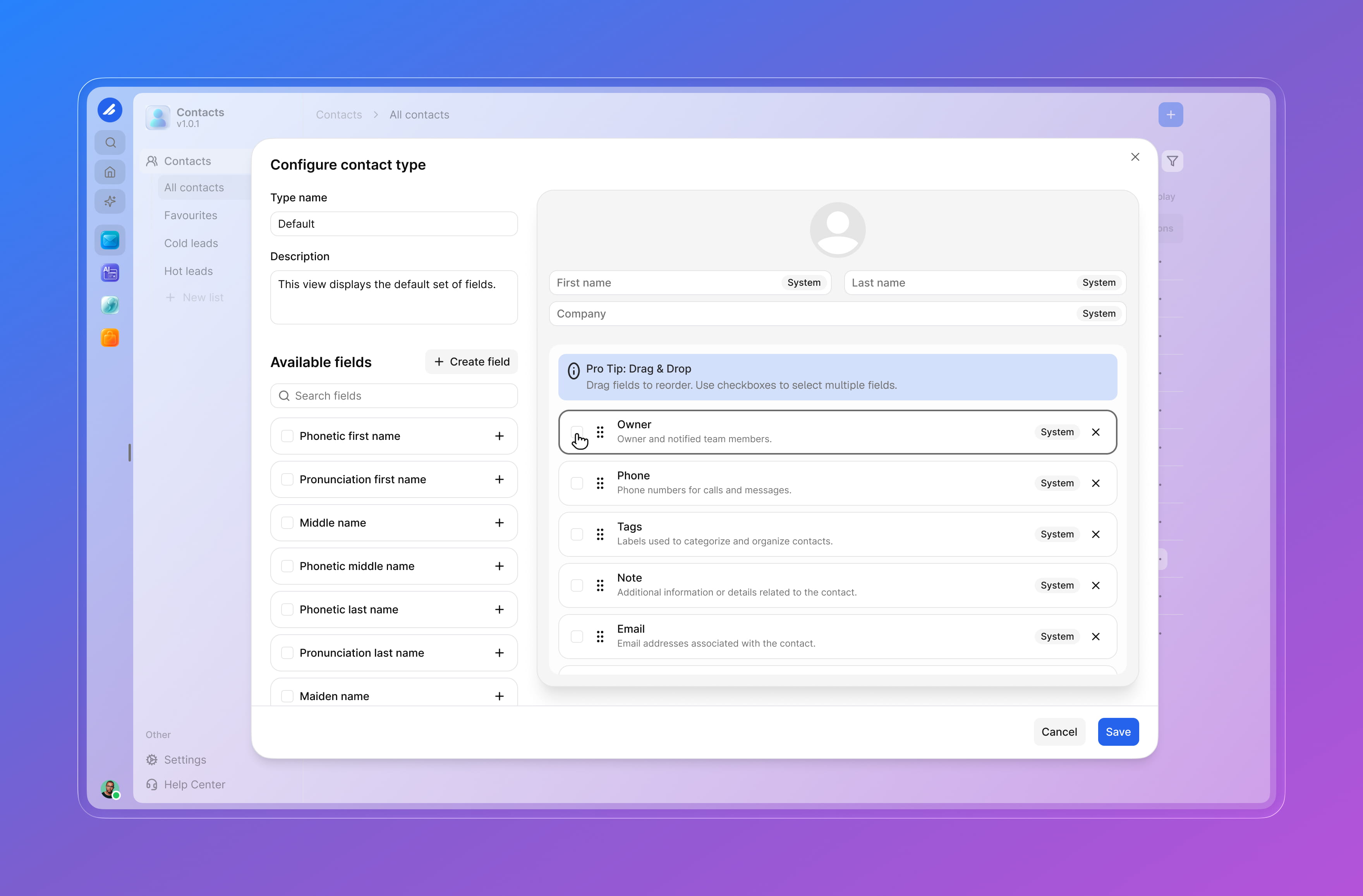
Add the exact fields you need from customer type and account status to preferences, tags, source, and internal notes.
Use contacts inside lists, automations, CRM pipelines, email campaigns, forms, support workflows, and other Trigani apps.
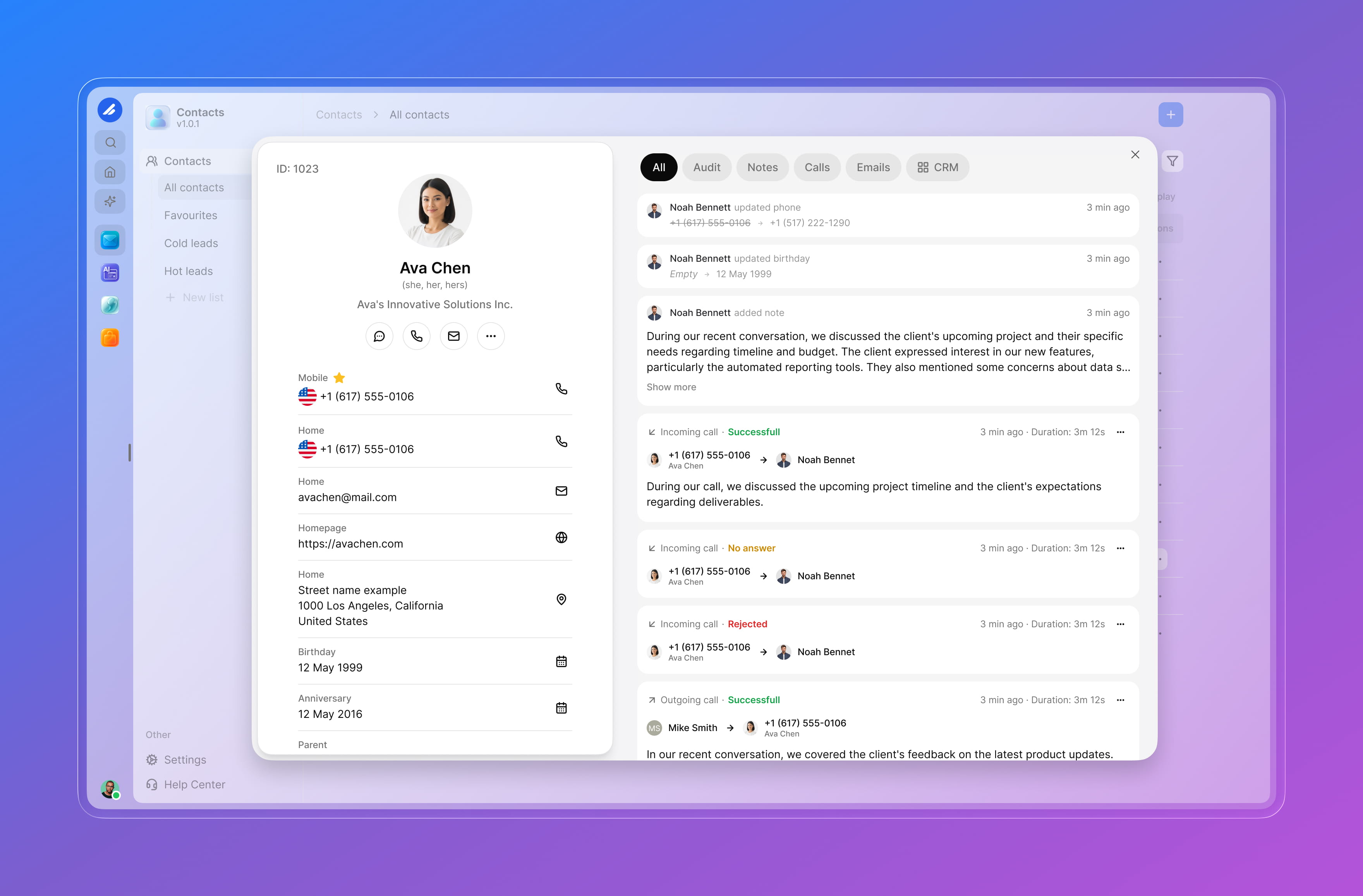
Stop switching between tools to find customer information. Contacts brings together all in one shared contact profile.
Keep all contact records synced across Trigani apps, so every team works with the same accurate information.
Add the exact fields you need from customer type and account status to preferences, tags, source, and internal notes.
Use contacts inside lists, automations, CRM pipelines, email campaigns, forms, support workflows, and other Trigani apps.
Unified contact database across all Trigani apps
Complete contact view with profile data, activity, notes, and history
Flexible custom fields for the data your business needs
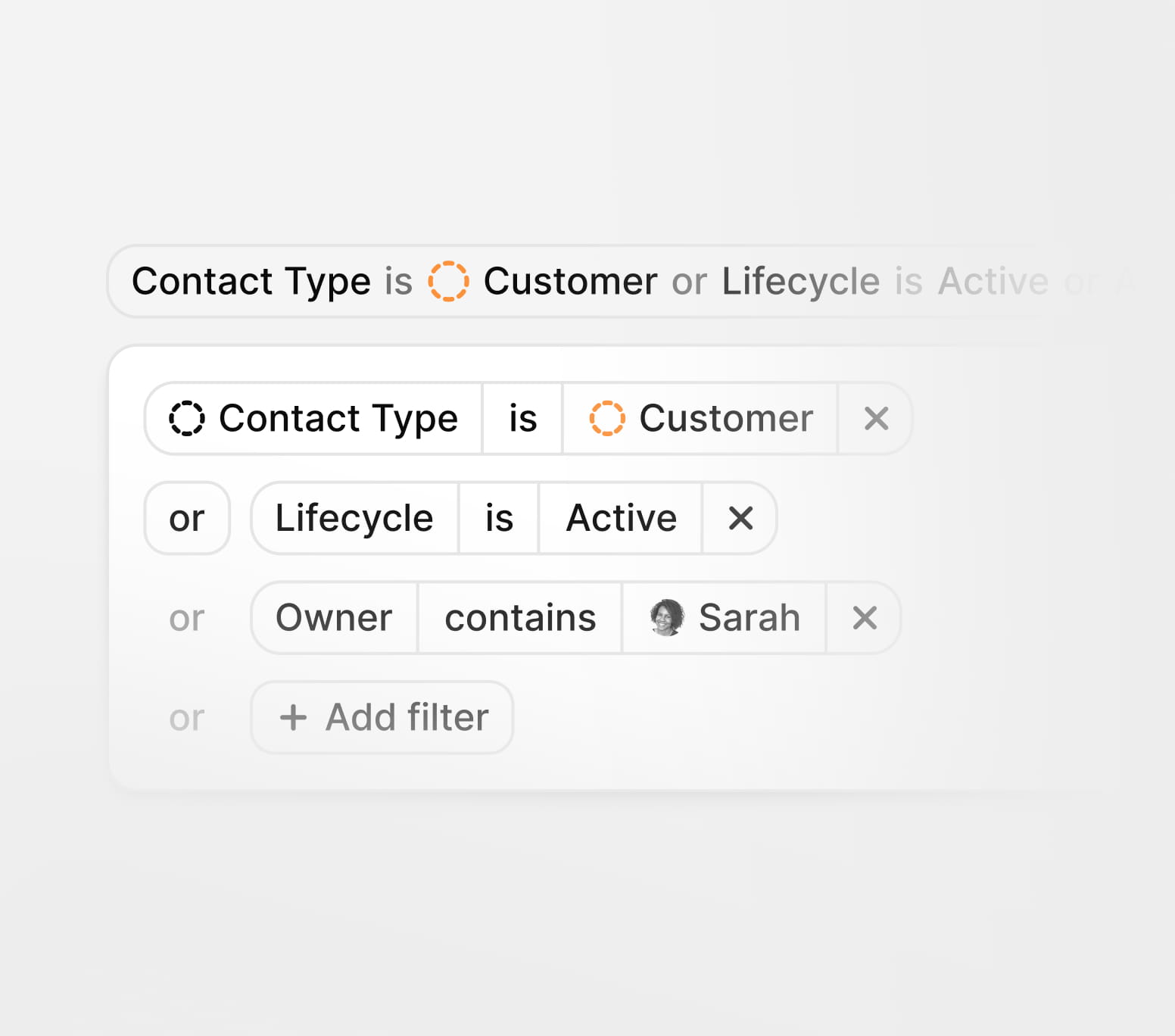
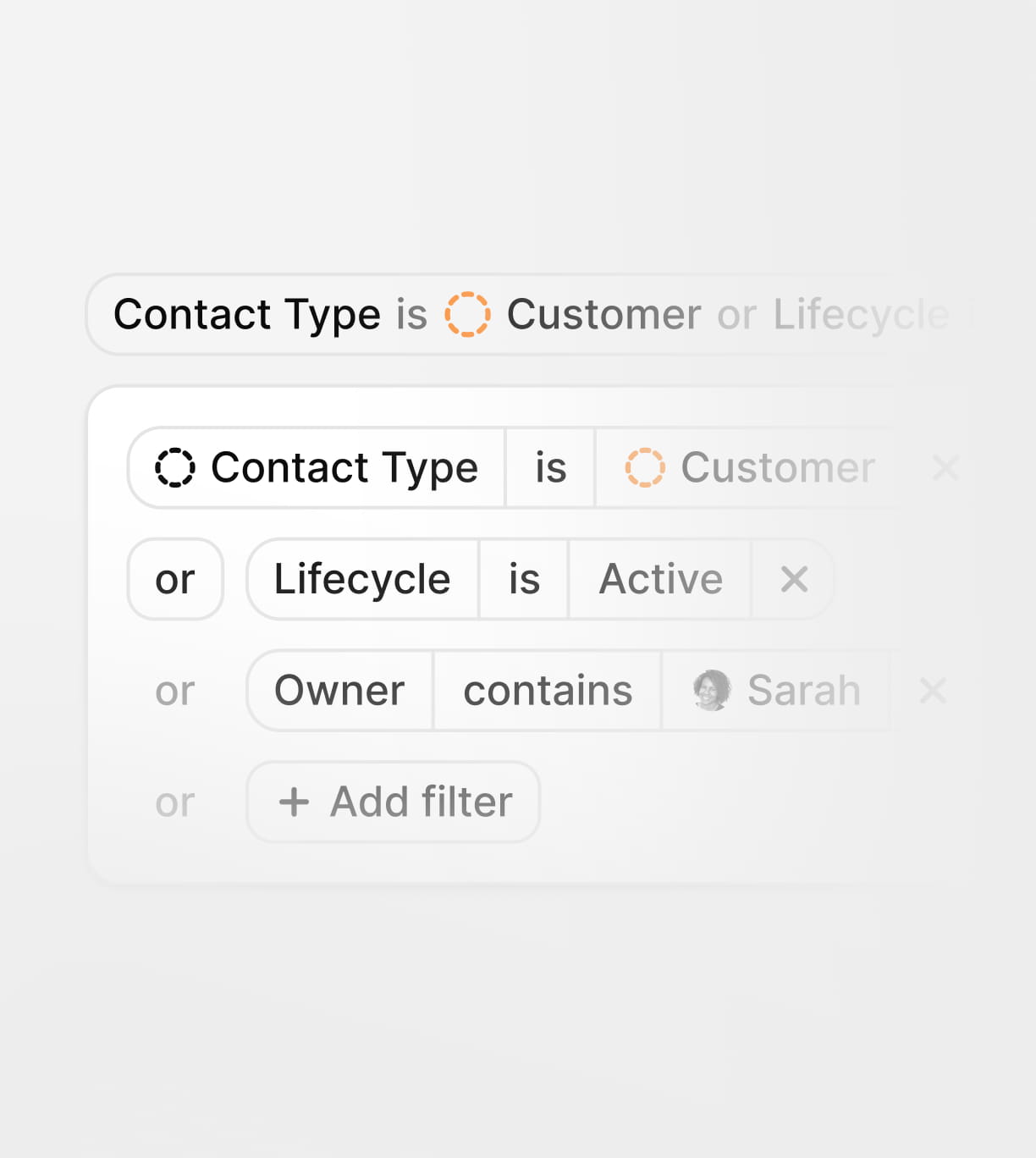
Powerful search and filtering tools help you quickly locate contacts by name, email, phone, company, tags, custom fields, source, activity, list membership, and more.
Search across standard and custom contact fields with precision.
Powerful search and filtering tools help you quickly locate contacts by name, email, phone, company, tags, custom fields, source, activity, list membership, and more.
Search across standard and custom contact fields with precision.
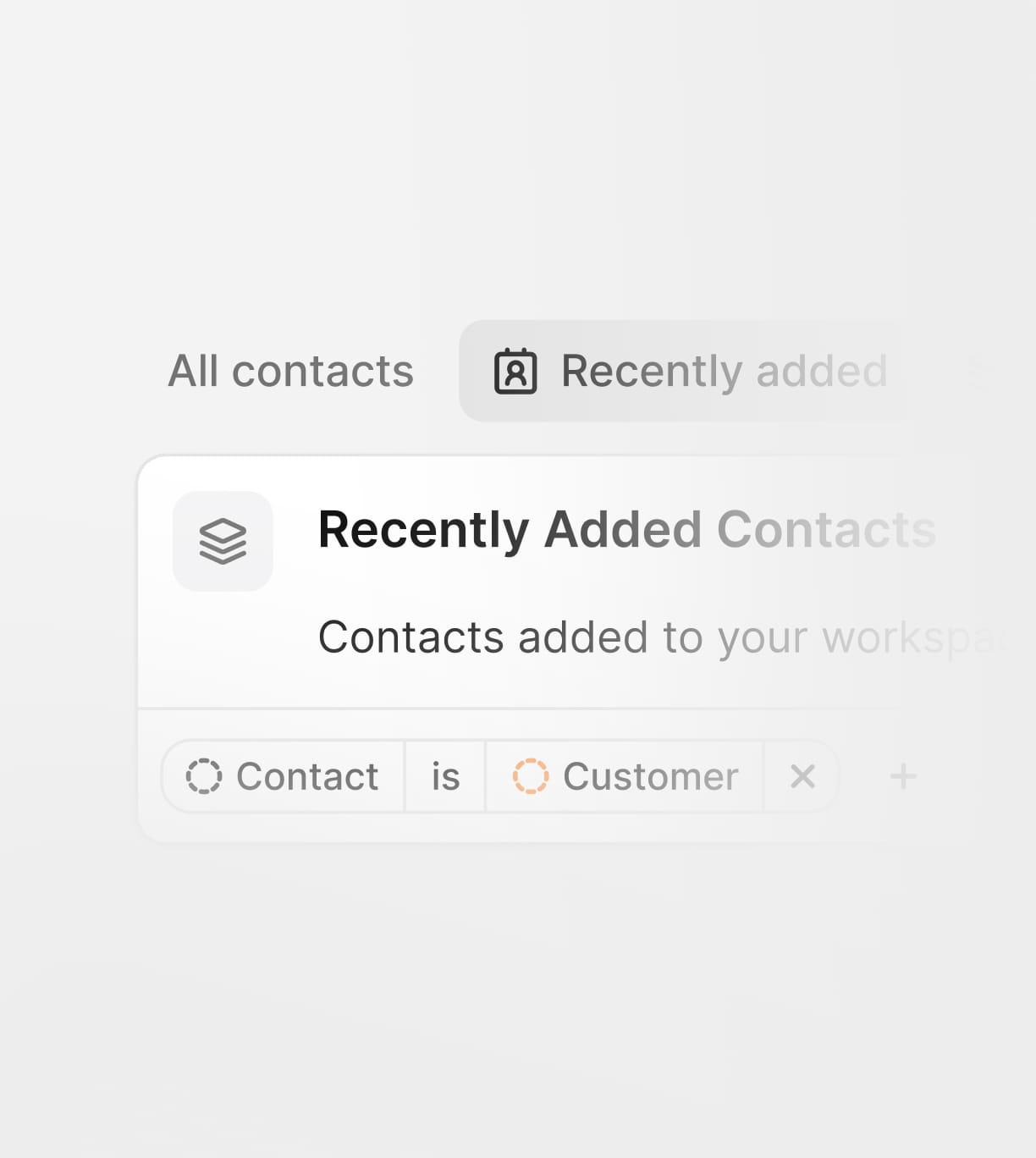
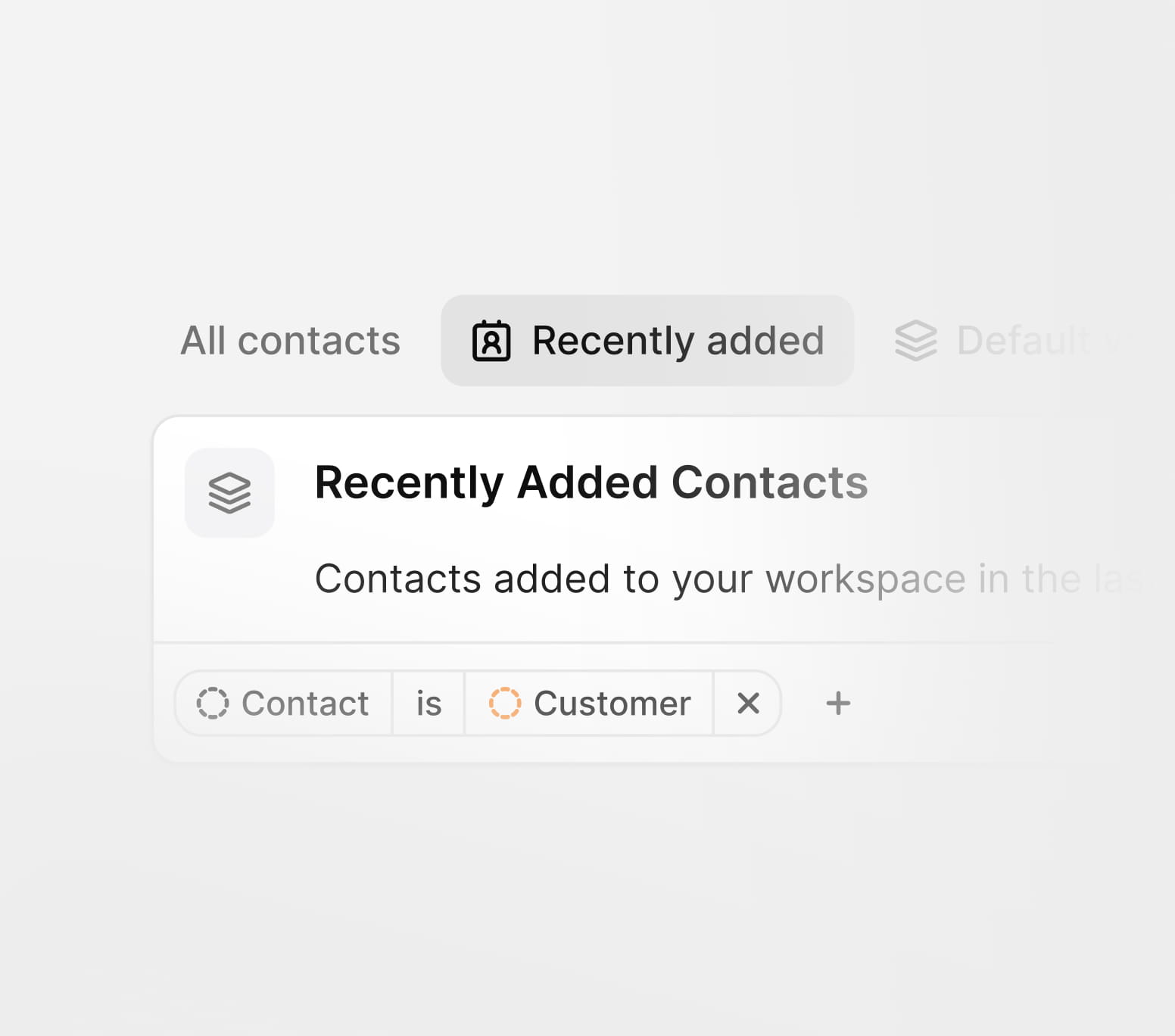
Create segments based on profile data, activity, lists, or business criteria.
Give sales, support, marketing, and operations instant access to the contacts they need.
From simple contact storage to advanced customer activity tracking, Trigani Contacts helps teams organize, understand, and act on their relationship data.

See all key details for a person or company in one profile, including contact information, fields, lists, activity, notes, and related app data.
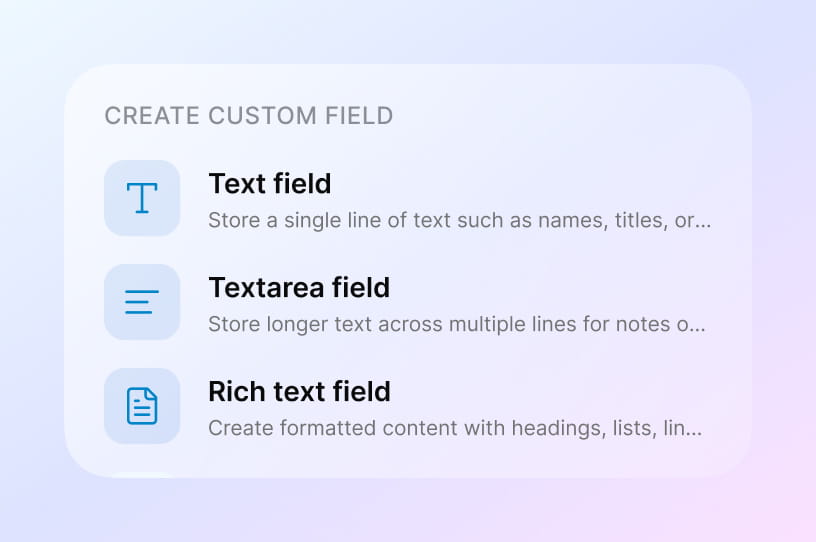
Create flexible fields that match your business model, customer journey, industry, or internal processes.
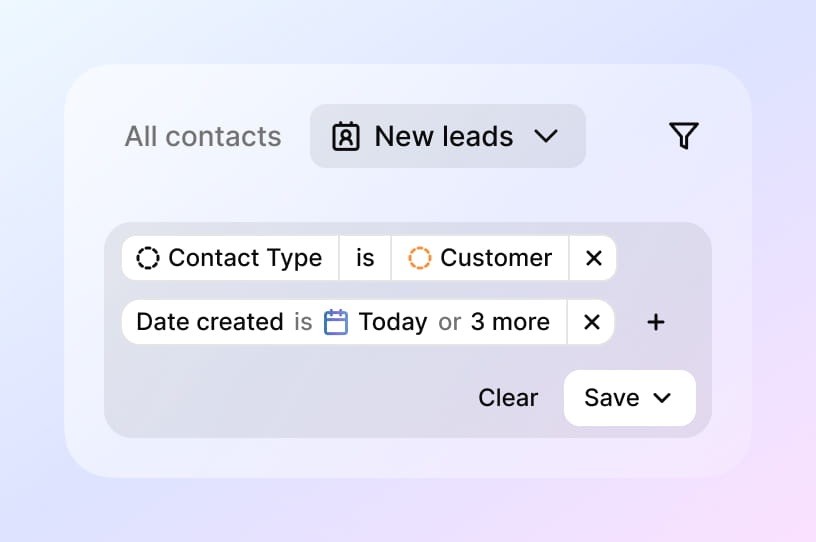
Group contacts into static or dynamic lists for campaigns, workflows, reporting, and internal organization.
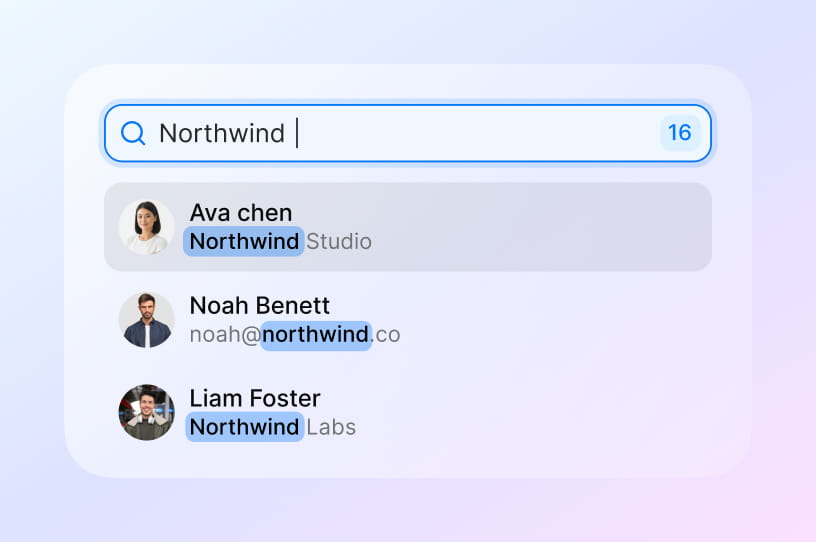
Search and filter contacts using multiple criteria to quickly build the exact view your team needs.
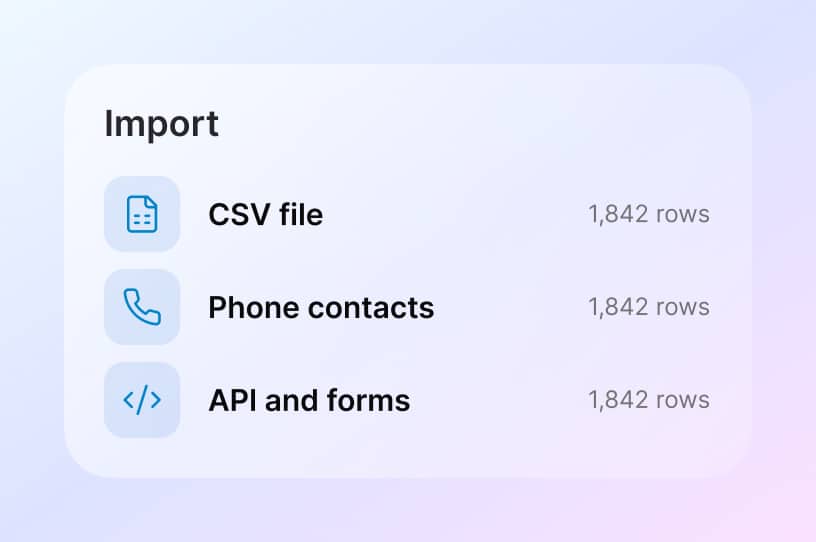
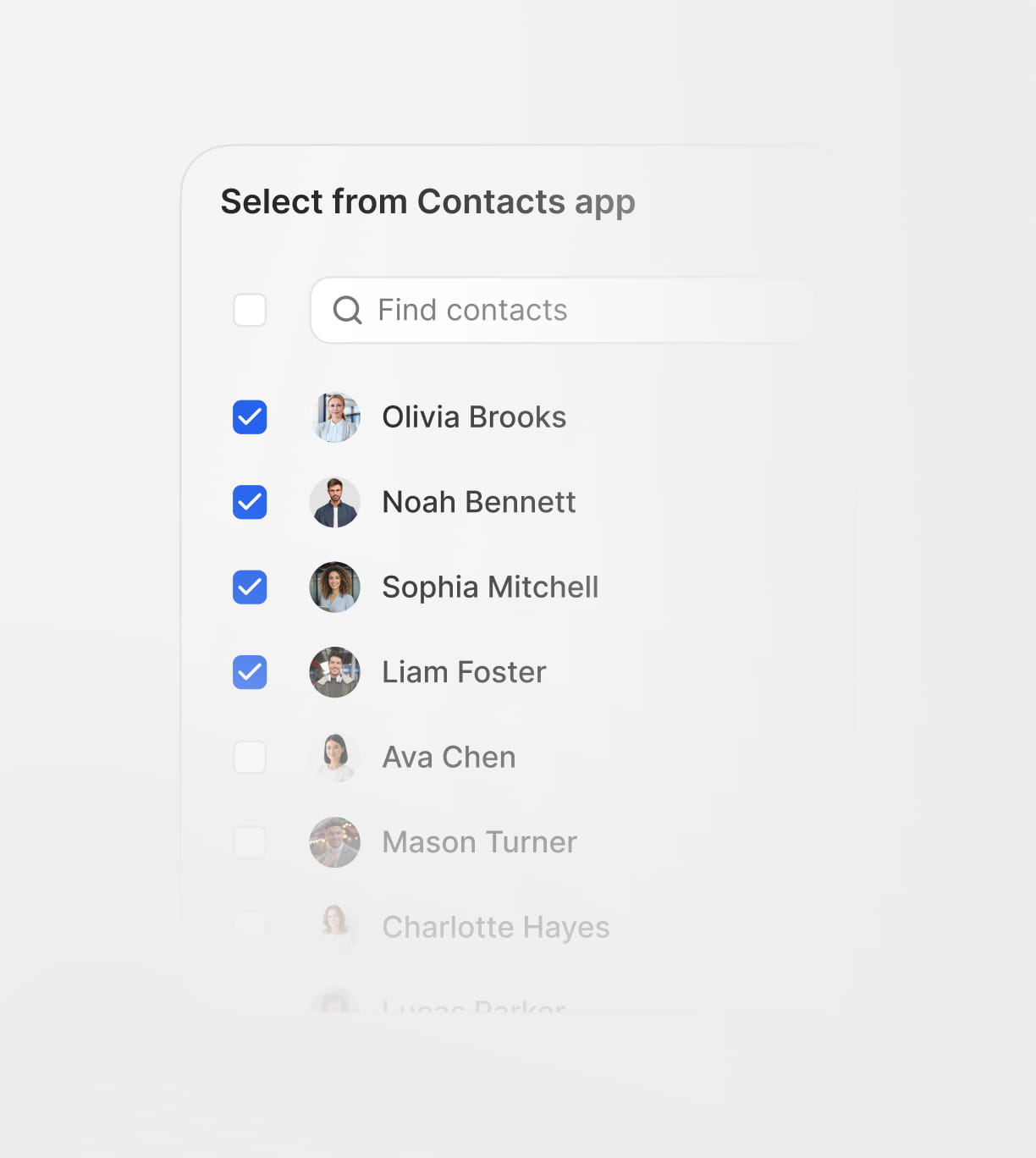
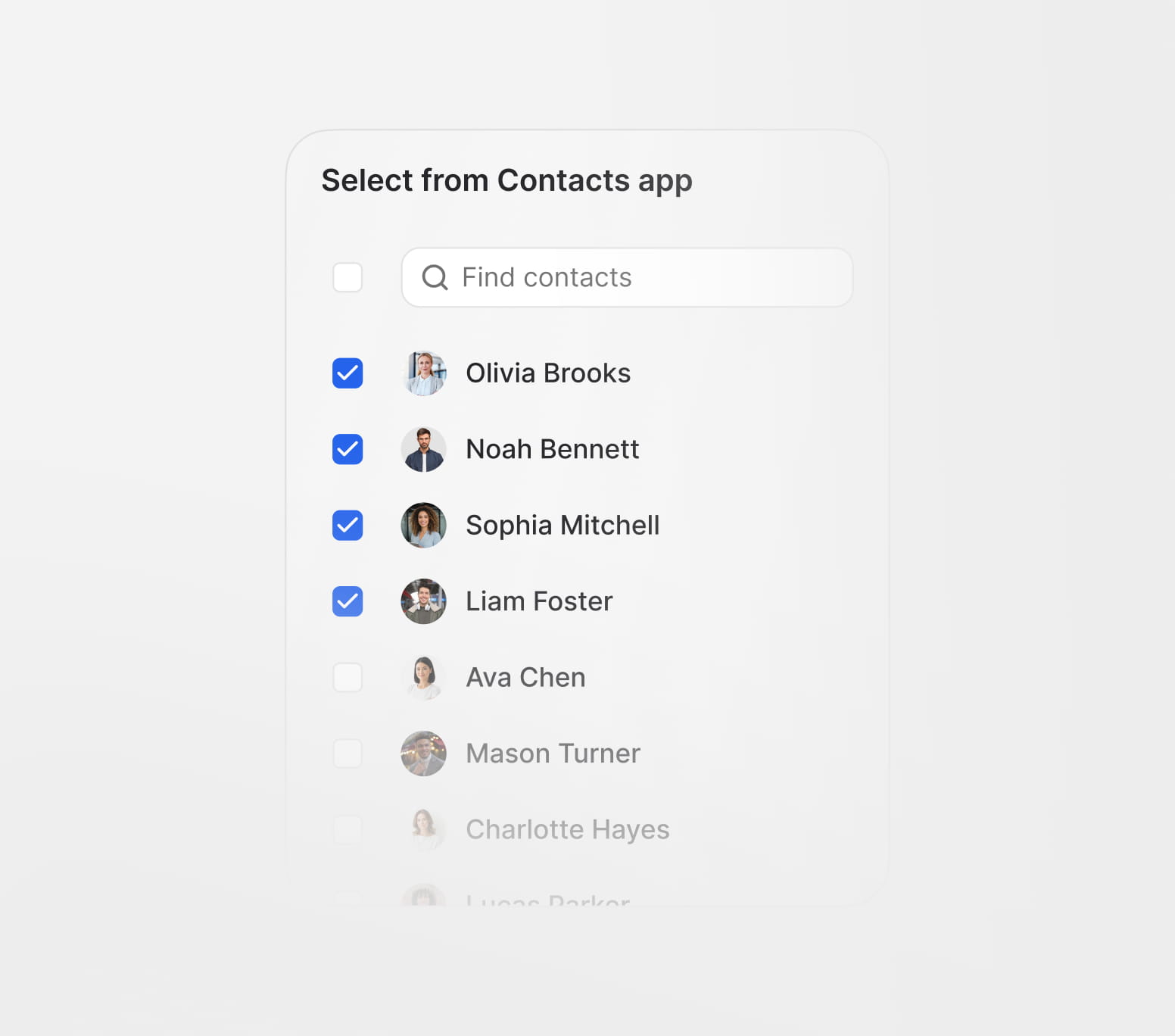
Add contacts from phone contacts, CSV files, API integrations, forms, CRM, email marketing, and other connected apps.
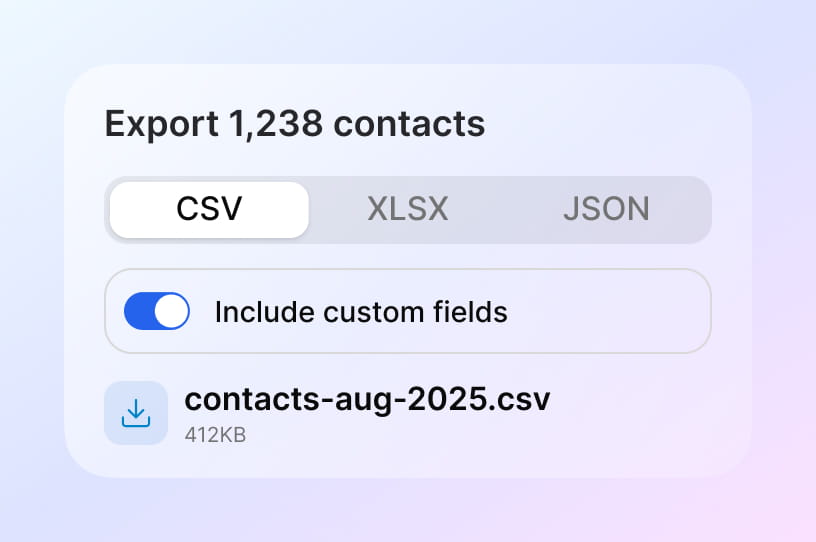
Download contact data for reporting, migration, backups, or external processing whenever your business needs it.
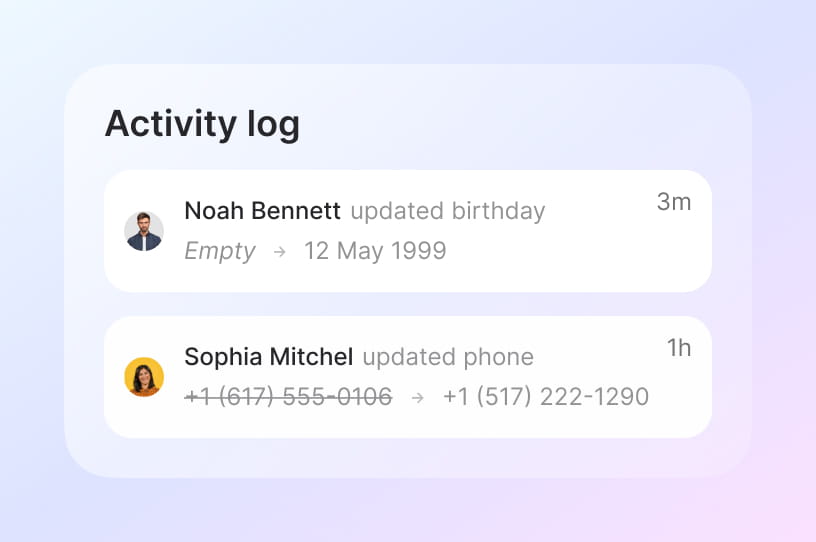
Track every change and action made on a contact record, giving your team full visibility and accountability.
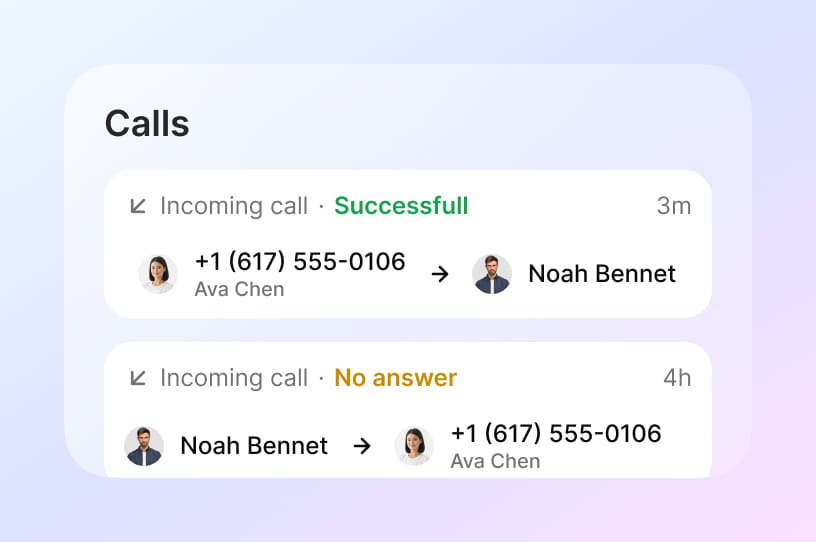
Record calls, add internal notes, and keep important context attached directly to the contact profile.
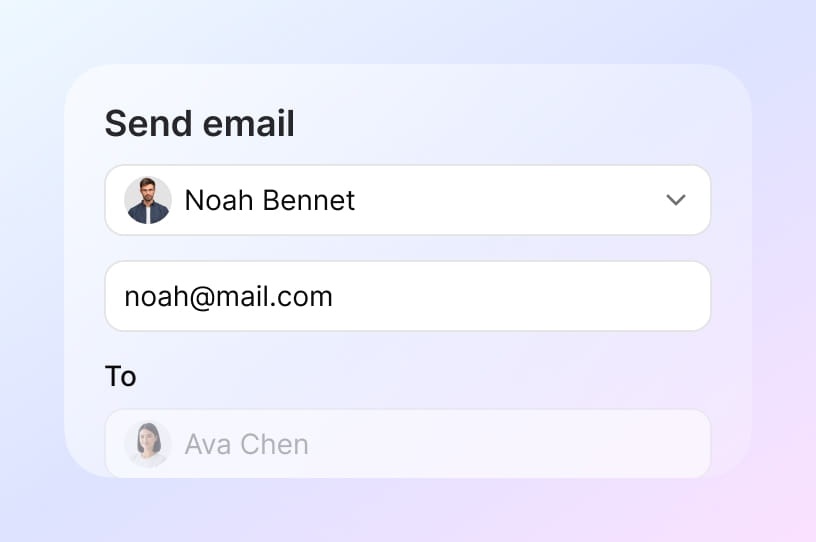
Send emails or connect contacts with email marketing and business email workflows inside Trigani.

Connect contacts with CRM opportunities, pipelines, deals, tasks, and customer relationship workflows.
Contacts is the shared people database behind your Trigani workspace. Whether a contact submits a form, opens a support ticket, joins an email list, books a meeting, or becomes a CRM lead, their information stays connected.

Capture new contacts from forms and keep submission data linked to each profile.

When a contact opens a support ticket, your team sees full profile context immediately.

Build and sync contact audiences for campaigns, automations, and lifecycle journeys.

Keep meetings and follow-ups connected to the same contact timeline.

Move contacts into deals and opportunities without losing relationship history.

Connect conversations, send follow-ups, and keep communication tied to each contact.
Enim tincidunt risus nibh auctor. Et habitant dignissim volutpat suspendisse egestas vulputate cras tortor.
Contacts is your shared people database in Trigani. It helps every team work from one accurate, connected contact profile.
Yes. You can create custom fields and contact views to fit your business model, workflows, and reporting needs.
Use advanced search and smart filters to quickly find contacts by name, email, company, lifecycle, tags, and field values.
Contacts stays connected with CRM, forms, helpdesk, email, and automations so customer data remains consistent across workflows.
Import contacts from files and integrations, then export data anytime for reporting, migration, or backups.
Every contact includes a timeline of updates, notes, calls, and actions to give teams complete context and accountability.
Yes. You can segment contacts into lists and trigger targeted communication and automation based on real customer data.
Enim tincidunt risus nibh auctor. Et habitant dignissim volutpat suspendisse egestas vulputate cras tortor.
Urna adipiscing at sagittis enim purus amet ullamcorper. Eu ultrices non amet fermentum massa vitae mattis eget morbi. Malesuada.